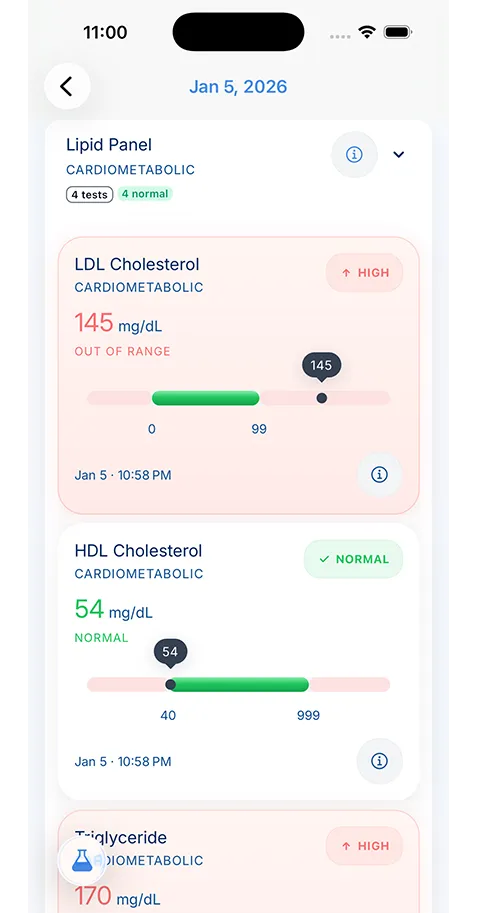
A personal health record helps you compare Dexcom trends with prescriptions, scanned reports, care plans, and notes from diabetes visits. KeepMD is building this as a phased device integration.
Dexcom Integration for Health Records
Keep Dexcom glucose trends in view with your KeepMD record as CGM support rolls out through Apple Health, Health Connect, and planned direct Dexcom sync.
Platform
Dexcom CGM, Apple Health, and Health Connect
Data Types
Glucose readings, trend history, time in range, pattern review
Best For
People who want CGM history next to the rest of their diabetes record as support rolls out
Category
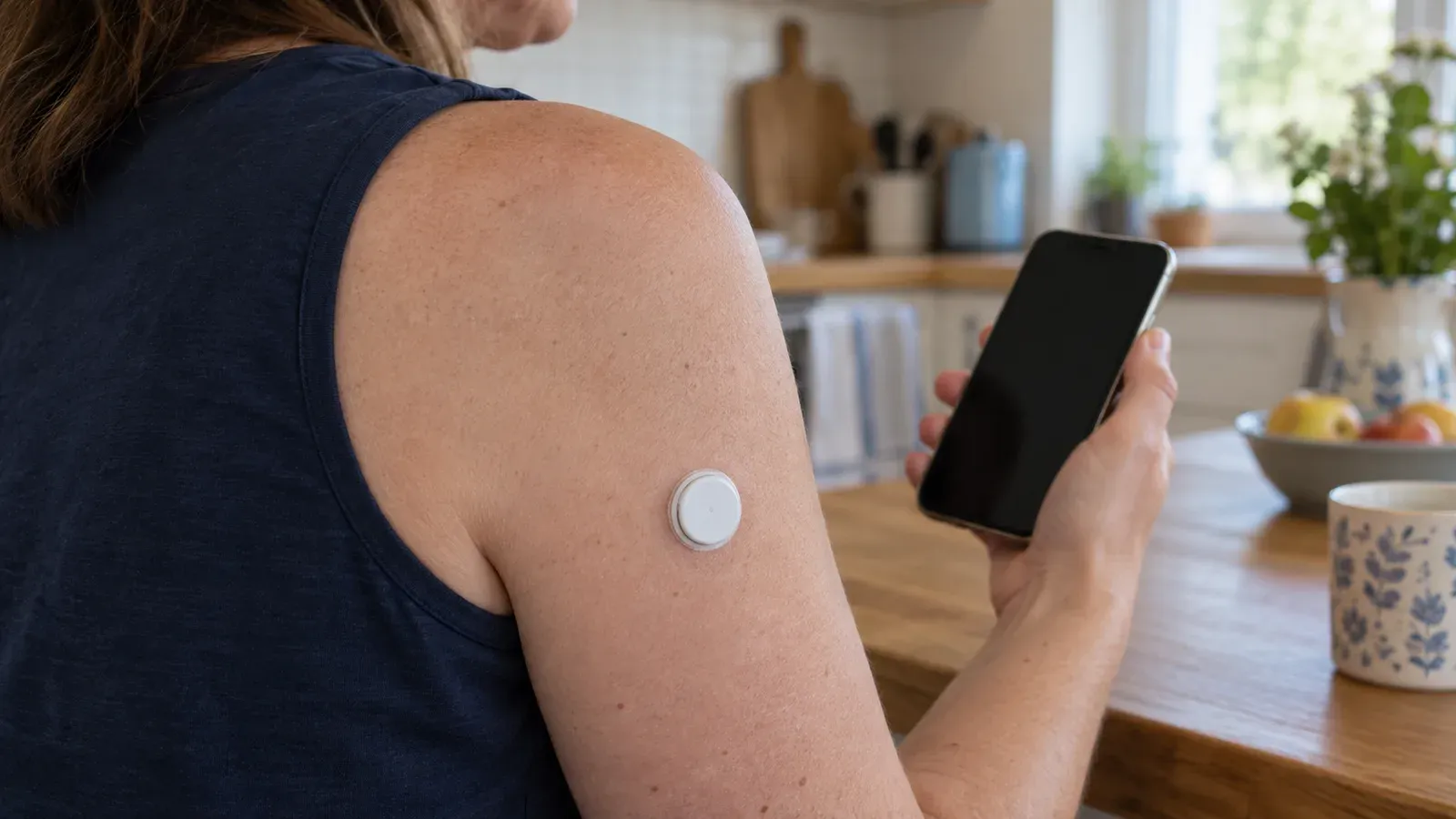
Dexcom data works best when you review the pattern with the rest of your record
Dexcom gives you a stream of glucose information that can tell you far more than a single finger-stick reading. You can see what happened overnight, after a meal, during exercise, or across a difficult week when stress, travel, illness, or a medication change affected your numbers.
That stream becomes more useful when you keep it in the same record as the things that shape the pattern. KeepMD is rolling out CGM support in phases: Apple Health and Health Connect first where glucose data is available, then planned direct Dexcom sync through KeepMD Cloud.
Continuous glucose data needs context
Two weeks, in context
Glucose beside the lab report
Illustration with example readings. Not a KeepMD screen.
Glucosemg/dL, target 70–180
- Glucose readings in the target range
- 96%
The readout, computed from the same example data
What this guide's data adds
- Glucose readings
- Trend history
- Time in range
- Pattern review
Keep it with lab reports and care plans
A glucose graph can show movement. It cannot explain why the line moved. That answer often lives somewhere else:
- insulin or medication changes
- notes from an endocrinology visit
- meal experiments you tracked on your own
- exercise patterns from Apple Health integration or Fitbit data integration
- scanned reports from scan medical records
When you connect Dexcom to health records, you stop treating the graph like an isolated event. You start treating it like one layer of a diabetes record.
Dexcom is strong for between-visit visibility
Plenty of diabetes decisions happen between appointments. A CGM helps because it shows what happens in real life between visits. You can review overnight trends, recurring highs after certain routines, or lows that seem tied to exercise or timing.
That kind of visibility helps you prepare better questions for care. Instead of saying, “My numbers have felt off,” you can walk in with a clearer record of when the issue showed up and what else changed around it.
KeepMD is designed for that use case by keeping glucose history in the same place as:
- notes you make before follow-up
- medication records from medication management app
- paperwork that explains your treatment plan
- related labs and clinical notes
Time in range means more when you keep the surrounding record
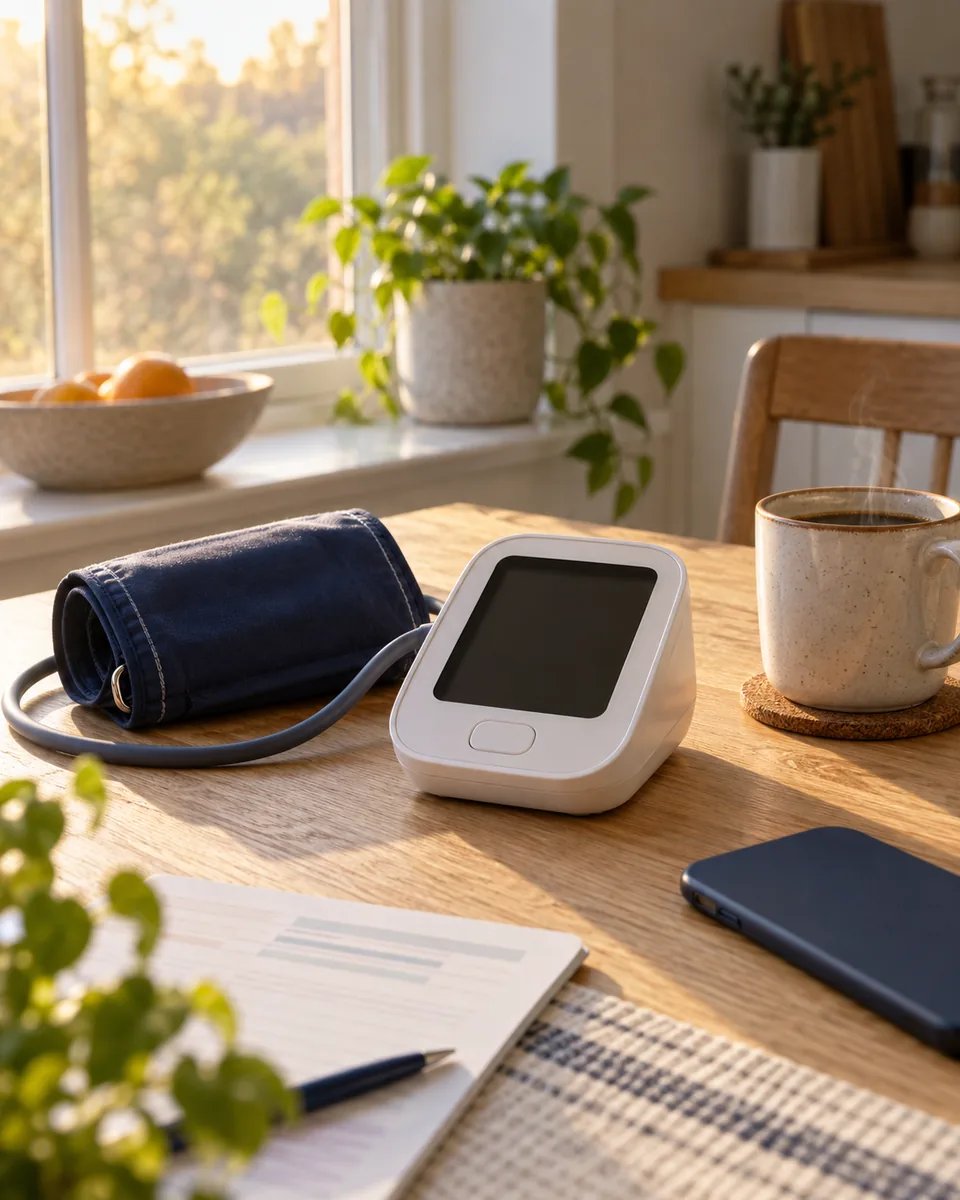
Time in range and trend history are useful. Alerts still belong in the manufacturer app. KeepMD is for retrospective review and a longer condition record, not real-time CGM safety decisions.
You may want to compare Dexcom history with:
- a medication adjustment
- a change in meal structure
- a new training routine
- a period of illness or poor sleep
That is where a private record becomes practical. You can review your CGM history beside the rest of the information that shaped the outcome.
Privacy matters for glucose history
Glucose data is not casual wellness data. It can reveal condition status, daily routine, treatment response, and periods of instability. That is enough reason to keep it inside a secure medical records app workflow instead of scattering exports and screenshots across accounts.
KeepMD helps you keep on-device health data storage in the conversation while you organize a condition record that may include medications, labs, scanned education materials, referral notes, and your CGM history.
Build a record for the next conversation, not only for the current chart
Dexcom gives you a strong day-to-day view. KeepMD helps turn glucose history into a longer record you can bring to the next appointment as supported sync paths become available. That matters when you want to:
- compare patterns over several months
- gather outside paperwork into one place
- review read lab results with recent CGM trends
- keep a diabetes record that stays usable beyond one app session
If you already rely on Dexcom, you already have a valuable source of data. Put it inside a record that keeps the rest of the picture with it.
Key takeaways
- Direct Dexcom sync is planned for KeepMD through the KeepMD Cloud proxy. Today, Dexcom data may appear through Apple Health or Health Connect when your device ecosystem writes it there.
- Dexcom data becomes more useful when you compare glucose patterns with medication changes, meals, symptoms, and appointment notes.
- KeepMD helps you keep CGM history beside the documents and context that explain why your numbers moved.
FAQ
The long-range pattern is the most useful part. You can look at trend shifts, recurring highs or lows, and changes around treatment or routine.
Direct Dexcom sync is planned. The first supported path is through Apple Health or Health Connect when Dexcom data is available there.
No. Dexcom gives you a continuous picture between appointments. Lab work, medications, and provider guidance still matter, and they become more useful when you store them with the CGM history.
You might be interested in

FreeStyle Libre Integration for Health Records
Learn more about FreeStyle Libre Integration for Health RecordsKeep FreeStyle Libre glucose patterns in KeepMD so your sensor history sits beside medications, reports, and visit prep.

Bring WHOOP recovery and strain data into KeepMD so training stress and sleep patterns live beside your broader health record.
Connect supported Withings weight, blood pressure, and heart-rate readings to KeepMD through KeepMD Cloud.
Keep Omron blood pressure readings in KeepMD so home monitoring data stays tied to medications, visits, and long-term trends.
Your Records. One App. Total Control.
Stop chasing down files across hospital portals. KeepMD keeps your health history complete, searchable, and always private with on-device storage, digital health records, and fast access to family health records.
- On-device storage
- Searchable health history
- Family records in one place
5K+



Trusted by families
worldwide