

















Connect your health devices to a record you can use
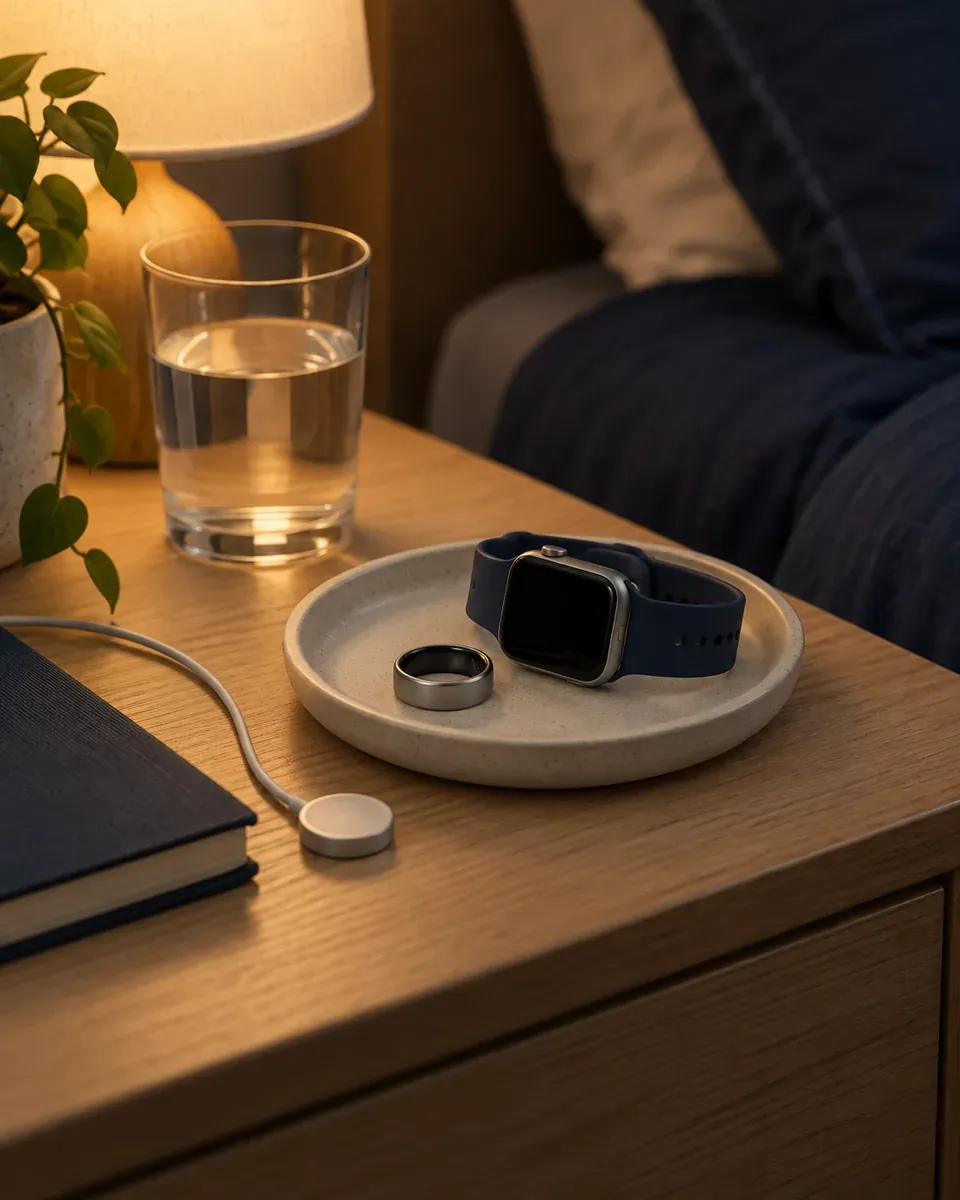
Many people already collect health data. Your watch logs sleep. Your blood pressure cuff stores readings. Your glucose sensor records a stream of numbers that says more about your week than any single appointment ever will. The problem starts when every signal lives in a different app.
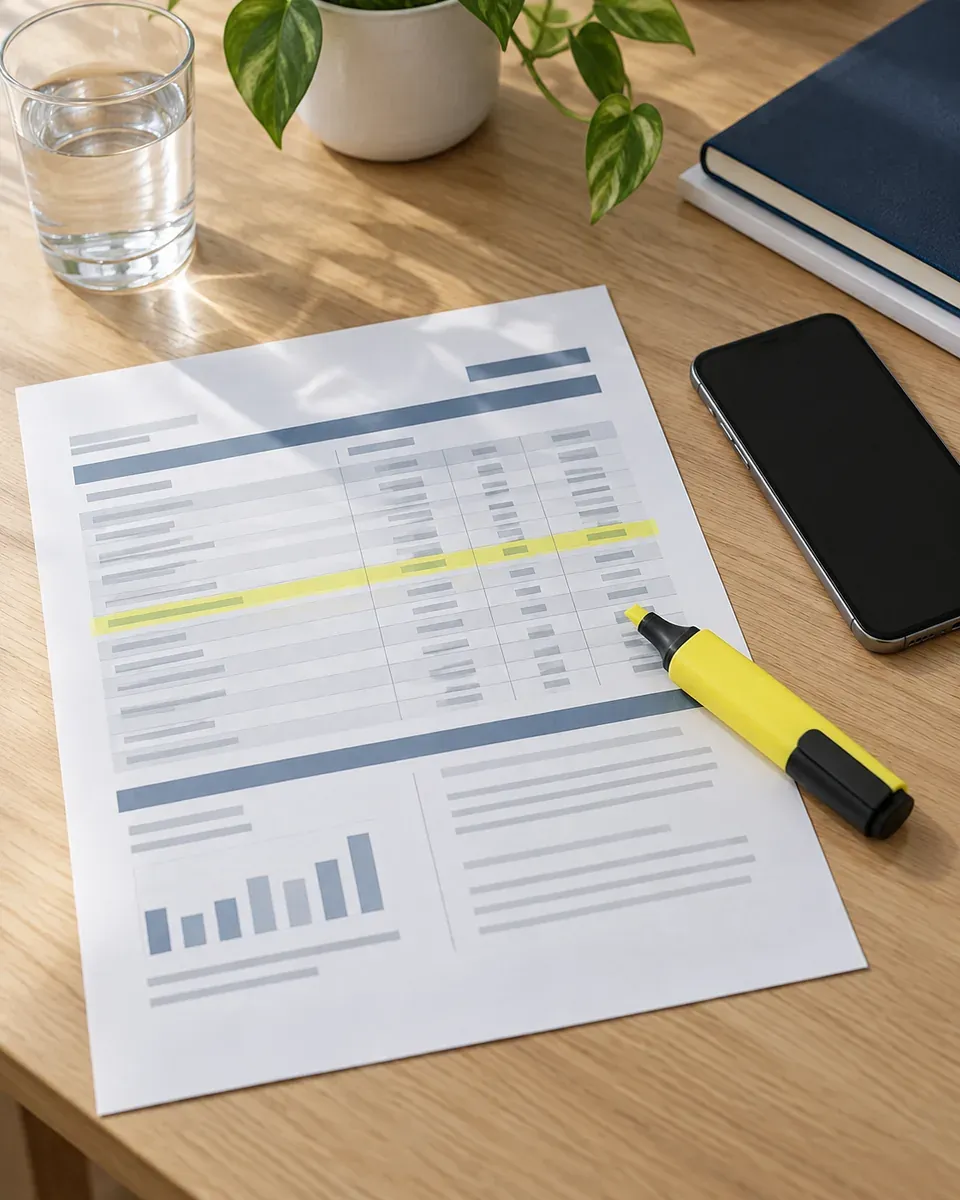
That scattered setup makes it hard to compare your daily trends with the records that shape real care decisions. You cannot see the exercise pattern next to the new medication. You cannot line up blood pressure readings with the visit summary from your cardiologist. You cannot connect a glucose swing to the lab report you scanned last month. KeepMD closes that gap by giving you a private place to connect health device integrations to the rest of your record, and About KeepMD explains why the product is built around that record-first model.
One record beats thirteen dashboards
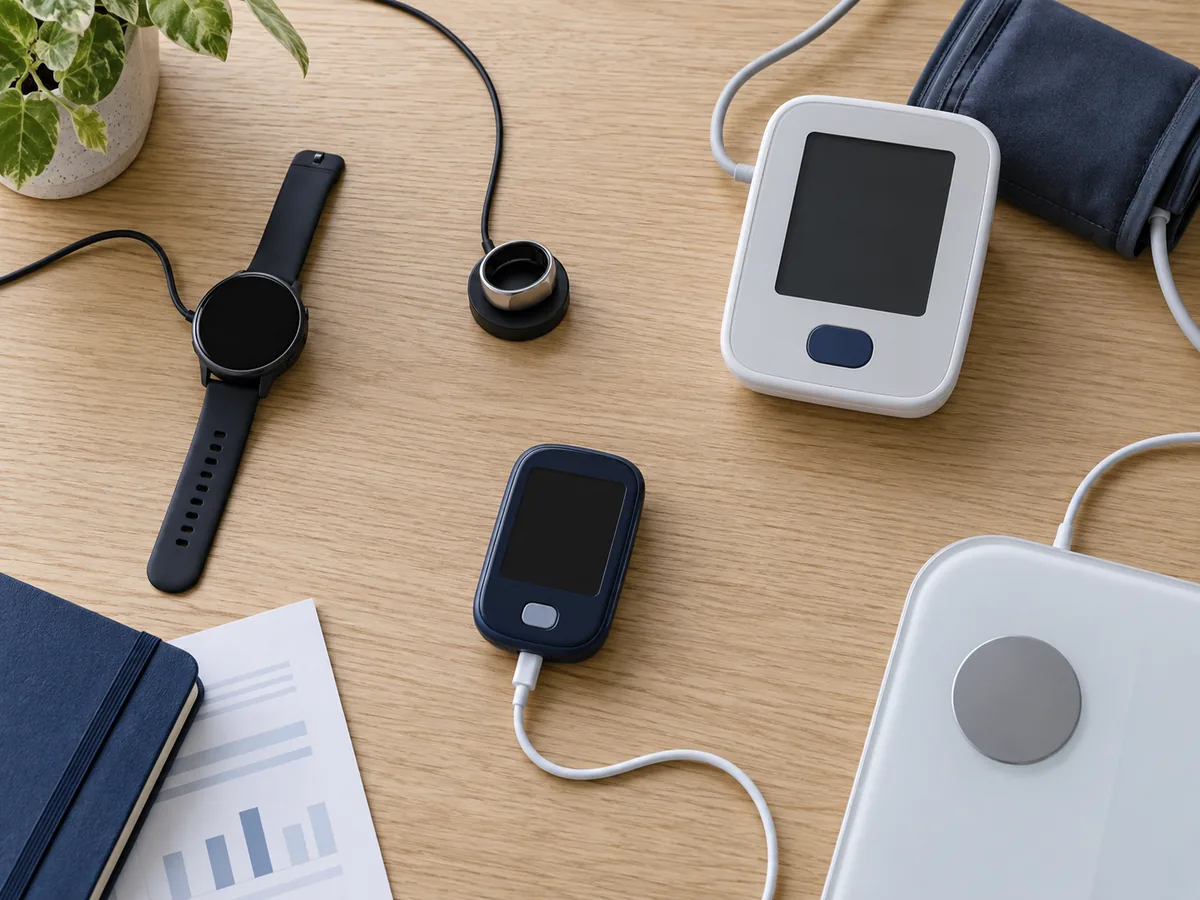
Each device vendor gives you a good view of its own system. That works when you want to check one run, one night’s sleep, or one morning blood pressure reading. It breaks down when you need context.
You need context when you:
- compare a trend against a new diagnosis
- prepare for a specialist visit
- pull together records for a parent or child
- check whether a device pattern lines up with read lab results
KeepMD helps you keep those connections in one place. You can track medical records, store scanned paperwork from outside providers, and keep device data beside the documents that explain why the numbers changed.
Different integrations solve different problems
Not every data source does the same job. Each guide on this page explains what kind of question its system helps you answer.
Platform hubs such as Apple Health and Health Connect work best when you want one place to gather information from several phones, watches, and wellness apps. Start there if you think in terms of ecosystem coverage.
If you are deciding whether Android data sharing alone covers your needs, the Health Connect medical records comparison shows where a patient-controlled record adds documents, labs, medications, and visit context.
Wearables and training apps such as Fitbit, Garmin, Oura Ring, WHOOP, Polar, and Strava matter when you want a steady stream of activity, sleep, recovery, or training data.
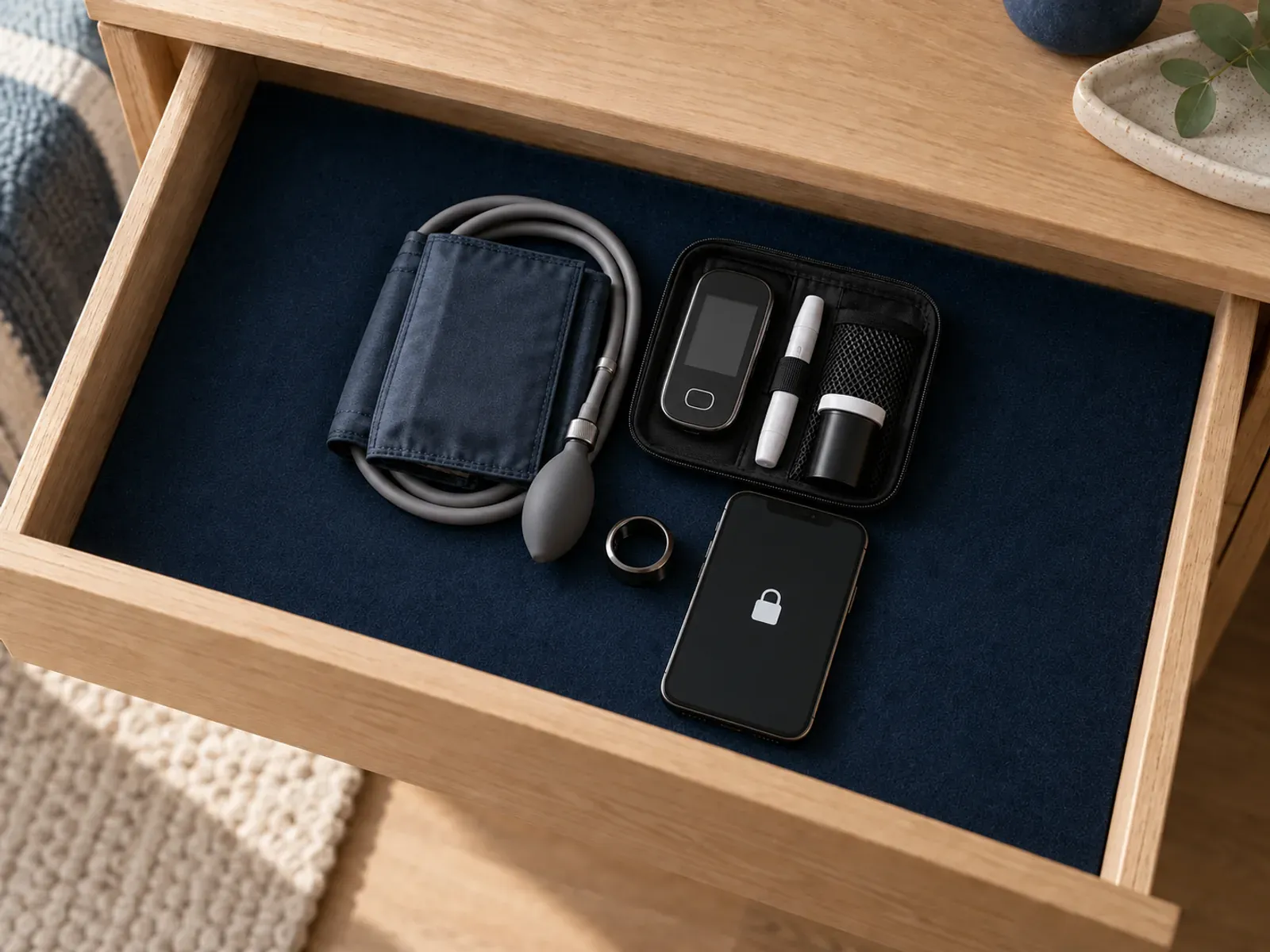
Home and condition-specific devices solve a tighter clinical problem. Dexcom and FreeStyle Libre sensors help you follow glucose patterns. Omron and Withings devices help you track numbers that often shape follow-up visits, medication changes, and home monitoring conversations.
KeepMD gives device data a place in the broader system
Imported data becomes more useful when you place it inside a real record-management workflow.
That workflow often looks like this:
- You connect the device or platform you already use.
- KeepMD brings the trend into your personal record.
- You compare the trend with scanned documents, medication lists, and visit summaries.
- You bring the right slice of that record to the next appointment.
That is why integrations belong beside a secure medical records app workflow, not off in a fitness silo. Your wearable may tell you what happened. Your paperwork tells you what your clinician changed. Together, they give you a clearer picture.
Privacy still matters when the data looks consumer-friendly
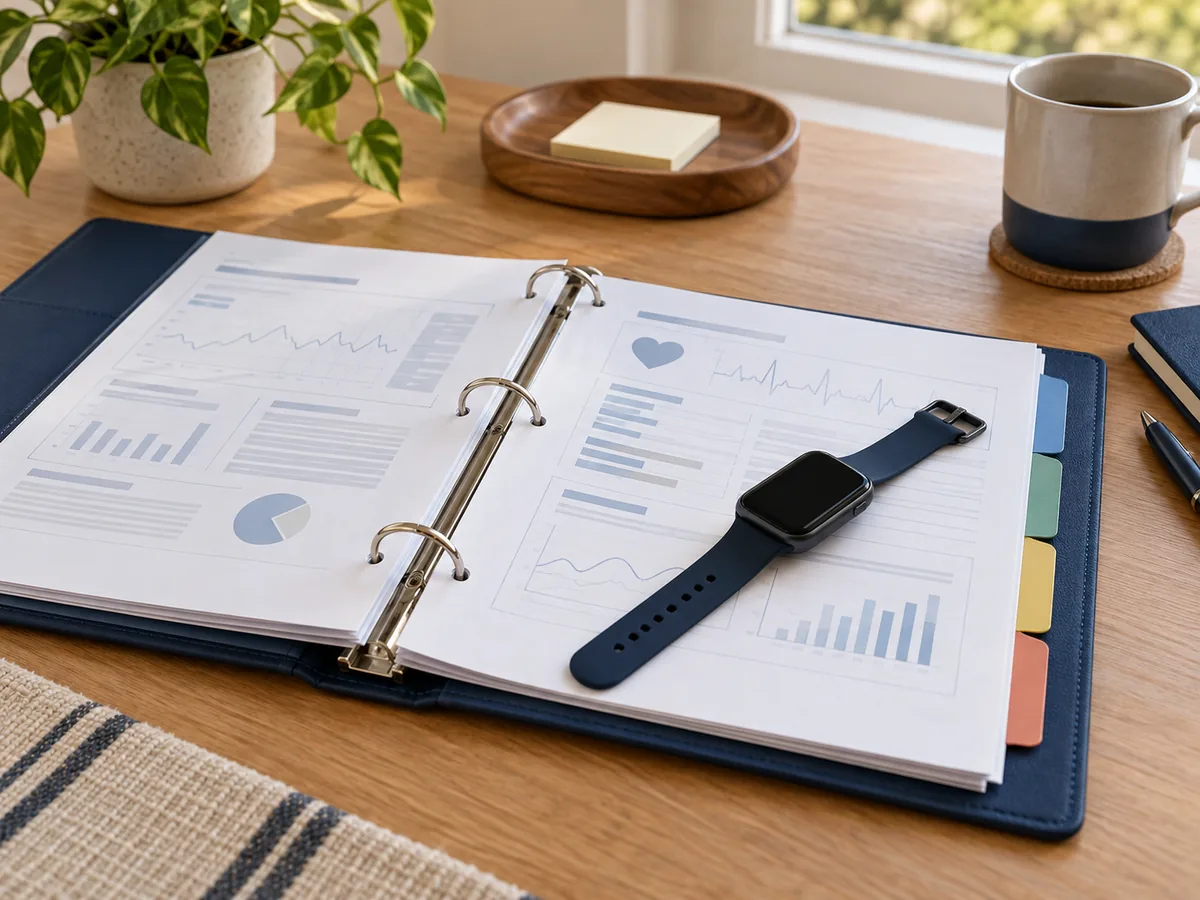
People often treat step counts or sleep scores as light data. Once you connect enough systems, the pattern changes. A few months of device data can reveal routines, stress, recovery, symptoms, and changes in day-to-day function. That deserves the same care you already expect from your medical paperwork.
KeepMD keeps the integration story tied to a privacy-first system. You can combine data sources while keeping on-device health data storage in view and avoiding the habit of handing every health detail to another general-purpose dashboard.
Choose the page that matches your real workflow
Start with the page that matches the way you collect data now.
Choose Apple Health or Health Connect if your phone acts as the main collection layer. Choose a wearable page if you live in a training, sleep, or daily wellness workflow. Choose Dexcom, FreeStyle Libre, Omron, or Withings if your record depends on home monitoring and numbers you revisit with a clinician.
If you also collect outside paperwork, pair the device data with a health record scanner so reports, referrals, and discharge instructions live in the same record. If your goal is cleaner provider exchange, pair the integration workflow with FHIR health data interoperability. If your next step is appointment prep, keep the record ready with a medical appointment checklist. If your family also tracks school, camp, or travel records, keep those documents in an immunization history app so the broader record stays ready for both care and paperwork.
If a provider portal does not expose the document you need, the connected-device workflow should sit beside a clear medical records request routine. That is where patient rights still matter: understand medical records access rights and keep a simple request log so device data, clinical notes, and older records end up in the same patient-owned system. For families, this also creates a teachable workflow. A shared record makes it easier to teach family health record management because each person can see what came from a device, what came from a provider, and what still needs follow-up.
Build the record you wish you already had
You do not need more health apps. You need a record that helps you see the right information at the right moment. Health device integrations help when they strengthen that record instead of adding another place to check.
Use the guides above to choose the ecosystem, device, or monitoring workflow that fits your life. Then build a record that can carry those numbers alongside the documents, medications, and visit history that give them meaning.