
Secure medical records app

Your record, on your phone. Nothing leaves without you.

KeepMD keeps your medical records in an encrypted database on your device, behind your face, fingerprint or passcode. Scans, hospital connections and sharing each ask before anything goes anywhere, and you can read exactly what would.

Download KeepMD personal health record app on the App Store Download KeepMD personal health record app on Google Play
  • Encrypted on the device
  • Locks with Face ID, Touch ID or a passcode
  • Four separate profiles on KeepMD Plus

What leaves your phone, and when

Every KeepMD action, with where it runs and what, if anything, leaves the device.

Every KeepMD action, with where it runs and what, if anything, leaves the device.
What you do Where it runs What leaves your phone Your control
Open and read your records On the device Nothing Always
Search your record On the device Nothing Always
Log a dose, add a note, set a reminder On the device Nothing Always
Scan a document and have KeepMD Vision read it Capture on the device; reading through the KeepMD Cloud proxy The page you chose, for that reading You consent first, each time it is needed
Connect a hospital Sign-in on the hospital’s own MyChart page Your hospital login never passes through KeepMD; records come to your phone You pick the record categories and how long access lasts
Ask a question about your records On the device first Nothing, unless you turn on cloud answers and consent Cloud answering is off by default
Share with a clinician or family A PDF packet or emergency card you create Only what you put in the file You choose what goes in and who gets it
Back up An encrypted backup file An encrypted copy, to the place you choose Protected by your KeepMD passcode
  • Stays on the device
  • Leaves only with your consent, for that job
  • A file you make and hand over
Summary of KeepMD’s data paths as published in the privacy policy. Illustration, not a KeepMD screen.

Five questions to ask any medical records app.

“Encrypted” appears in every app description. These questions separate a storage folder from a record you control, and how KeepMD answers each.

Where is the record stored when I am not using the app?
In KeepMD, on your phone, in an encrypted database. There is no account-wide cloud copy of your record by default.
What unlocks it?
Your face, fingerprint or a passcode. The app locks again after real background or idle time, not while you are typing.
Which features send data somewhere, and do they ask first?
Reading a scan, hospital sign-in and optional cloud answers. Each one asks, says what it needs, and does nothing until you agree.
Can I keep the people I care for separate?
KeepMD Plus keeps up to four profiles, each with its own records, connections and emergency card, behind the same lock.
Can I take the record with me?
Yes. Make a PDF packet for a clinician, an emergency card, or an encrypted backup file you keep.
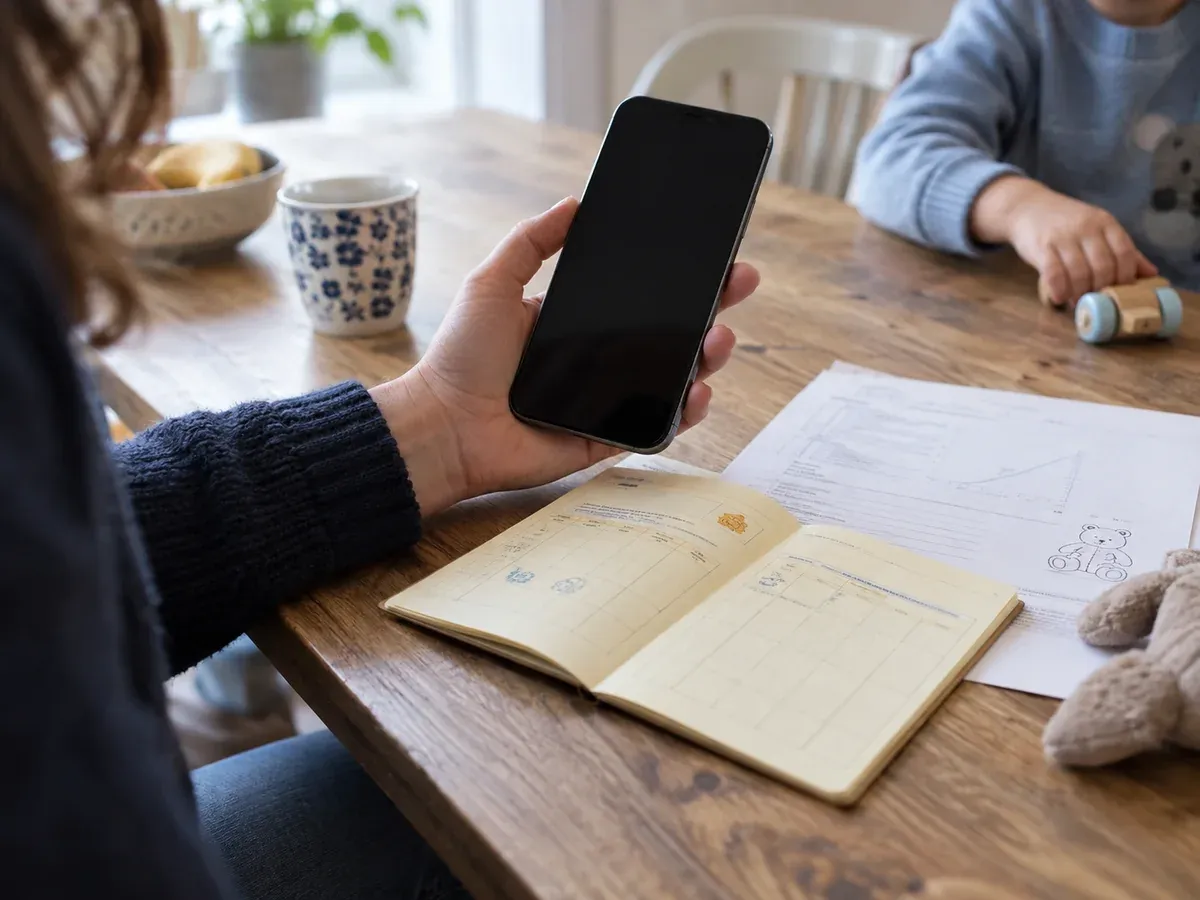
A parent’s hand holding a phone above a child’s vaccination booklet and a pediatric visit summary on a kitchen table

The most secure place for a child’s records is the parent’s phone.

People searching for the most secure app for a child’s records usually want two things: nothing stored in a service the child never agreed to, and no mixing of the child’s history with everyone else’s. KeepMD keeps each child, partner or parent as a separate profile on your device, behind your lock, with its own hospital connections and its own emergency card. Organizing family health records starts with that separation.

  • Separate profiles, one lock: up to four on KeepMD Plus.
  • A child’s MyChart or school paperwork goes into the child’s profile only.
  • Caregivers get what you share, not a login to the vault.

Scanning and summaries, with consent built in.

The features that read your documents are the ones that have to leave the phone to work. KeepMD keeps them separate from the vault and asks first.

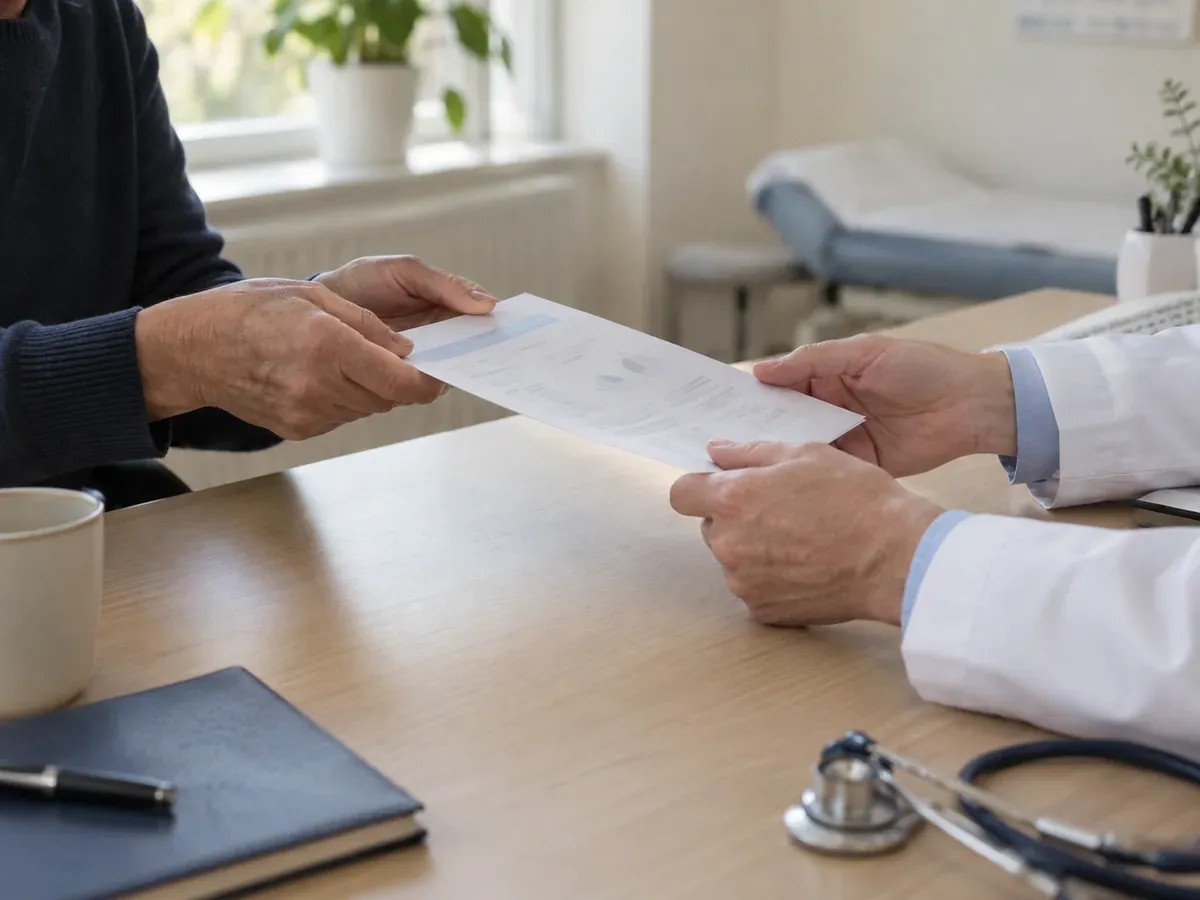
A patient’s hands handing one printed summary page across a clinic desk to a clinician’s hands

Share one page, on purpose.

Security is not isolation. KeepMD is built so sharing is a deliberate act with a visible scope rather than a standing connection.

  • A specialist packet PDF with the labs for the timeframe you choose, your questions and notes
  • An emergency card with allergies, medicines and contacts
  • A hospital connection you can time-limit and switch off
  • An encrypted backup file that opens only with your passcode

A closer look at secure records.

What secure means for a medical records app

Every records app says it is secure. The useful question is narrower: when you are not looking at the app, where is the record, who can open it, and what has to happen before any of it moves?

For KeepMD the answers are short. The record is on your phone, in an encrypted database. It opens with your face, your fingerprint or a passcode. Three features need the network to do their job, and each one asks before it does anything: reading a scanned page, signing in to a hospital, and optional cloud answers, which are off until you turn them on.

Encryption on the device, not a promise in a headline

KeepMD stores your records in an encrypted database on the device. The key that opens it is held in your phone’s secure keychain, which is why the app can lock after real background or idle time and reopen with Face ID, Touch ID or your passcode. If the key cannot be restored, the app fails closed rather than creating a new one, so existing records are never stranded behind a guess.

That is different from encryption in transit alone, which protects a copy on its way to a server and says nothing about the copy that stays there.

Why no default cloud copy
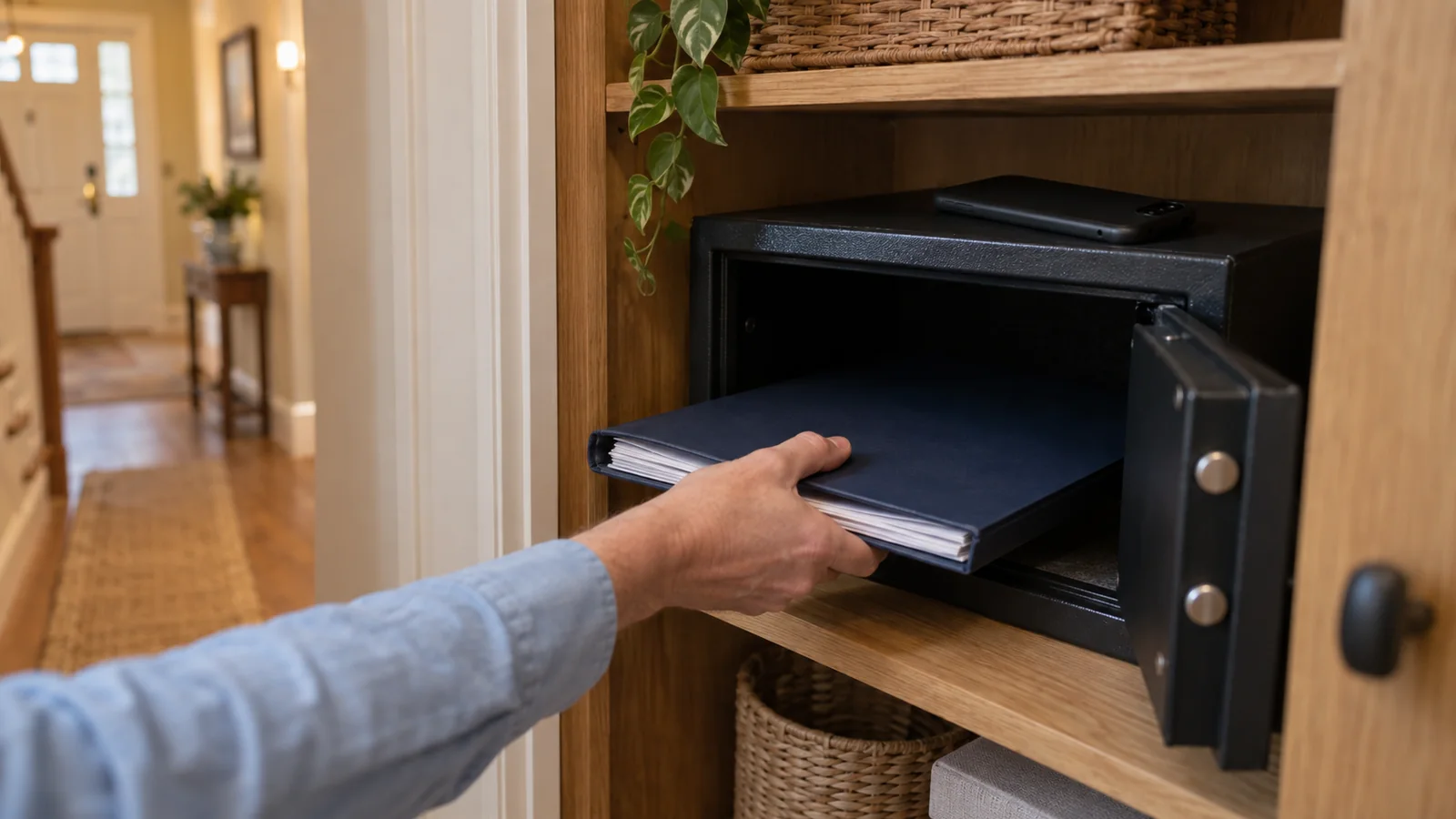
A navy folder of medical papers being placed into a small home safe, a phone lying face down on top

The record stays at home. Copies leave only when you make them.

A medical record grows more sensitive every year: diagnoses, medicines, test results, the names of your clinicians, and the same for the people you care for. A service that holds all of it in one place is a target, and its privacy becomes something you trust from a distance.

KeepMD keeps the working record on your device instead. The published privacy policy says it plainly: health records are stored locally on your device. Backups are encrypted files you make and keep where you choose, protected by your KeepMD passcode. The trade is deliberate: you hold the record, and you are the one who decides when a copy exists.

HIPAA and your own copy

HIPAA’s Security Rule governs providers, health plans and their business associates. It is the reason your hospital has to protect your chart. It does not govern the copy you keep yourself, which is why the design of the app you choose matters more than the word compliance in its marketing.

Our HIPAA patient guide explains what the rules cover while a provider holds your records and what changes once you keep your own copy. The short version: the protections travel with you only if the app you use is built to keep them.

What the app sends and when
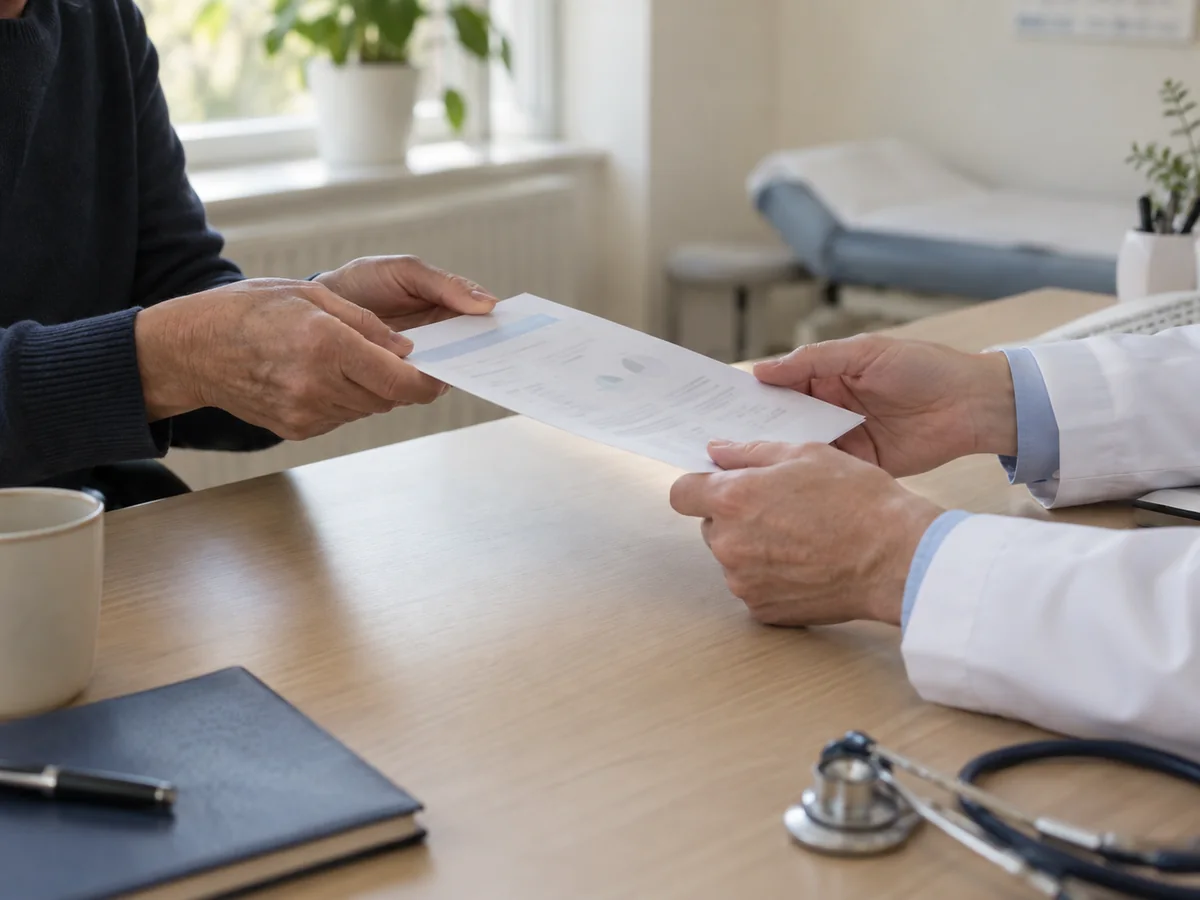
A patient's hands handing one printed summary page across a clinic desk to a clinician's hands

Sharing is a page you hand over, not a standing connection.

Reading your records, searching them, logging a dose, setting a reminder and building an emergency card all happen on the device. Nothing leaves.

Reading a scanned page is the exception that asks. KeepMD Vision runs through KeepMD’s own cloud proxy, never straight from your phone to a model provider, and only after you consent, for the page you chose. The values come back to a review screen, and nothing is saved until you tap Save. Medical document scanning explains the full path.

Hospital connections work the other way round: you sign in on the hospital’s own MyChart page, so your hospital login never passes through KeepMD, and you choose the record categories and how long access lasts. Searching and answering questions run on the device first; cloud answers are a setting you would have to turn on, and consent to, before anything is sent.

Secure does not mean locked in

A record you cannot take with you is only half yours. KeepMD builds a specialist packet PDF with your questions, notes and the labs for the timeframe you pick, and an emergency card with allergies, medicines and contacts. Both are files you hand over. An encrypted backup file, protected by your passcode, moves the whole record if you change phones or hand the caregiving role to someone else.

If you are comparing apps, hold each one to the same four questions: where the record lives, what opens it, what leaves and when, and how you take it with you. Then compare the answers with KeepMD vs Apple Health, the patient portal vs personal health record guide, or KeepMD vs Health Connect.


Questions

Secure medical records, answered

Everything around your record.

Security is one half of the record. The other half is getting it: learn how to request medical records and keep what arrives behind your lock.

Devices and wearables

Integration guides for the devices people track at home.

Sources