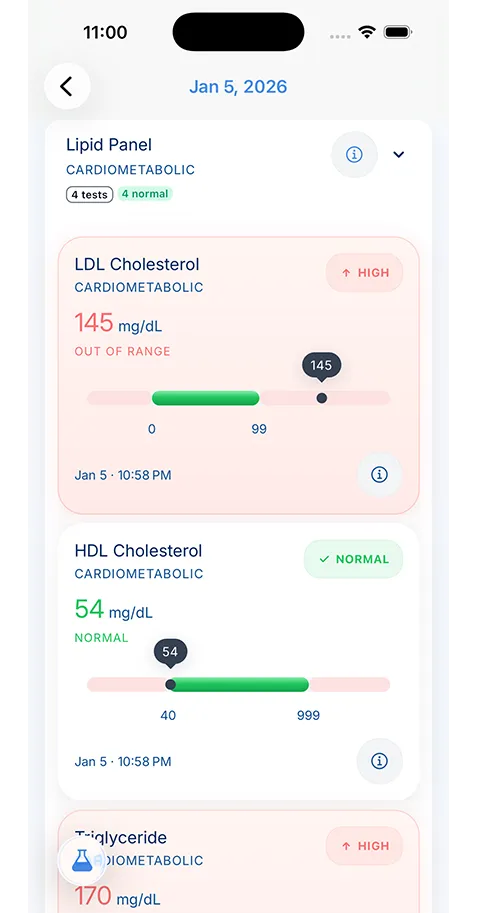
Apple Health can contribute activity, workouts, sleep, heart-related measurements, and other health metrics that you already collect through iPhone, Apple Watch, and connected apps.
Apple Health Medical Records Integration
Sync Apple Health data into KeepMD so device trends, lab reports, visit notes, and scanned medical records sit in one private timeline.
Platform
iPhone, Apple Watch, Apple ecosystem
Data Types
Activity, workouts, sleep, heart metrics, vitals, wellness data
Best For
People who use iPhone and Apple Watch as the center of their daily health tracking
Category
Integration flow
Device signals become more useful beside medical context
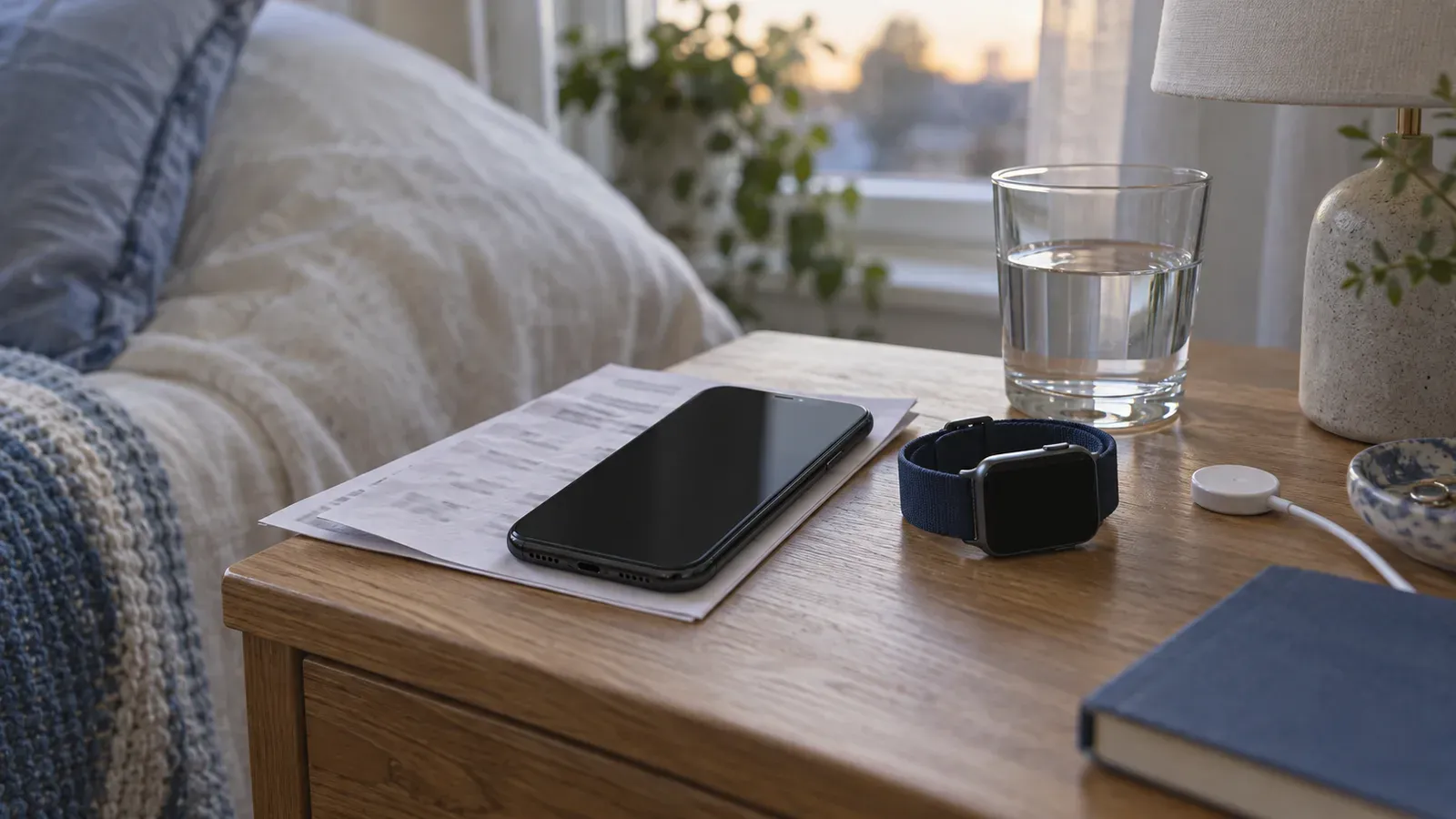
Apple Health can collect daily signals. KeepMD gives those signals a place beside scans, medications, lab reports, and appointment notes.
- 1
Collect
Apple Health gathers device and wellness trends.
- 2
Connect
KeepMD places trends beside documents and notes.
- 3
Use
Review patterns before care conversations.
Apple Health gives you a strong starting point, not the whole record
If you use an iPhone, there is a good chance Apple Health already acts as your main wellness dashboard. It can collect data from Apple Watch, connected apps, and devices you use across the day. That makes Apple Health integration valuable because you already have years of information sitting in one familiar place.
The limit is context. Apple Health shows your steps, sleep, heart rate, and workout history. It does not hold the discharge summary from urgent care, the lab report you scanned last week, or the medication instructions your doctor changed after the last visit. KeepMD fills that gap by helping you connect Apple Health to medical records you actually need when care decisions move beyond the dashboard.
If you are comparing Apple Health medical records features with a full record workflow, start with the practical distinction: Apple Health is excellent for signals your devices collect, while KeepMD is for the documents and decisions that explain those signals. For a focused comparison, see the Apple Health alternative.
Apple Health compared with KeepMD
Two weeks, in context
Sleep beside the medication change
Illustration with example readings. Not a KeepMD screen.
Sleephours a night
Home blood pressuremmHg, mornings
- Sleep, first week → second week
- 6.2 h → 7.2 h
- Blood pressure, before the change → last 7 days
- 142/90 → 129/83
The readout, computed from the same example data
What this guide's data adds
- Activity
- Workouts
- Sleep
- Heart metrics
Keep it with visit summaries and scanned reports
| Need | Apple Health | KeepMD |
|---|---|---|
| Device and wellness trends | Strong fit for iPhone, Apple Watch, and connected apps | Keeps those trends beside medical context |
| Lab reports and PDFs | Limited fit for outside documents | Built for scanned reports, portal exports, and files |
| Medication and visit context | Helpful for selected health data, but not a full chart | Stores notes, changes, summaries, and follow-up context |
| Family record management | Not built as a household medical record system | Supports separate records and caregiver workflows |
| Offline record prep | Depends on what is stored and available in the app | Designed for a local-first medical record workflow |
Apple Health works best as a collection layer
Apple built Health as a place to gather health information from the Apple ecosystem. That matters because you do not need one app for sleep, a second app for movement, and a third app for heart metrics if your phone already acts as the collection layer.
That collection model helps when you want to:
- keep workout and activity history in one place
- watch sleep trends over a longer stretch
- track heart and wellness signals over time
- bring Apple Watch data into the same record as documents and notes
For many people, Apple Health integration is the cleanest first step into health device integrations because it lets you start with the data you already collect.
The real value appears when you compare trends against care events

Daily numbers have limited value when they stand alone. They become useful when you compare them against the rest of your history.
You may want to look at sleep and resting heart rate after a medication change. You may want to compare activity levels before and after a procedure. You may want to review workouts and symptom notes before a sports medicine visit. Those are personal health record questions, not only watch-app questions.
KeepMD helps you place Apple Health trends beside:
- scanned paperwork from scan medical records
- timeline notes you keep before appointments
- medication context from medication management app
- records you gather when you prepare for doctor visits
That combined view gives you a record you can act on.
Apple Health is helpful when you live in the Apple ecosystem
You get the most from Apple Health integration when your iPhone already sits at the center of your health habits. Apple Watch users often build a strong long-term record of movement, sleep, workouts, and selected vitals without much extra effort. That steady collection makes it easier to see change over time.
The record grows stronger when you use Apple Health data for real questions:
- Did sleep change after a new prescription?
- Did activity drop before symptoms became obvious?
- Did recovery improve after a treatment plan changed?
Those questions sit closer to patient self-management than casual wellness tracking. That is where a private record adds value.
Privacy still matters when the data comes from your phone
Apple Health feels personal because it lives in a device you carry. That should not make you casual about the data. Over time, activity, sleep, heart metrics, and wellness patterns can reveal more about your life than most people expect.
KeepMD fits this workflow because it keeps your Apple Health history tied to a secure medical records app model. You can review patterns, keep related paperwork, and preserve on-device health data storage as part of the larger system rather than splitting privacy-sensitive information across disconnected tools.
Apple Health integration fits a broader record system
Apple Health does a good job at gathering data. KeepMD does a different job. It helps you organize that data with the records that explain what you, your doctor, or your family need to do next.
That matters if you also:
- export reports from patient portals
- scan outside paperwork into your record
- compare device trends with read lab results
- keep family records in one place instead of spreading them across apps
If your phone already collects the data, the next step is to put that data inside a record that keeps it useful.
Use Apple Health to build a stronger timeline
The best Apple Health integration workflow is not about staring at one chart. It is about building a timeline you can trust. Your workouts, sleep, and wellness trends tell one part of the story. Your paperwork, medications, provider notes, and record exports tell the rest.
Bring those pieces together in KeepMD and your Apple Health data stops feeling like background noise. It becomes part of the record you can review before an appointment, keep for long-term tracking, and share with more control when someone on your care team needs it.
Key takeaways
- Apple Health works best as a collection layer for data you already generate on iPhone, Apple Watch, and connected apps, not as a complete medical record.
- KeepMD turns Apple Health trends into a record you can review beside labs, prescriptions, symptoms, and appointment notes.
- Apple Health integration becomes more useful when you use it to spot patterns over time, not to check today's numbers alone.
FAQ
Apple Health shows trends well, but a medical record app gives you more context. You can compare those trends with scanned reports, medications, visit notes, and paperwork from outside providers.
Apple Health is a strong hub, but it is still one part of the picture. Most people also need records from clinicians, labs, imaging centers, pharmacies, and family health workflows.
Apple Health focuses on structured device and wellness data. KeepMD is built for the broader medical record: PDFs, lab reports, scans, visit notes, medications, family profiles, and appointment-ready exports. For a side-by-side view, read KeepMD vs Apple Health.
You might be interested in

Bring your Google Fit activity and wellness history into KeepMD so Android health data stays connected to your medical record.

Use KeepMD with Health Connect to gather Android health data from multiple apps inside one private personal health record.

Sync Fitbit data into KeepMD so your sleep, activity, heart, and wellness trends stay connected to the rest of your health record.

Keep Dexcom glucose trends in view with your KeepMD record as CGM support rolls out through Apple Health, Health Connect, and planned direct Dexcom sync.
Your Records. One App. Total Control.
Stop chasing down files across hospital portals. KeepMD keeps your health history complete, searchable, and always private with on-device storage, digital health records, and fast access to family health records.
- On-device storage
- Searchable health history
- Family records in one place
5K+



Trusted by families
worldwide