
Include the medicine name, dose, schedule, purpose, prescribing clinician, pharmacy, start date, stop date if relevant, and any special instructions. Add over-the-counter medicines, supplements, and herbal products too.
Why Medication Lists Fall Apart So Easily
Medication management sounds simple until you look at how people actually receive care. One doctor adds a prescription. A specialist changes the dose. An urgent care clinician tells you to stop something for a week. The pharmacy substitutes a generic. A supplement gets added because a friend recommended it. A hospital discharge packet lists one plan, but the primary care office still has the old list.
That is how medication errors start. They do not always come from dramatic mistakes. Many begin with ordinary confusion. A patient forgets the exact dose. A caregiver brings an old list to a visit. A clinician sees only the medicines prescribed in one office and misses what another office started. The result may be duplicate therapy, missed refills, bad interactions, or a treatment plan built on incomplete information.
This is why a medication list app can be helpful. The point is not to turn your phone into a pharmacy. The point is to keep a current record that you can check, update, and share when care moves fast.
What a Safe Medication Record Needs to Show
MedlinePlus recommends keeping a medicine record, and the advice is more detailed than many patients expect. A safe list should do more than name the drug.
Anatomy of a safe entry
One medicine, eight facts
Illustration with an example entry. Not a KeepMD screen, and not a recommendation about any medicine.
- Medicine
- Lisinopril
- Dose
- 10 mg tablet
- When
- Once daily, morning
- Reason
- Blood pressure
- Prescriber
- Primary care clinic
- Pharmacy
- Neighborhood pharmacy, 24-hour line
- History
- Started March 2026 at 5 mg · raised to 10 mg August 2026
- Notes
- Check home blood pressure weekly · report a dry cough
- Medicine. The name on the bottle, generic or brand, so two clinicians see the same drug.
- Dose. Strength and form. A dose change is the most common thing an old list gets wrong.
- When. Timing and any rule that goes with it, such as with food or at bedtime.
- Reason. The column most lists skip. It lets a clinician review the list instead of guessing.
- Prescriber. Who to call about this medicine, which matters when several offices prescribe.
- Pharmacy. Where it is filled, for refills and after-hours questions.
- History. Start date, changes and stop dates. Keep stopped medicines in the history, with the reason.
- Notes. Side effects to watch and anything the clinician asked you to do.
For each medicine, you want the name, the dose, how often you take it, why you take it, who prescribed it, and which pharmacy fills it. You should also record anything unusual that affects use, such as taking it with food, splitting tablets, tapering the dose, or watching for a side effect that matters to your doctor.
Patients often skip the “why” column, but that detail matters. If a clinician sees two blood pressure medicines on your list and no context, the list is harder to review. If the list shows which drug treats blood pressure, which one helps migraines, and which one was short term after surgery, the conversation becomes clearer.
You also need to track changes. When did you start the medicine. When did the dose change. Was it stopped, paused, or replaced. Those details matter during follow-up visits and after hospital stays, when people often carry more than one version of the truth at the same time.
Why Drug Interactions and Refill Problems Often Start at Home
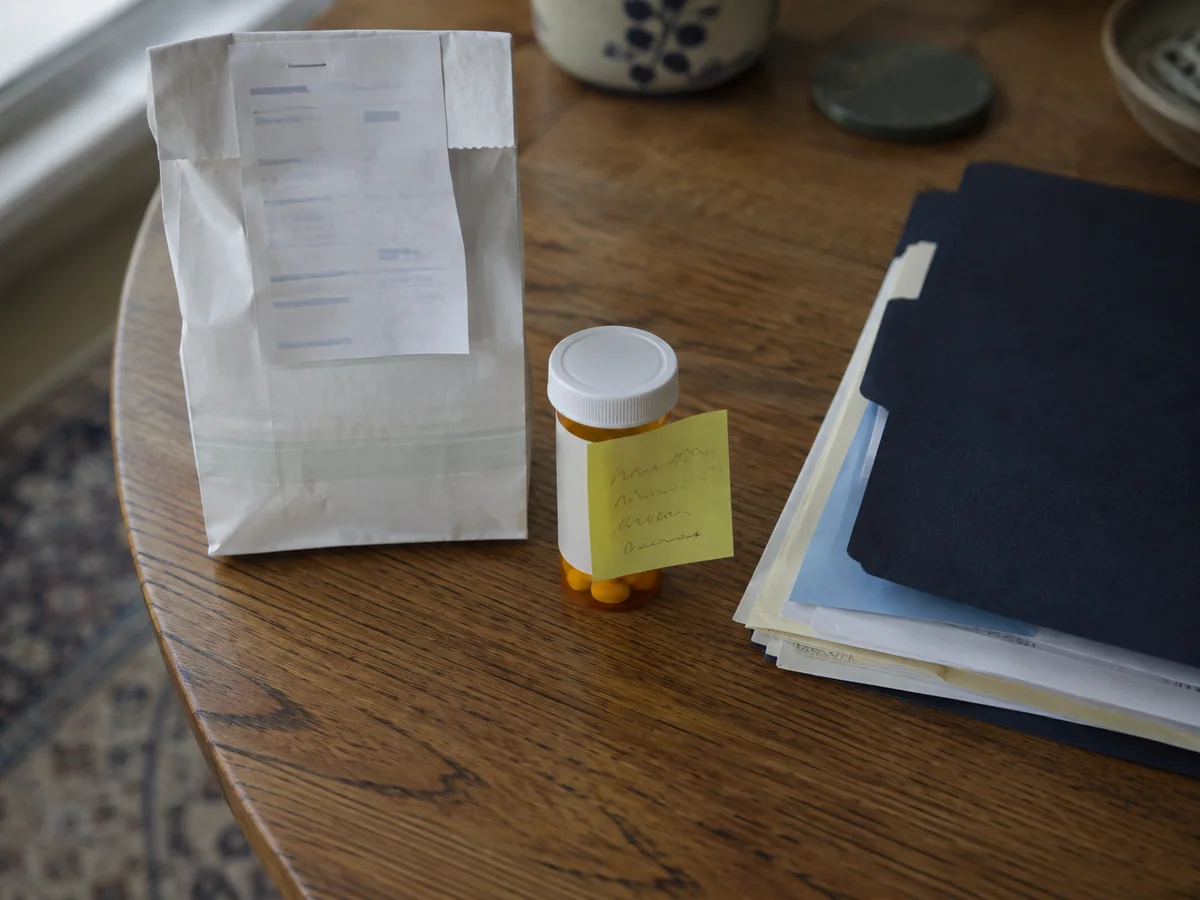
Most changes arrive on paper first: a bag leaflet, a discharge folder, a note on the bottle.
People often think interaction problems begin in the exam room. Many begin at home, long before a clinician sees the full picture.
One common issue is omission. A patient remembers to list prescription medicines but forgets sleep aids, antacids, herbs, vitamins, or pain relievers. Another is duplication. One clinician prescribes a drug by brand name, another sees the generic, and the patient does not realize they are related. Refill problems create their own risks. A person stretches doses because they are running low, stops a medicine for a few days, then restarts without mentioning the gap.
The right digital tool cannot solve the clinical part of those problems, but it can make the record clean enough that your clinician or pharmacist can spot them faster. AHRQ urges patients to bring medicine lists to appointments and review them with providers. That is easier when your list lives in one searchable record instead of memory, old portal notes, and bottle labels scattered around the house.
This is also where a medical document scanning app can help. Prescription labels, discharge instructions, and specialist medication changes often arrive on paper first. Scanning those details into the same record lowers the chance that they disappear before the next follow-up.
Digital Tools Help Most When They Match Real Life
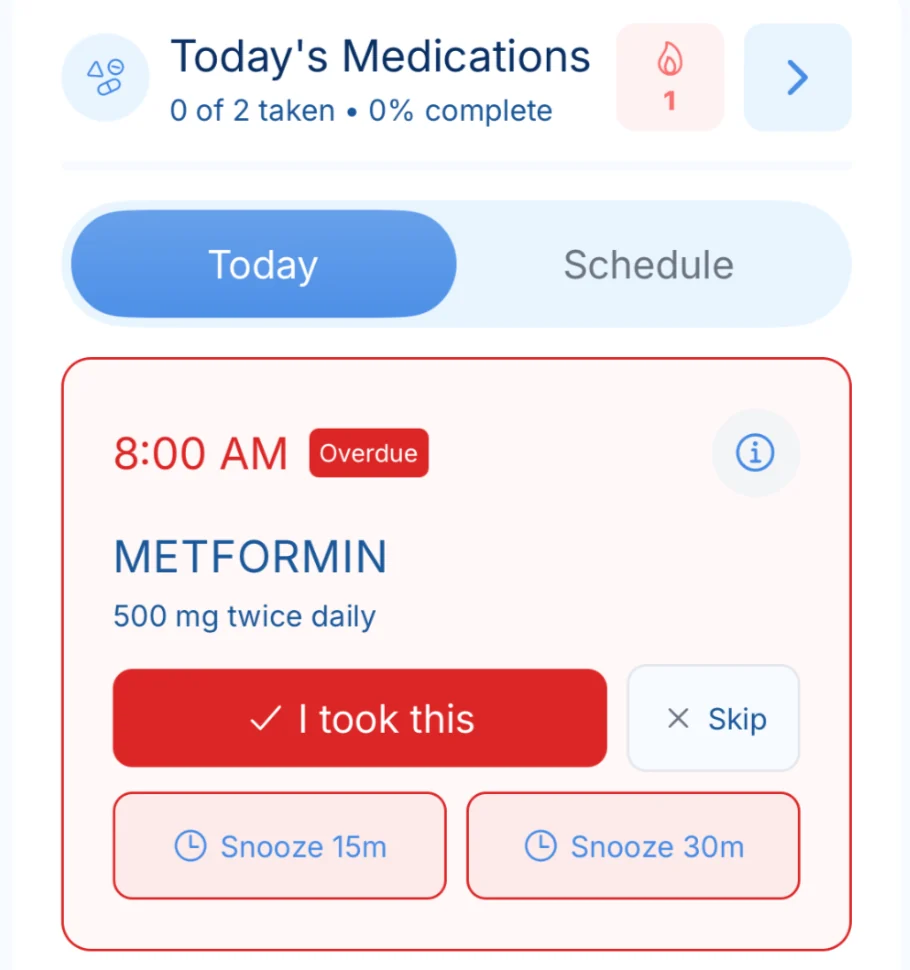
KeepMD’s medication reminders, shown with demo data: log a dose, skip it or snooze it.
The best digital pill organizer is not the one with the longest feature list. It is the one that fits how you actually manage care.
If you only take one long-term prescription, you may need a clean list and a refill reminder. If you manage medications for a child, a spouse, or an older parent, you may need separate profiles, notes about who administered the dose, and a clear handoff between caregivers. If you see multiple specialists, you may need a list that lets you compare current treatment with older instructions without losing the history.
A medication management app becomes more valuable when it lives inside a broader record. You may need to look at your medicines next to recent labs, diagnoses, or hospital discharge instructions. A medication adjustment after kidney testing means more when the lab result is close by. A steroid prescribed after an urgent care visit makes more sense when the visit note is nearby.
That is one reason medication tracking works better when it is part of a larger health records app features workflow instead of a stand-alone reminder tool. The medicine list matters most when it connects to the rest of your care. Our comparison of the best medical records apps shows which ones keep medications, labs, and documents together.
What to Look for in Medication List Software
Most apps for managing prescriptions cover reminders. Fewer hold up at an appointment or in an emergency. Before you choose one, check that it can:
- Hold the full entry, not just a name: dose, timing, reason, prescriber, pharmacy and start date.
- Keep stopped medicines with a stop date and reason, instead of deleting them.
- Separate people. Each family member needs their own list, so a caregiver never logs a dose against the wrong person.
- Show the list with your other records, such as recent labs and discharge instructions, so a dose change makes sense later.
- Produce a clean list to share with a pharmacist or a new clinician in seconds.
- Keep the data private and make it clear where it is stored. KeepMD keeps your list, reminders, dose log and supply counts on your phone.
Appointment Prep and Emergency Use Are the Two Biggest Payoffs
Digital medication tracking pays off in many places, but two settings bring the value into focus fast: appointment prep and emergency care.
Before a routine visit, a current list keeps the conversation grounded. You can review what changed, flag side effects, and make sure the medication list in the chart matches the one you are living with at home. This makes a prepare for doctor appointment routine much easier because you are not building a list in the parking lot.
In an emergency, the same record can shorten dangerous guesswork. Emergency teams want to know what you take, how much, whether you have drug allergies, and whether anything changed in the last few days. If a family member is speaking for you, the record needs to be clear enough that they can trust it under pressure.
That is also why old medication lists are risky. A wrong list can feel better than no list, but it can mislead care. The goal is not only to keep a list. The goal is to keep a current list.
Caregivers Need Structure, Not More Memory Work
Caregivers carry a hard version of this problem. They may manage prescriptions for more than one person, field questions from several clinicians, and update the list after calls that happen during work, school pickup, or a hospital discharge. Memory fails under that kind of load.
A useful system gives each person a separate record, a clear history of changes, and one place to confirm the current plan. It should also make it easy to note the prescribing clinician and the preferred pharmacy. Those details often save time during refill issues or after-hours questions. If you are managing medications for a parent, the guide to caring for aging parents shows how to connect the list with specialist visits, discharge paperwork, and caregiver handoffs.
Families who are already trying to organize family health records often discover that medications become the anchor for the whole system. Once that piece is current, it becomes easier to keep allergies, labs, diagnoses, and emergency details current too.
Keep the Medicines You Stopped, Too
A list of what you take today is only half the record. Clinicians also ask what you have tried before, what was stopped and why. A blood pressure medicine that caused a cough, an antibiotic that caused a rash, a sleep aid that did nothing: each one saves a future prescriber from repeating it.
Give stopped medicines their own place in the history rather than deleting them. Record the stop date and the reason in a few words, and keep the entry with the rest of the record so it shows up the next time someone asks. In KeepMD a medication plan can be marked completed or stopped and stays in the history, and the dose log keeps the dates.
The same habit applies to over-the-counter medicines and supplements you no longer take. If a product was stopped because of a side effect or an interaction warning, that is exactly the kind of detail worth keeping.
What a Good Medication Review Looks Like

Line by line, with the list in hand: the review no app replaces.
No digital tool replaces a real medication review. Patients should still bring the list to a pharmacist, physician, nurse practitioner, or physician assistant and walk through it line by line when something major changes.
The best time to do that is after a hospital stay, after you begin seeing a new specialist, after new symptoms appear, or at least once a year if you take multiple medicines. During that review, confirm what is active, what has stopped, what should remain on hand for rare use, and what no longer belongs in the record.
This is also the right time to ask plain questions. Why am I still taking this. Is this the correct dose. What side effects matter enough to call about. Are any supplements on my list a problem. Should this medicine be on the emergency record. A clean digital record makes that review easier because the clinician can react to something organized instead of a rough verbal estimate.
The Goal Is Safer Decisions, Not Perfect Tracking
People often avoid medication tracking because they assume the system has to be perfect to be worth using. It does not. It needs to be accurate enough that you can trust it when a decision matters.
That means keeping one current list, updating it after changes, and reviewing it before it drifts too far from reality. If you do that, a digital tool becomes less like another app you have to feed and more like a safety net that supports better care.
KeepMD fits that role as one example of a patient-controlled record where medication history lives alongside scanned records, visit notes and lab documents instead of in a separate silo. It keeps a medication list with daily reminders and a dose log, counts remaining supply so you see a refill coming, and can read the label on a prescription bottle with your permission to fill in a new entry. The records stay on your phone, and each family member has a separate profile on KeepMD Plus. For patients and caregivers, that kind of structure can make the difference between carrying a list and using a list.