


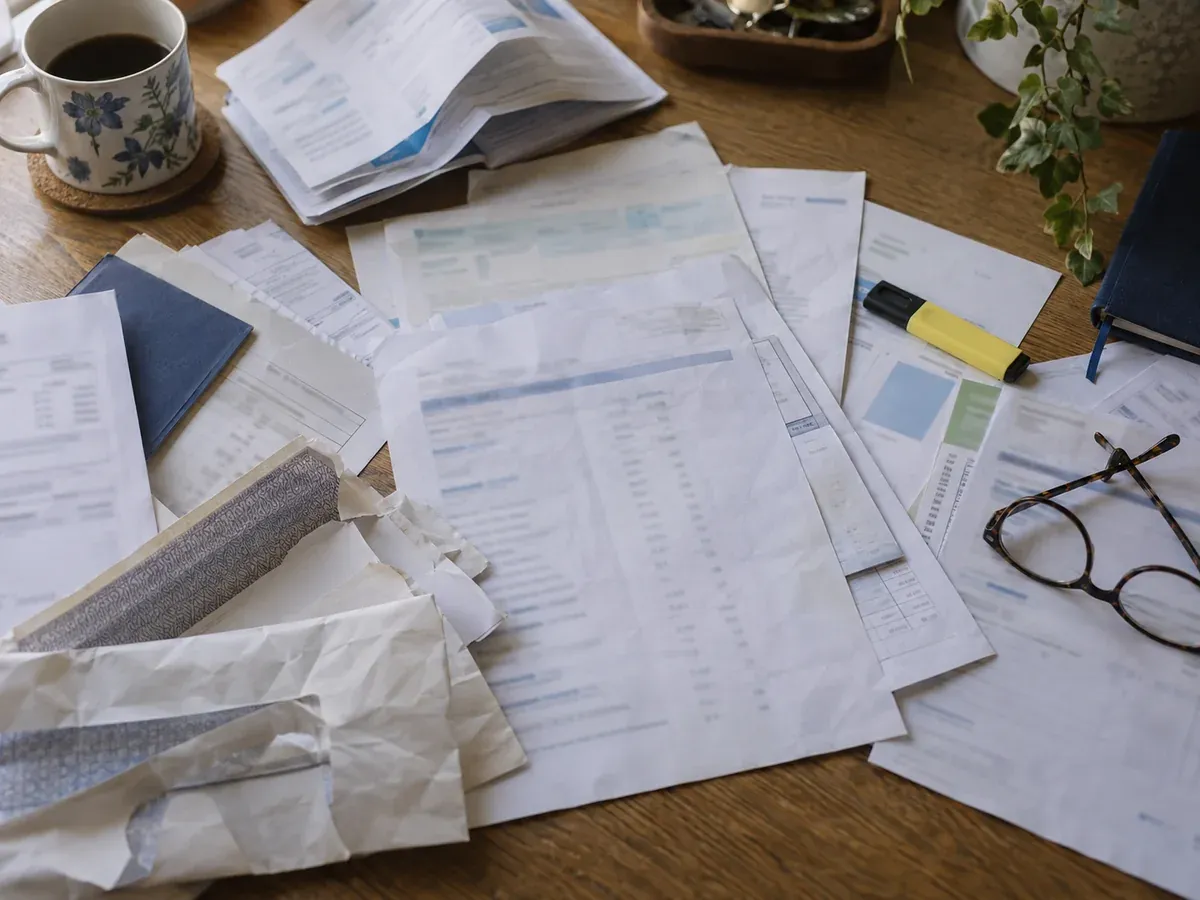
Why a photo is not a record
Most people already photograph medical paperwork. The problem shows up later. A photo has no test name, no date you can sort by and no connection to the result before it, so the next time a clinician asks about last year’s cholesterol you are scrolling a camera roll.
A record is different. It knows the page was a lab report, that the LDL on it was 118 mg/dL on a given date against a given range, and that the report before it said 131. KeepMD’s scanning exists to make that second thing out of the first, and to keep the photo too, so the printed page is always one tap away.
How to scan medical records with your phone
The best way to scan medical records is the one you will repeat each time new paper arrives. With KeepMD it takes five steps:
- Lay the page flat in good light. Use a dark surface for white paper, avoid shadows from your hand, and include every edge of the page.
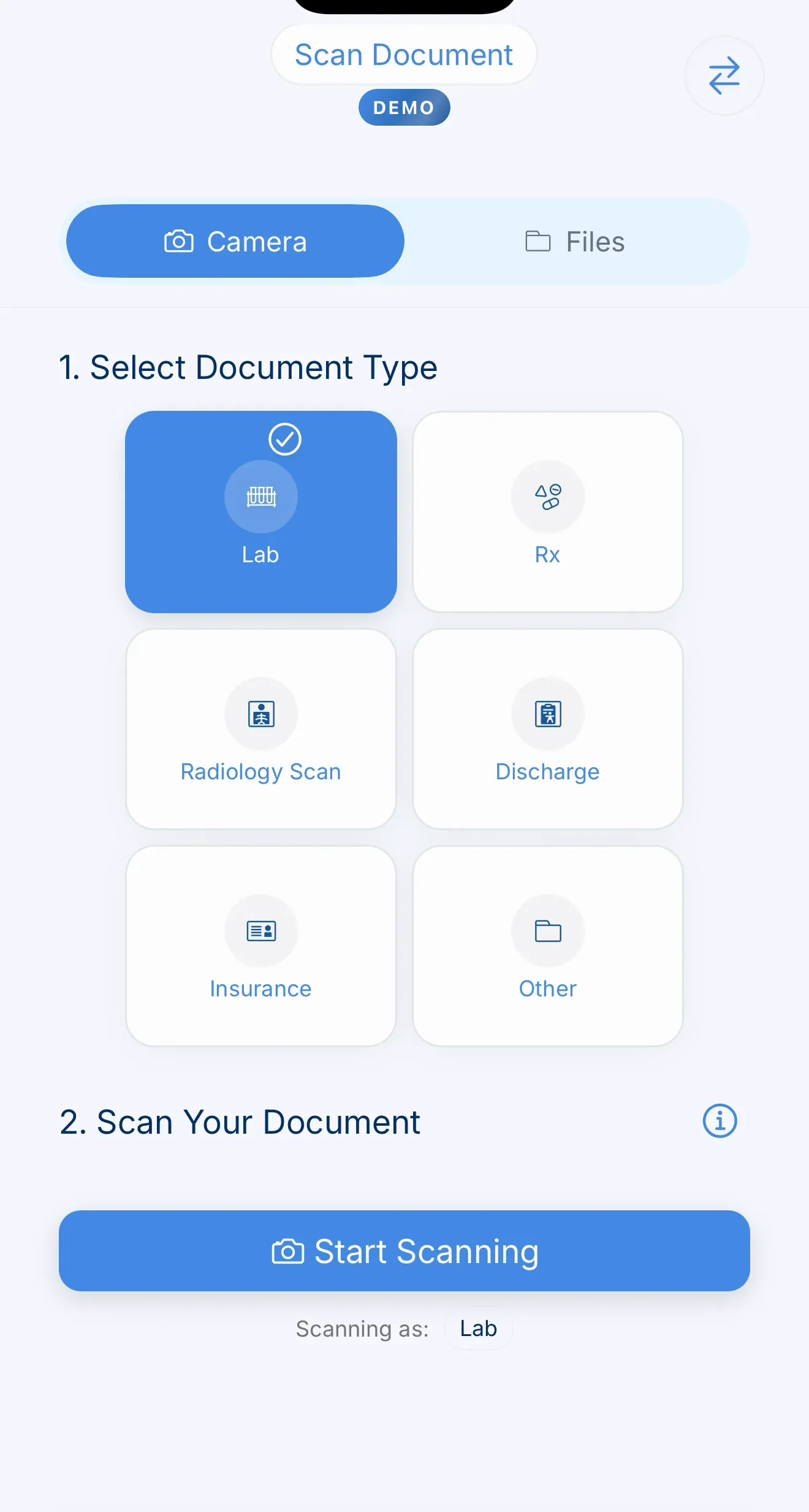
- Choose the document type first. Pick lab report, prescription, radiology, discharge, insurance or other, so the reading looks for the right fields.
- Capture with the camera or pick a PDF. Multi-page reports go in page by page; portal downloads are picked straight from your files.
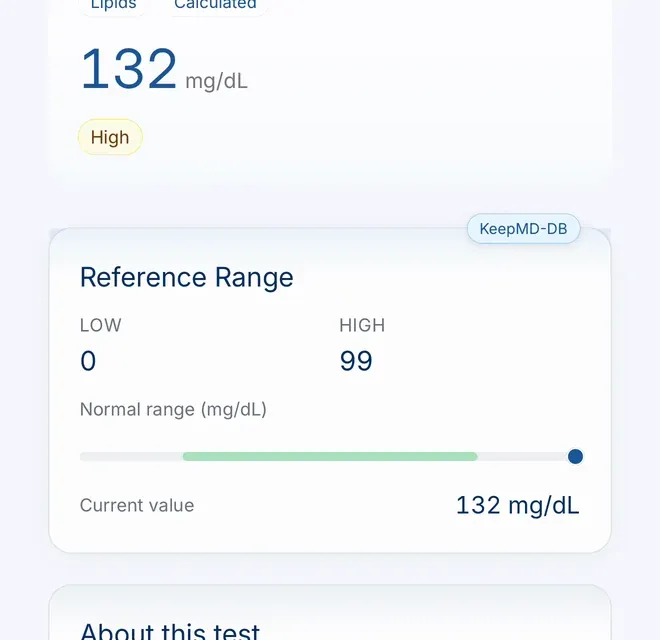
- Review every value before saving. KeepMD Vision reads the page after you consent, and the review screen lists out-of-range rows first with the report’s own ranges. Edit or delete anything that looks wrong.
- Save, and keep the original. The values join your history and the image stays attached, both encrypted on your phone.
A flatbed scanner works too: scan to PDF, then pick the file in step 3. What matters is that the result is a searchable record with dates and values, not a folder of images.
What good OCR does with a medical page
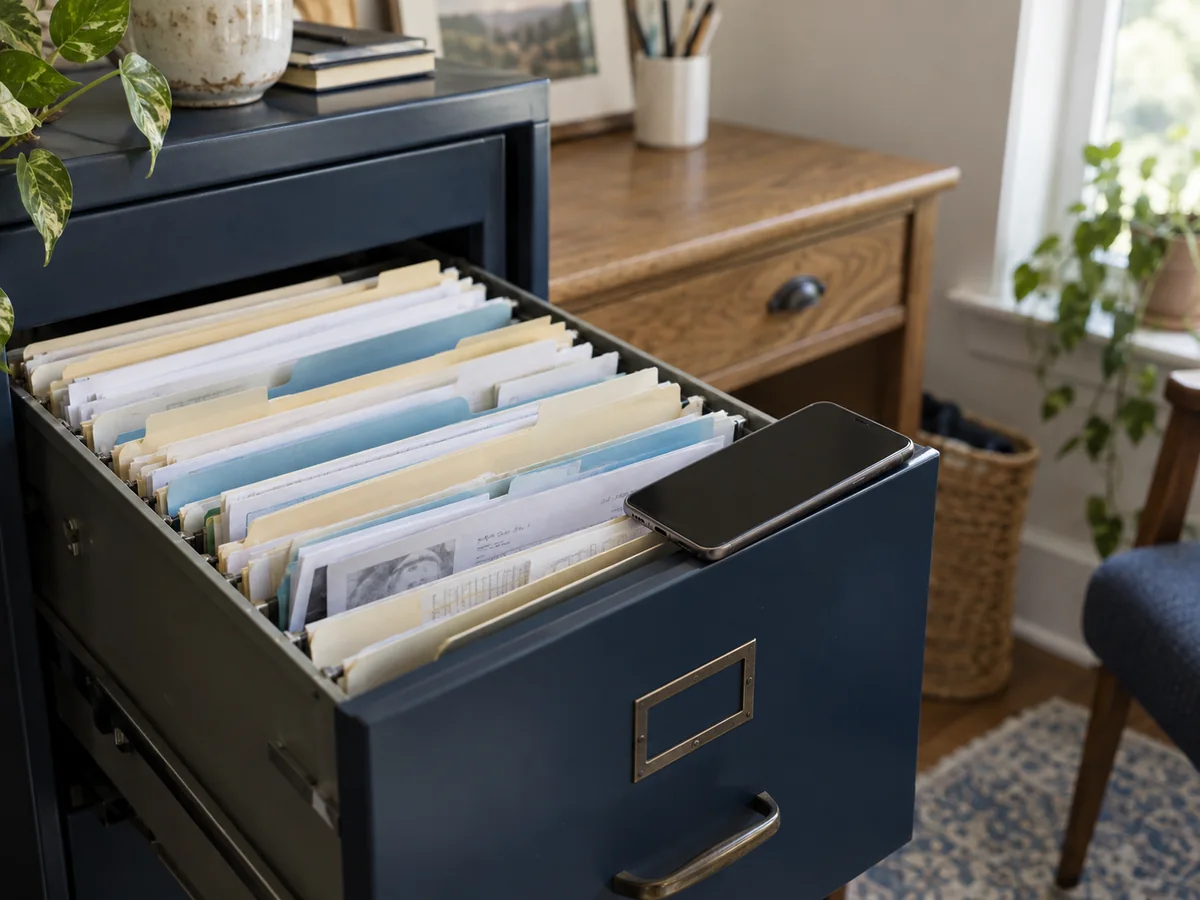
Optical character recognition turns the pixels of a page into text. For a medical document that is the easy half. The useful half is knowing which text is a test name, which is its value, which is the unit and which is the reference range, then checking the result against that range and putting it with the right test in your history.
KeepMD Vision does that for the document types you tell it about. The review screen it produces puts out-of-range rows first, shows the range printed on the report, and labels a KeepMD estimate when a report prints no range at all. Two rows that are really the same result are grouped rather than silently deleted, so a visible extra row costs you one tap and a missing one costs you nothing.
Lab reports
Lab reports are the documents scanning helps most, because a single report rarely answers the question. The useful answer is the trend, and that needs the previous report, which may have come from a different lab with a different layout.
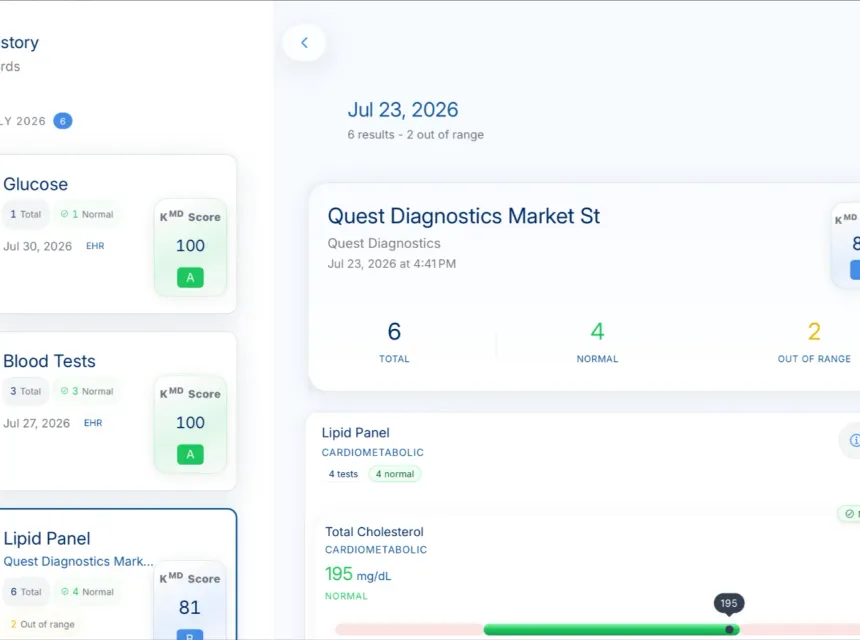
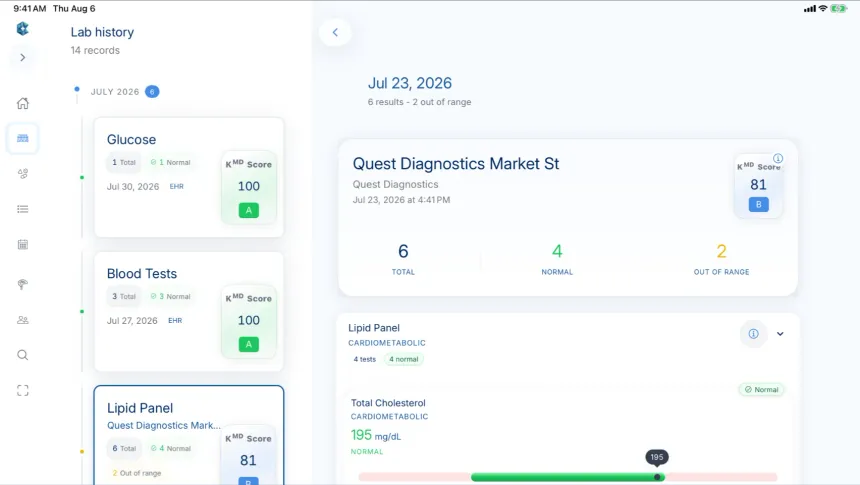
Scan each report as it arrives and the results line up by test in the lab results tracker, whichever lab printed them, each with its own range and source. Reading them is a separate skill; our guide on how to read lab results covers reference ranges and why the same test can look different across labs.
Prescriptions
A prescription label or a pharmacy leaflet is where most medication changes first appear on paper. Scanning it as a prescription keeps the medicine, strength and instructions with your medication list, and keeps the image for the pharmacist who asks what the last bottle said.
Our guide to medication management covers what a safe entry holds. KeepMD can also read a bottle label from the medication screen, with your permission, to fill in a new entry.
Portal PDFs
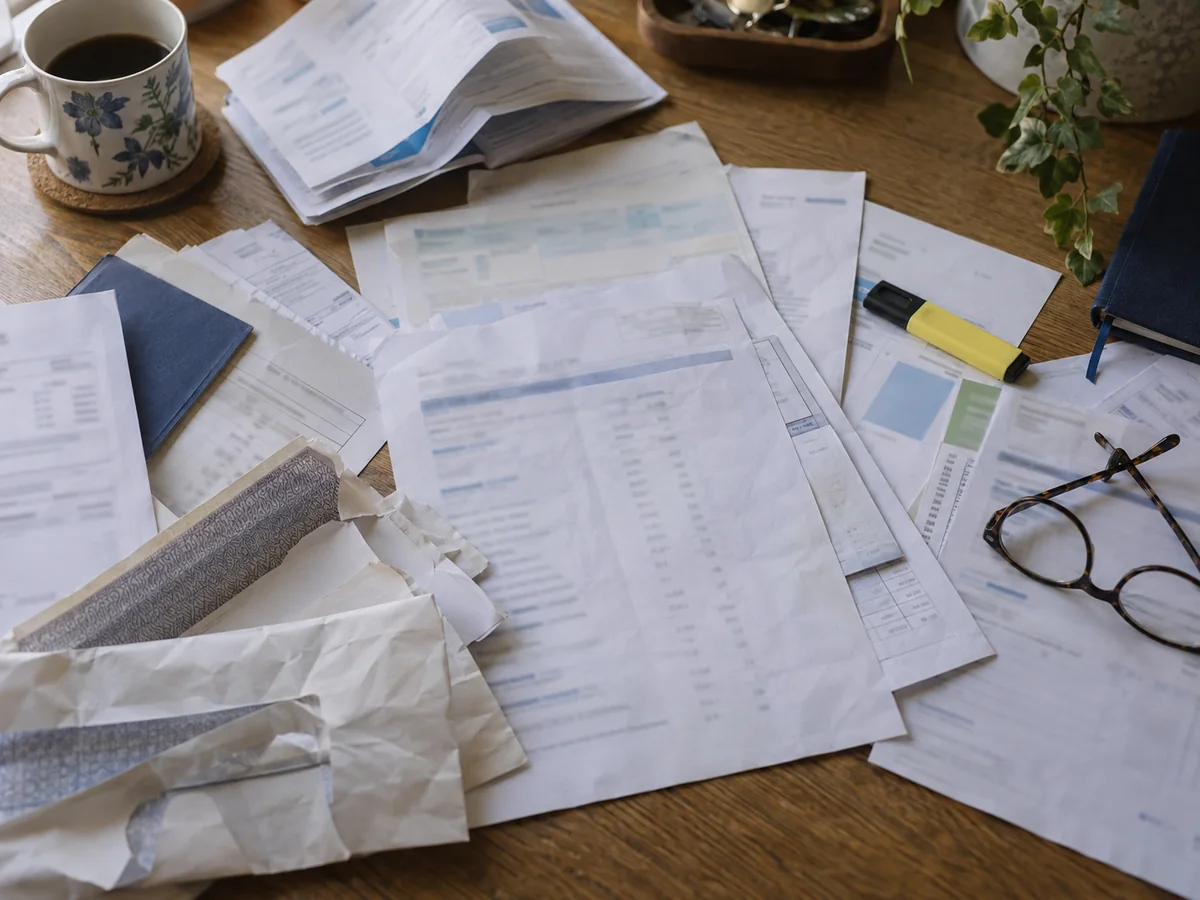
A year of paper from four providers. Six scans a year keeps it current.
Not every page arrives on paper. Portals let you download visit summaries and lab reports as PDFs, and a PDF goes through the same path as a photograph: choose the type, pick the file, review, save. That is how records from a clinic that does not connect to KeepMD still end up on the same timeline as the hospitals that do. The patient portal vs personal health record guide explains where portals stop and your record begins.
Start small
The scanning habit that lasts is a small one. Start with the paper you know you will need at the next appointment: the most recent labs, the current prescriptions, the discharge summary from any hospital stay this year. Scan them the day they arrive, review the values, and let the rest of the drawer wait.
Caregivers who organize parents’ medical records usually face the biggest pile. The same rule applies: one profile per person, the safety-critical pages first, the archive later.