Use MyChart to
Talk to your care team
- Message your care team
- Schedule and manage appointments
- Pay bills and see price estimates
- See new results as they are released
KeepMD vs MyChart
Looking for a MyChart alternative? You probably don’t need to replace MyChart. You need one place for everything it doesn’t hold, and KeepMD keeps that place on your phone.


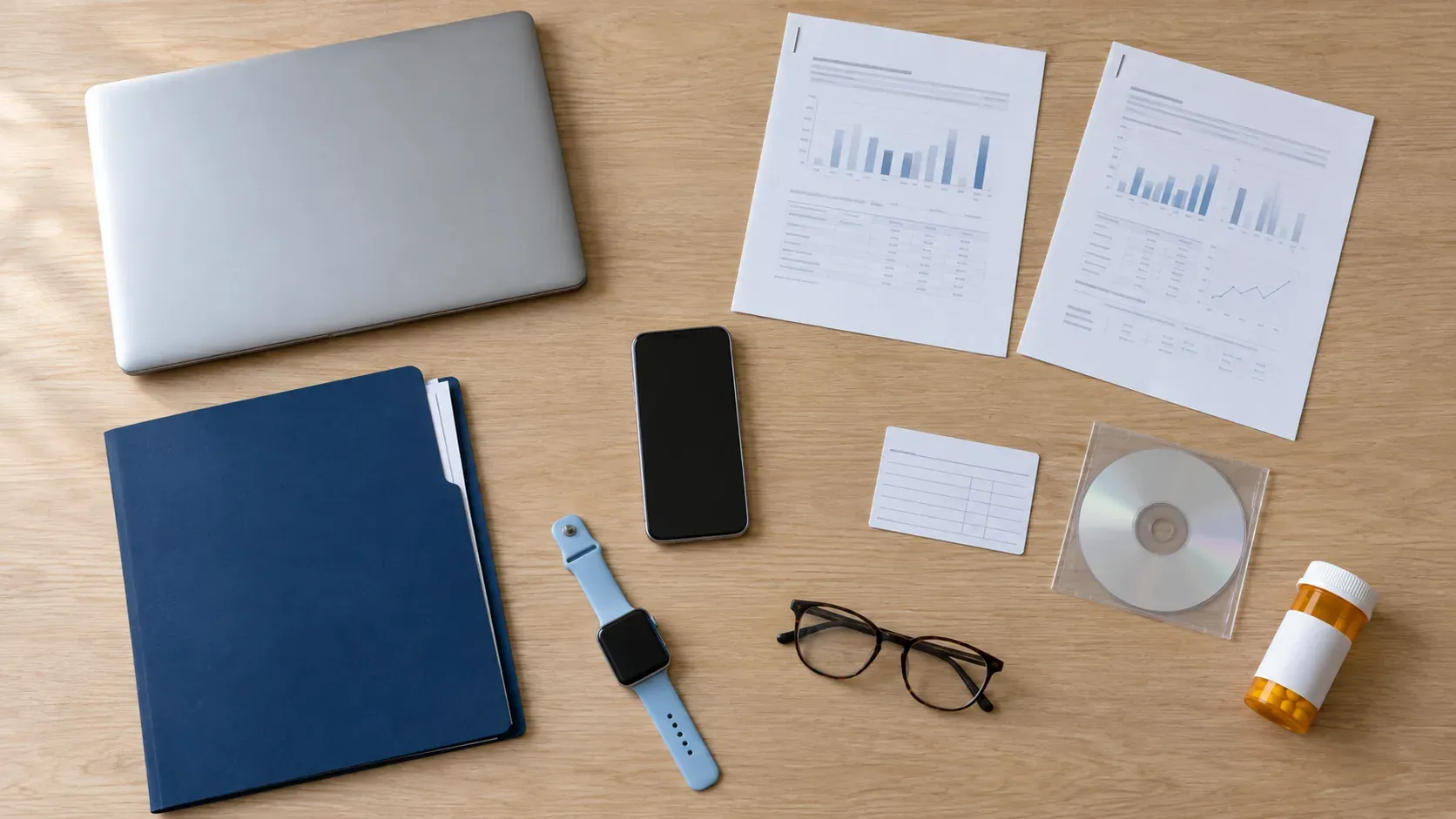
MyChart is organized around the organizations you’re connected to. Your health history isn’t: it sits in other portals, paper folders, imaging discs and devices, and often belongs to more than one person.
Use MyChart to
Use KeepMD to
Use both when
You see specialists in different health systems, care for a parent or child, or want your history ready before the next appointment. MyChart stays the front door to each organization. KeepMD is the personal health record you carry between them.
190M+ patients use MyChart, according to Epic
MyChart is Epic’s patient portal, offered by hospitals, clinics and health systems that use Epic software. Each organization decides which features to turn on, so details vary. When your provider offers MyChart, it is usually the most direct way to reach them.
Availability depends on each organization’s MyChart setup.
The two apps answer different questions. MyChart asks what one organization can show you. KeepMD asks what you need to keep.
| What you need | MyChartEpic’s patient portal | KeepMDYour personal health record |
|---|---|---|
| Message, schedule and pay | Built for it Built for it when your provider offers MyChart. | Not its job Not offered. Keep using MyChart for these. |
| New results from one health system | Built for it Results appear as your organization releases them. | Partly Arrive when you sync your MyChart connection. |
| Records from several health systems | Partly Link My Accounts shows participating organizations in one view. | Built for it Connect more than one Epic health system, each source labeled. |
| Paper records and PDFs | Not its job Shows what your organizations hold, not your own files. | Built for it Scan paper or import PDFs. KeepMD Vision reads results with your permission. |
| Family records | Partly Proxy access, with rules set by each organization. | Built for it Up to four separate profiles with KeepMD Plus, each with its own connections. |
| Records without a connection | Partly Your chart stays on each organization’s servers. Epic doesn’t advertise an offline mode. | Built for it Saved records stay on your phone and open offline. |
| Preparing for a new specialist | Partly Share Everywhere gives a clinician a temporary, web-based view of your record. | Built for it Visit prep with notes, questions and a specialist packet PDF. |
| Who keeps the copy | Partly Your provider runs the portal and decides what it shows. | Built for it You keep a read-only copy on your device and decide what to share. |
KeepMD connects to health systems that use Epic MyChart through FHIR, the patient-access standard hospitals offer to apps. You sign in on your organization’s own MyChart page, and KeepMD saves a read-only copy on your phone.
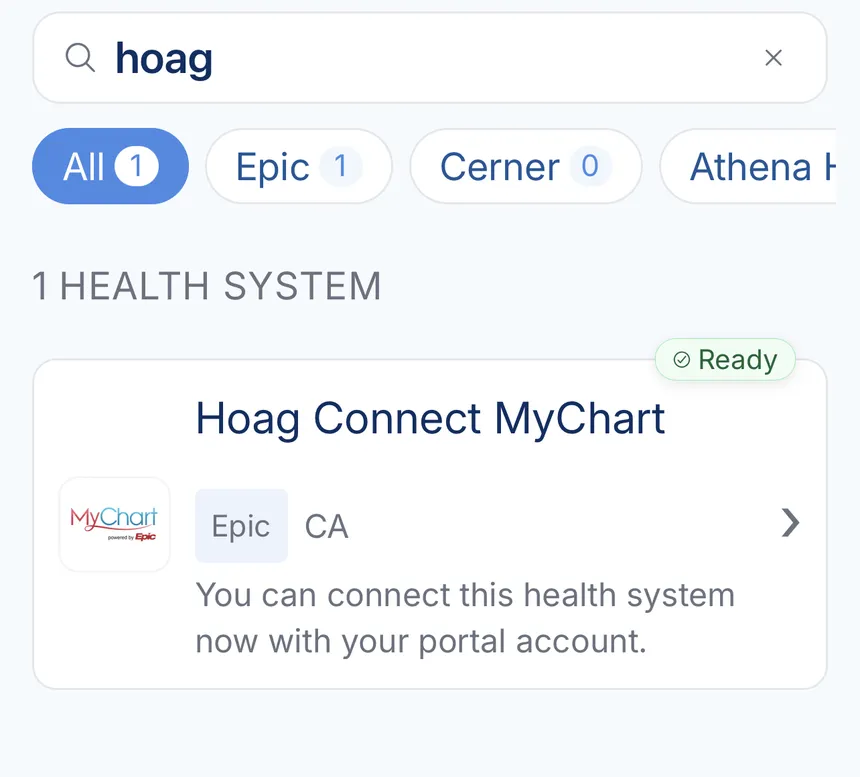
Search for your hospital in KeepMD. Health systems that use Epic MyChart show as ready to connect.
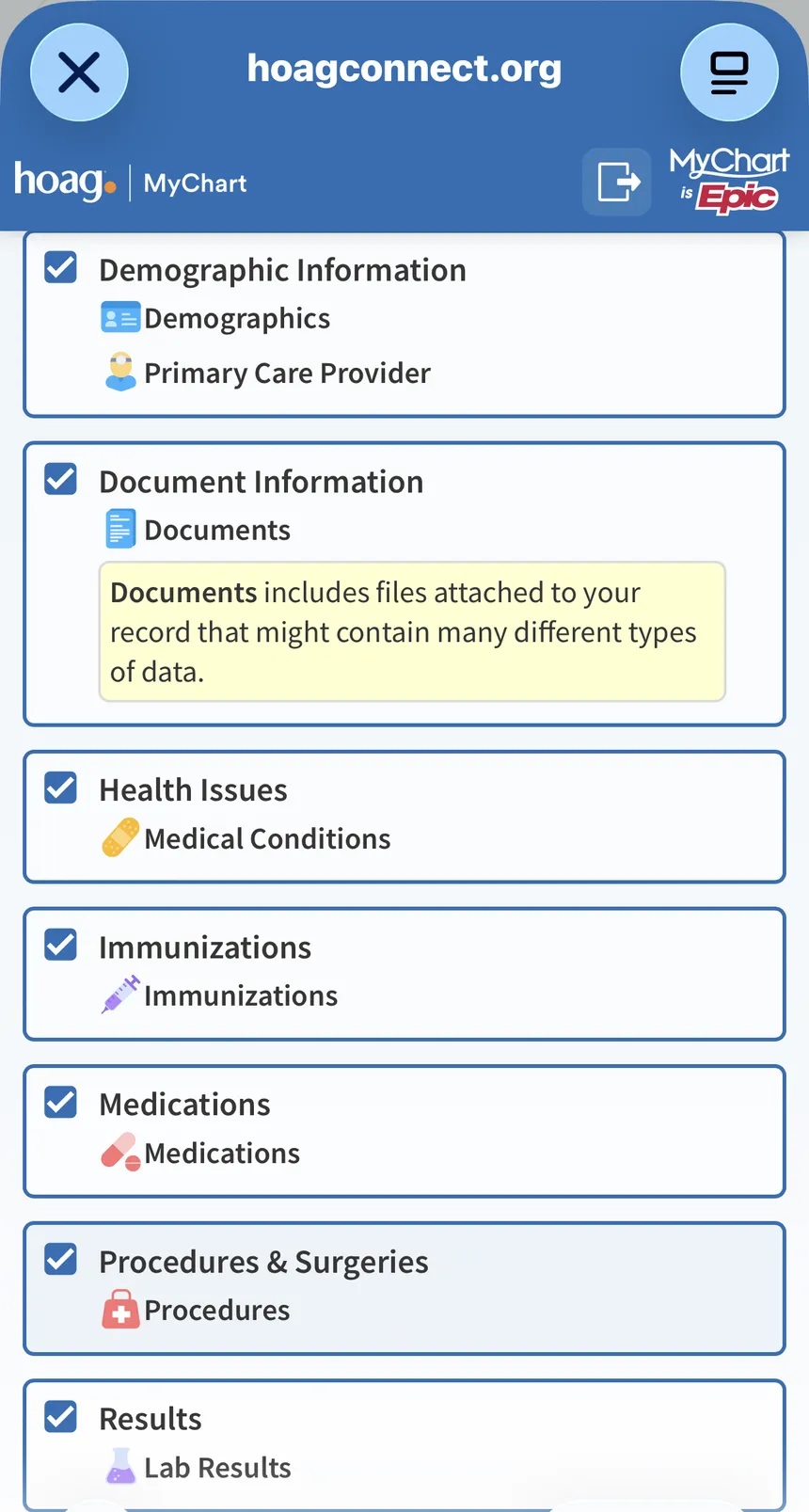
You sign in on your organization’s MyChart page, not inside KeepMD, then pick the record categories to share.
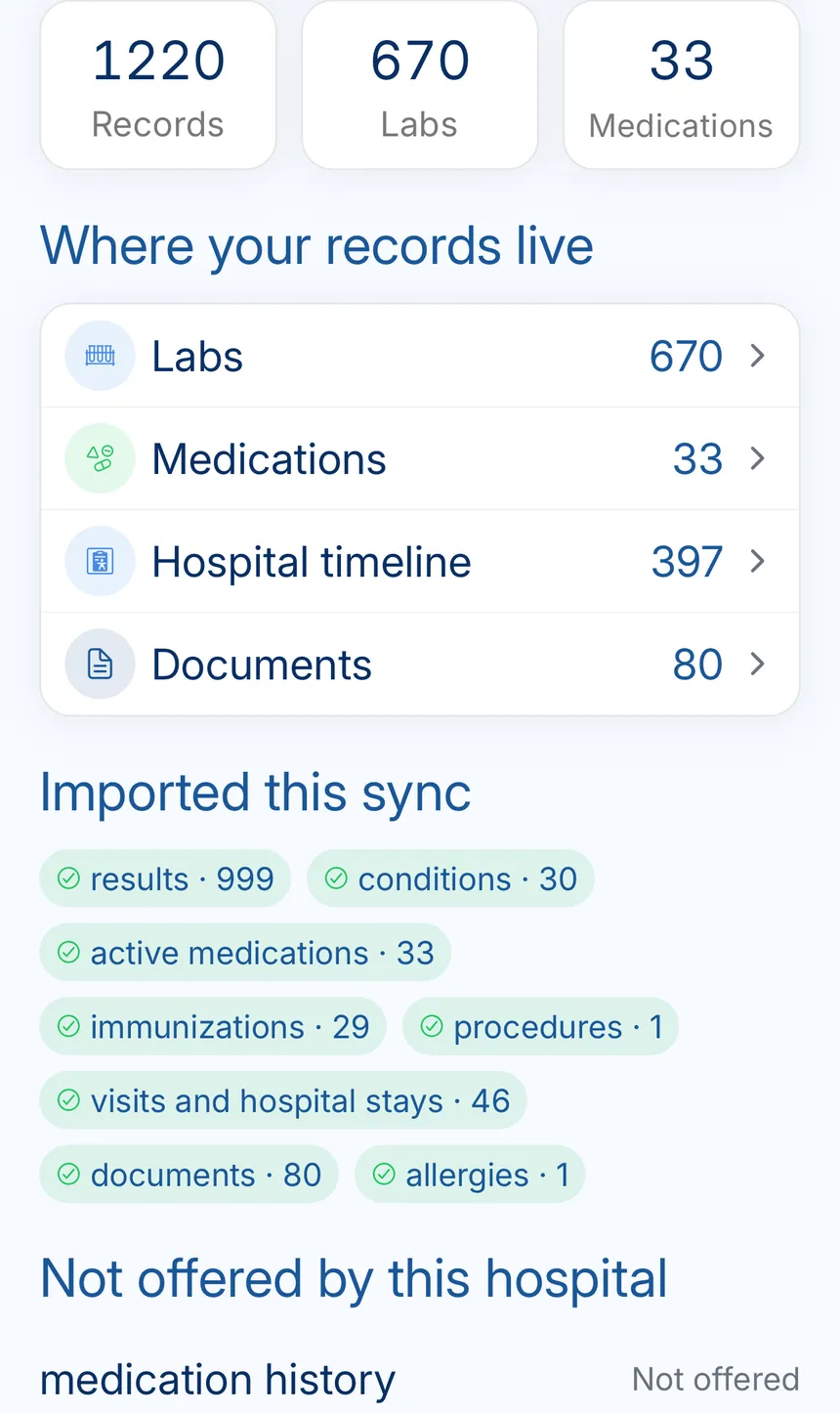
Labs, medications, conditions, immunizations, visits, procedures and documents arrive, depending on what your hospital shares. KeepMD never changes your chart.
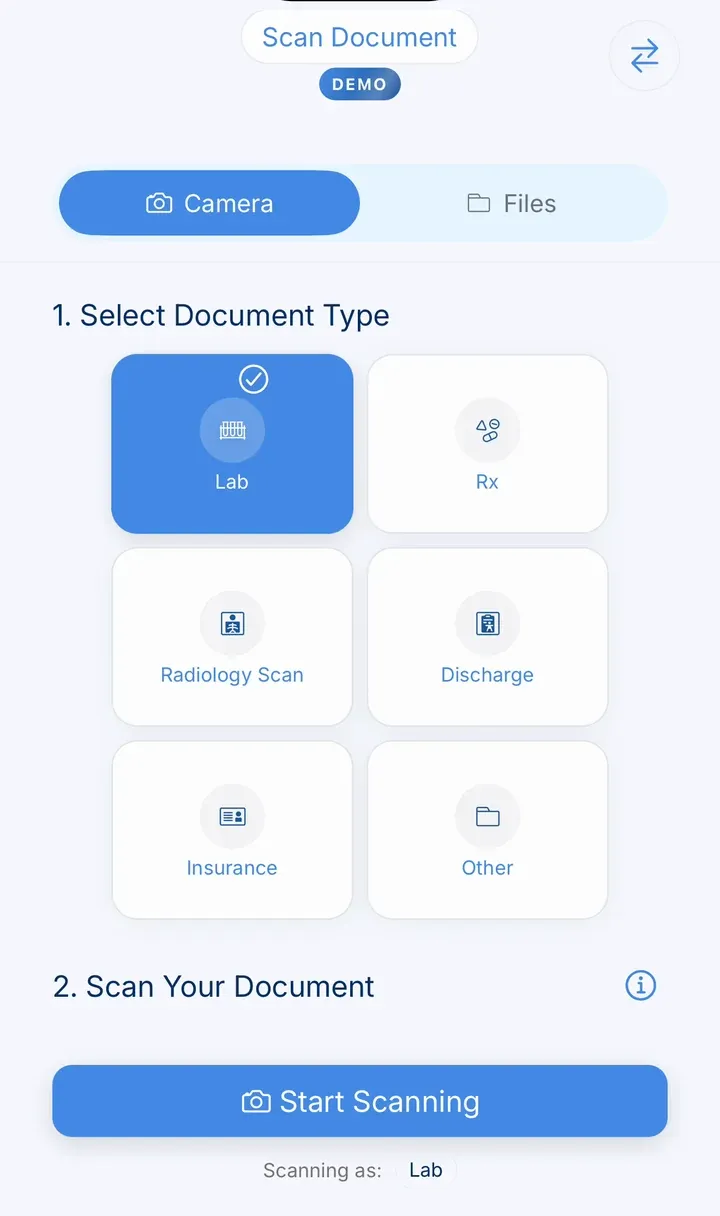
Scan paper records or import PDFs from offices that don’t use MyChart. With your permission, KeepMD Vision reads lab results so you can review them before saving.
MyChart’s Link My Accounts shows information from other participating organizations, and MyChart Central, rolling out since 2025, adds one Epic login across organizations that join it. KeepMD goes the other way: it connects to each Epic health system separately and keeps every record labeled with where it came from, next to your scans and family profiles.
Step-by-step guides for connecting specific hospitals, with the record categories each one shares.

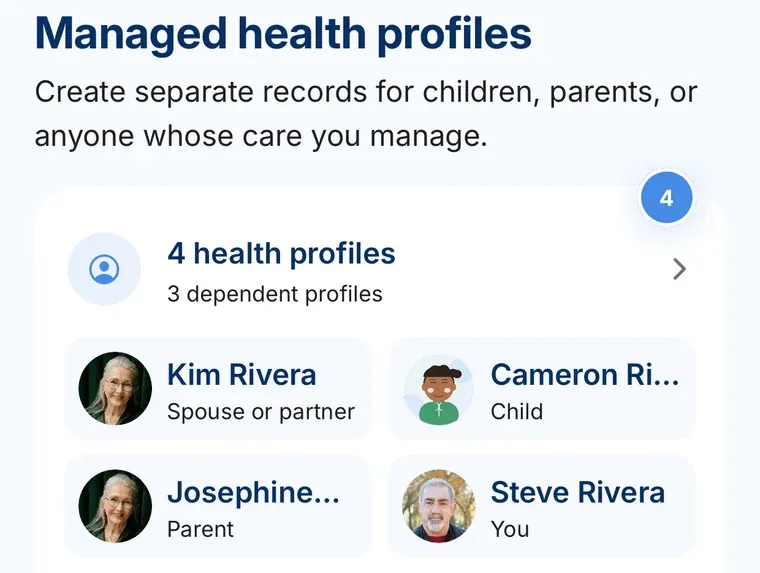
MyChart proxy access lets you see another person’s account when their organization allows it, and each organization sets its own rules. KeepMD Plus keeps up to four separate health profiles, including yours, each with its own records and hospital connections. Useful when caring for aging parents or keeping baby medical records from the first visit.

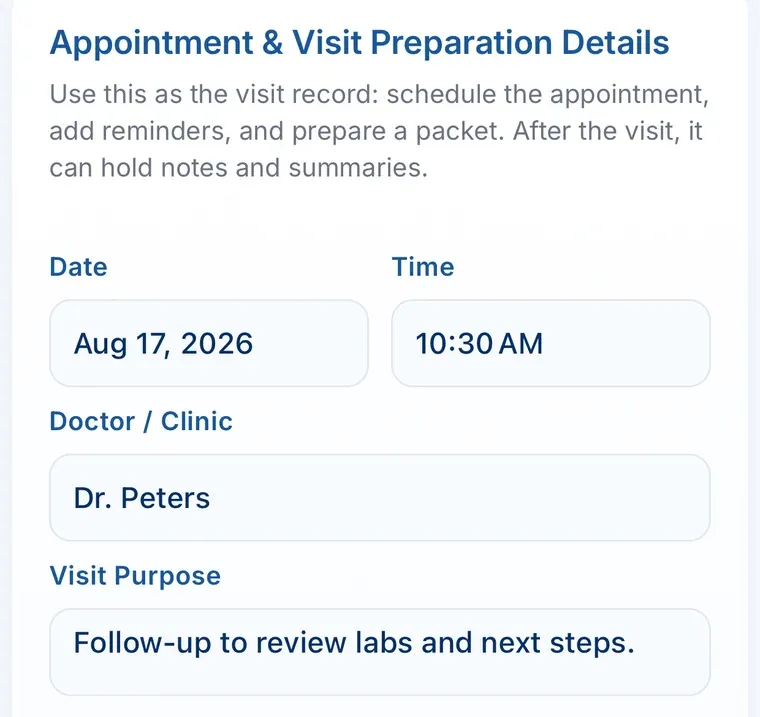
A new specialist may not use the same system as your other doctors. KeepMD keeps the appointment, your questions and notes together, and can make a one-page specialist packet PDF with labs for the timeframe you choose. Here’s how to prepare for a doctor visit.
Searching for apps like MyChart usually means one of three things. Pick the one that matches your problem.
Clinics that don’t use Epic offer their own portals, such as FollowMyHealth from Veradigm, healow from eClinicalWorks, athenahealth’s Patient Portal or Oracle Health’s Patient Portal. They work like MyChart for the providers that offer them, so each one adds a login rather than replacing one.
Phone health apps are strong for activity, sleep and device readings. They’re a different layer from a provider portal or a full medical record.
A record you keep yourself, across every provider. This is where KeepMD fits, next to MyChart rather than instead of it.
Most searches for a MyChart alternative don’t come from people who dislike MyChart. They come from people with three MyChart logins, a folder of paper results and a parent whose records live somewhere else. The portal works. The problem is that it only shows what each connected organization holds.
So the useful question isn’t which app replaces MyChart. It’s where the rest of the record goes. A personal health record answers that: one copy you keep yourself, built from your portals, your paperwork and your family’s history.
No. They are patient portals from different companies. MyChart is made by Epic, and FollowMyHealth is made by Veradigm, the company formerly known as Allscripts. Your provider chooses the software, so a hospital may use MyChart while your primary care office uses FollowMyHealth, healow or athenahealth’s portal.
GetWell Loop is something else again. Hospitals and doctors offer it around a specific surgery or episode of care, so it sits next to a portal rather than replacing one.
Usually, yes. MyChart lets you view and download visit summaries, and many organizations let you request a copy of your whole record. A readable copy typically arrives as a PDF. A computer-readable copy arrives as a folder of files and can take a few days to prepare. Menus and timing vary by organization.
A download is a snapshot. It doesn’t update, and it often ends up in a downloads folder you never open again. Connecting your health system to KeepMD gives you an organized copy you can sync again, and PDFs from other offices can sit in the same record.
Two federal rules work in your favor. The 21st Century Cures Act requires certified health IT to offer standard APIs, so patients can get their data through smartphone apps at no cost. Under HIPAA’s right of access, your provider generally can’t refuse to send your records to an app you pick.
There is a catch worth knowing. Once your records reach an app that isn’t covered by HIPAA, HIPAA no longer protects them there. Choose an app whose privacy model you understand. KeepMD keeps your records encrypted on your device, and its hospital connection only reads the categories you approve.
A patient portal is your provider’s window into their system. A personal health record is the copy you keep. The difference shows up when you change doctors, see specialists in different systems, care for a parent, or need an old result that never made it into any portal.
KeepMD lets you build that record without giving up the portals you already use. MyChart stays one source among several. KeepMD is where the whole story becomes easier to organize, search and bring to your next appointment.
Questions
No. MyChart is Epic's patient portal, offered by the healthcare organizations that use Epic, and it remains the way to message your care team, schedule visits and pay bills. KeepMD is a personal health record app that keeps your own copy of records from your MyChart health systems, paper files, PDFs and family profiles.
Yes. KeepMD connects to health systems that use Epic MyChart. You search for your health system in KeepMD, sign in on that organization's own MyChart page, choose the record categories to share, and KeepMD saves a read-only copy on your phone. Hospital connections are included with KeepMD Plus.
Yes. You can connect more than one Epic health system, and KeepMD labels each record with where it came from. You can add scans and PDFs from offices that don't use MyChart to the same record.
No. The connection is read-only. KeepMD saves a copy of the records you choose to share and never edits your hospital chart. You keep using MyChart exactly as before.
Direct connections cover health systems that use Epic MyChart today, with other record systems planned. For other portals, download your records as PDFs or scan paper copies, and keep them in KeepMD.
No. FollowMyHealth is a patient portal from Veradigm, and MyChart is Epic's. Which one you use depends on the software your provider chose, and many people end up with logins for both.
Need records MyChart doesn’t show? Learn how to request medical records and what your medical records rights cover, then keep what arrives in KeepMD.
Separate, organized records for everyone you look after.
Follow results across health systems, not one portal.
Tools for the parts of your record a portal leaves out.
For records your portal doesn’t show, like older notes or imaging.
How KeepMD keeps your copy on your device.
Integration guides for the devices people track at home.
Don’t just take our word for it. Compare KeepMD for yourself.