Not the originals, which stay with the NHS. You can get a copy of your records with a subject access request to your GP practice and to each hospital trust that treated you. It is normally free, and they should respond within one calendar month.
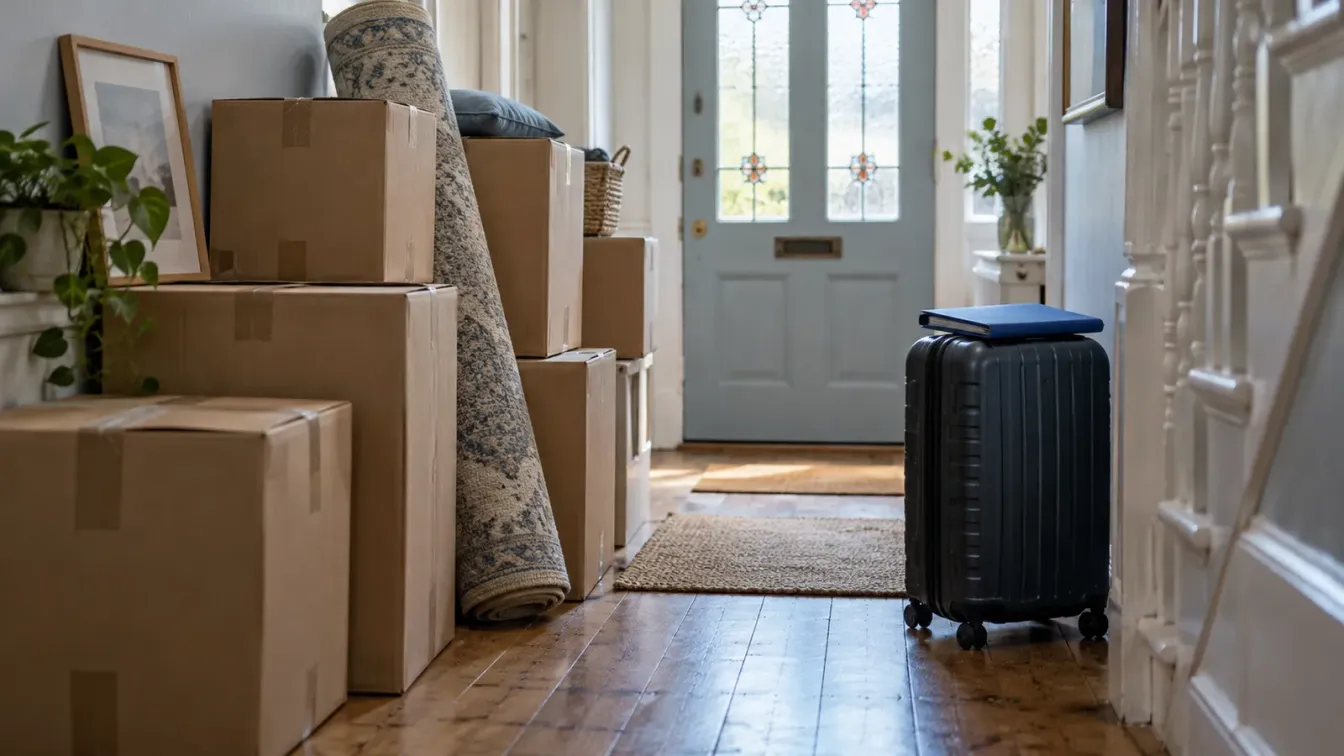
Moving abroad means a long list of things to sort out, and medical records are easy to leave until the last week. They are worth starting early. Once you leave the UK and your GP practice, the easy ways of seeing your records can stop, and getting copies from overseas is slower than getting them before you go.
This guide explains what happens to your NHS records when you leave, what to collect and when, and how to keep everything in a form a doctor in your new country can use. For an overview of where NHS records are kept, see our guide to NHS medical records.
What happens to your GP record when you leave
When you tell your GP practice that you are moving abroad, you are removed from its patient list. Your GP record is then stored by the NHS rather than travelling with you. You cannot take the original. If you come back to the UK and register with a GP again, your record can be passed on to your new practice.
Hospital records are separate. Each hospital trust that treated you keeps its own notes, letters, results and scans, and they stay with that trust when you move.
The practical effect is simple. If you want your history with you, you need copies, and the best time to get them is while you are still registered and still in the country.
Before you go: a checklist
Use this as a timeline. The order matters more than the exact dates: the slowest step is waiting for copies, so it goes first.
Before you leave the UK
Your last three months, on one line
A subject access request has a one-month response time, so the first step comes early.
- Two to three months out Ask for what takes time
- Subject access request to your GP practice
- One to each hospital trust that treated you, including scans
- Ask your GP about a supply of regular medicines
- One month out Download the quick files
- Letters and documents from the NHS App
- Anything in a hospital patient portal
- Your vaccination history
- Last week Check what arrived
- Chase any copies that are late
- Download image links before they expire
- Write a medication list with generic names
- Before you leave Tell your practice
- Let your GP practice know you are moving abroad
- Keep your copies somewhere you can reach from anywhere
If you only have a few weeks, compress the timeline rather than skipping steps. Send the requests today, download what you can this week, and ask each organisation whether it can send copies electronically so they reach you after you have gone.
A subject access request is normally free, and the organisation should respond within one calendar month. That is why the first step comes two to three months before you leave. Our subject access request guide for GP and hospital records has a sample letter you can adapt.
Download what you can while you still have access

The NHS App shows your GP record in England: prescriptions, documents, test results and more, depending on your practice. GP letters and other documents can be opened and saved. Test results cannot be downloaded from the app, so take a screenshot of each result you want to keep, or ask your practice for a printed copy.
If a hospital has given you access to its patient portal, check that too. Several trusts use portals such as MyMFT or MyChart that show their letters and results. Save the documents you need from each one.
Do not assume these apps will keep working after you leave. Your GP record in the NHS App depends on being registered with a practice. Our guide to the NHS App GP record explains what each section contains and what it leaves out.
Get the parts the apps do not show
The NHS App does not show everything. Entries from before late 2023 may need a separate request. Hospital results, private tests and scans are often missing. A subject access request fills those gaps.
Send one request to your GP practice and one to the records team at each hospital trust that treated you. Be specific about what you need. If you want scans, ask for them by name and give the date of each exam, and ask for the full image files rather than only the written report. Many trusts now send images as a secure download link that expires after a few weeks, so download them as soon as the link arrives.
Make your records useful to a doctor abroad

A doctor in another country will not know NHS shorthand, local services or UK brand names. A few small steps help.
Write a medication list with generic names. Include the dose, how often you take it and what it is for. Brand names differ between countries, but generic names are widely recognised.
Keep a short summary on top. One page listing your main conditions, past operations, allergies and current medicines is often more useful at a first appointment than a large file.
Think about translation. If you are moving to a country where English is not widely used, ask your new doctor what they need. For important documents, use a professional medical translator rather than relying on a quick machine translation.
Keep imaging in its original format. Scan images are usually stored as DICOM files. A doctor abroad can load these into their own system, which is not possible with a photo of a screen.
Keep it on your phone, not in a box
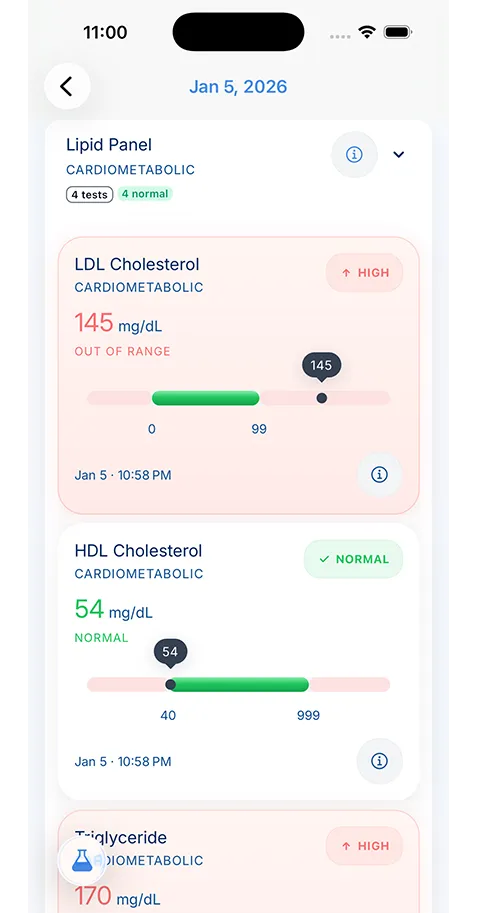
Paper copies are easy to lose in a move, and a folder of PDFs in an email inbox is hard to search at the moment someone asks for last year’s blood results. KeepMD is a personal health record app for keeping your copies together:
- Save NHS documents. Pick a PDF you downloaded from the NHS App or a hospital portal, or a screenshot of a test result.
- Scan paper records. Photograph letters, discharge summaries and a child’s Red Book with your phone’s camera.
- Review before saving. KeepMD Vision reads the values on the page after you give consent, and you check every value before anything is saved.
- Keep family records apart. Use a separate profile for each family member moving with you.
Where your records live
On your phone. Not on our servers.
- Stored on your device, encrypted. Every record, scan and lab value lives on your phone or tablet.
- No KeepMD records server. A breach of our systems cannot expose your records, because our systems do not hold them.
- Backup you hold the key to. On KeepMD Plus, backup is encrypted on your phone before it leaves. On iPhone it goes to your own iCloud.
Reading a scanned page uses KeepMD's processing service, only with your consent. The record it creates is saved on your phone.
Your records stay encrypted on your phone, so they travel with you and are there without a signal when you need them. KeepMD does not connect to the NHS App or GP systems; you choose what to add. When you see a new doctor, you can share the documents they ask for. See medical document scanning for how scanning works.
If you have already left
You can still get your records. Send a subject access request by email or post to your former GP practice or to the hospital trust. Expect to prove your identity, and allow extra time if documents are sent by post. If you are not sure which practice held your record, start with the last one you were registered with.
Email is usually the easiest route from abroad. Ask for electronic copies, so you are not waiting for international post, and ask for scans as a download link rather than a disc. If the practice has closed or merged since you left, ask the practice that took over its patients, or your local NHS support services, where your record is now held.
Coming back to the UK
If you return and register with a GP again, your record can be passed to your new practice, though this can take time. Bring your own copies to your first appointment so your new GP has your recent history straight away.
That matters most for anything that happened while you were abroad. The NHS keeps no record of treatment you had in another country unless you or your doctor provide it. Bring discharge summaries, test results, vaccination certificates and a current medication list from your overseas doctor, ideally in English or with a translation, and ask your new practice to add the important parts to your record.