The app shows your GP record, not your hospital records, and your practice decides how much of the older record you can see. New entries since late 2023 are usually visible. For older entries, ask your practice for access to your historic record.
The NHS App is the easiest way to see your GP record in England, and for many people it shows more than they expected. It also leaves things out. People open it hoping for “all my medical records” and find a few years of entries, no hospital results, or only a list of medicines.
This guide explains what each part of the app shows, why some of your record is not there, and how to get the rest. For an overview of where every kind of NHS record is kept, see our guide to NHS medical records.
What the NHS App shows
The app shows your GP health record, which is held by your GP practice. Depending on your practice, the record can include:
| Section | What you may see |
|---|---|
| Prescriptions | Current and past medicines, and repeat prescriptions |
| Allergies | Allergies and adverse reactions recorded by your practice |
| Test results | Results of tests your GP ordered, with any comments |
| Documents | Letters and other documents your practice has received or written |
| Vaccinations | Vaccinations recorded on your GP record |
| Health conditions | Diagnoses and conditions recorded by your practice |
| Consultations | Notes from appointments with your practice |
The summary part of the record, mainly medicines and allergies, is what most people can always see. The fuller parts depend on your practice and on the dates involved.
New entries and older entries
Since the 2023 change to the GP contract, practices in England have been giving patients online access to new information added to their GP record from late 2023 onwards. Unless you opted out, or your practice had a specific reason not to, you should see new entries without asking.
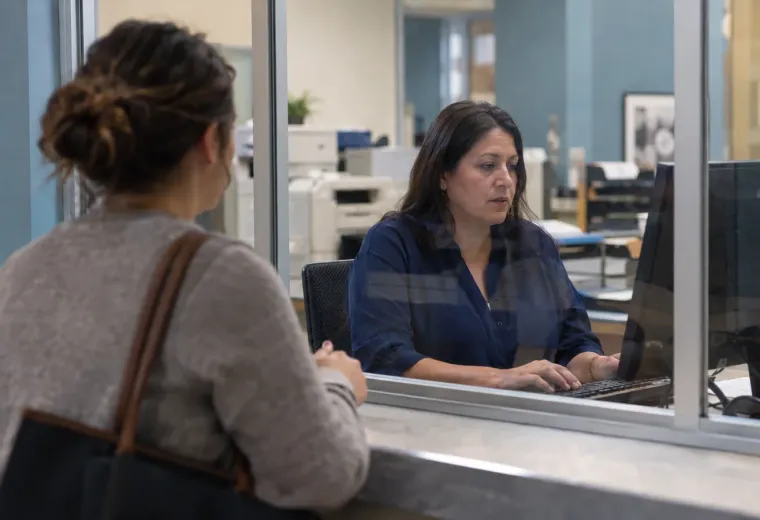
Historic access usually starts with a request at reception.
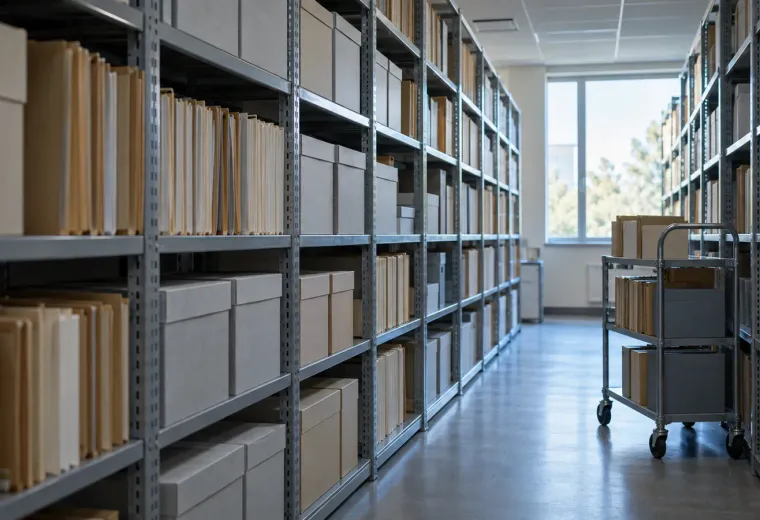
Entries from before then are treated differently. If you want to see your older record online, ask your practice for access to your historic record. You can usually ask at reception, by phone or through the practice’s online form. Something like this works:
I would like online access to my full historic GP record in the NHS App, including my detailed coded record, consultation notes and documents.
The practice may need to review your record before switching this on, because a GP can withhold information that could cause serious harm or that is about someone else. If a request is refused or only partly granted, you can still ask for a copy of your record instead (see below).
What is usually missing
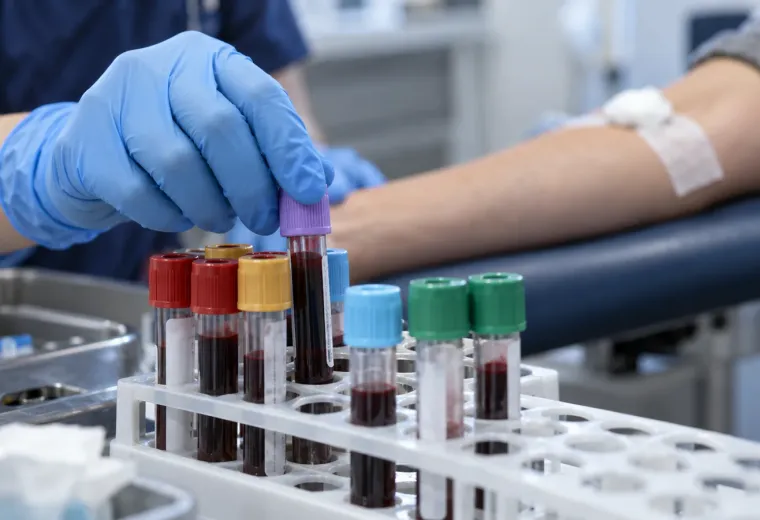
Even with full access, the NHS App only shows what your GP practice holds. The biggest gap is hospital care. Tests ordered by a hospital often stay in the hospital’s own system. Some appear in your GP record once the hospital writes to your GP, usually as a letter rather than as individual results, but many never do. Private tests and treatment are held by the private provider, and NHS England’s guidance on test results in the NHS App notes that some maternity and genetic test results are not shown in the app at all. Results from before late 2023 may also be missing unless your practice has given you historic access.
Some hospital trusts have their own patient portal, which can show their letters and results. In some areas you can open it from inside the NHS App. Our NHS medical records guide lists several trusts’ portals. Even then, portals usually show the written report of a scan rather than the images.
Read the gaps
What you see, and what may be missing
The NHS App shows what your GP practice holds. Everything else lives somewhere else.
What you can see What may be missing
Test results Tests your GP ordered, with any comments, usually from late 2023. Hospital, private, and some maternity and genetic results.
Letters Letters your practice wrote or received, which you can save. Hospital letters that never reached your GP.
Older entries New entries since your practice switched on prospective access. Anything earlier, until you ask for historic access.
Scans Sometimes a summary of the report in a letter. The images themselves, which come from the hospital on request.
Saving what you can
A printed copy or a screenshot keeps results you cannot download.
Documents such as GP letters can be opened and saved from the app, so download any you want to keep. Give each file a clear name with the date and the source, such as the hospital or clinic that wrote it, because “document.pdf” means little a year later.
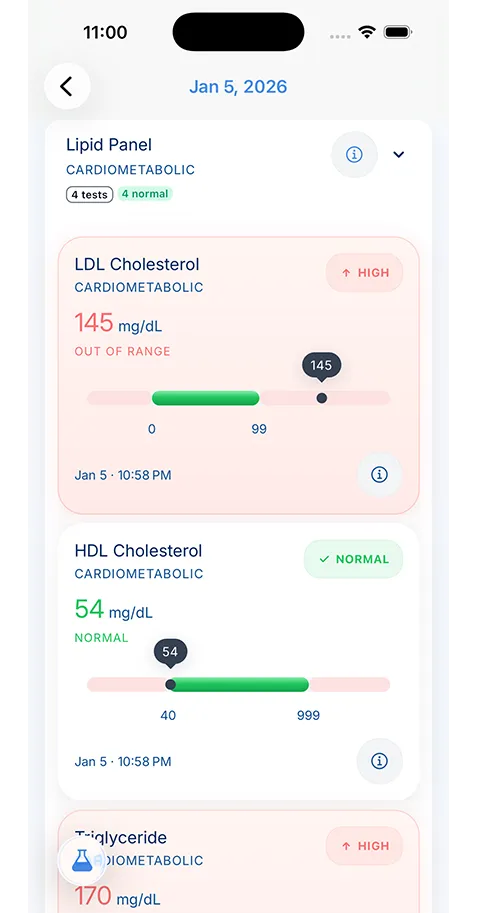
Test results are different: you can view them, but at the moment you cannot download them from the app. To keep a copy, take a screenshot of each result, including the date, the value, the units and the reference range, or ask your practice for a printed or electronic copy. A screenshot is fine for your own reference. If another organisation needs an official copy, ask your practice for one.
When the app is not enough
If you need records the app does not show, such as hospital notes, scans, or your whole history in one go, ask the organisation that holds them for a copy. This is a subject access request. It is normally free, and the organisation should respond within one calendar month. Our subject access request guide for GP and hospital records includes a sample letter.
Send a separate request to each place that holds records: your GP practice for your GP record, and each hospital trust for its own notes. Be specific about dates and departments, and ask for scans by name if you need the images.
If something in your record looks wrong
Reading your record for the first time can turn up surprises: an old diagnosis that was ruled out, a medicine you never took, or a test you do not remember. Some of these are coding shortcuts, and some are mistakes. If something looks wrong, contact your practice and explain what you think is incorrect.
Factual errors, such as a wrong date or an allergy you do not have, can be corrected. A clinician’s opinion is not usually changed, but you can ask for a note of your view to be added to the record. If an entry worries you, ask to discuss it at your next appointment rather than drawing conclusions from a code on a screen.
Seeing a child’s or relative’s record
Parents with parental responsibility can ask their GP practice for proxy access to a child’s record in the NHS App. Practices review this as the child gets older, typically around ages 11 to 13 and again at 16, because older children have a right to confidentiality too. Adults can also give a carer or relative proxy access to their own record. Ask your practice how it handles proxy access, because the process and the checks vary from one practice to another.
Outside England
The NHS App described here is for people registered with a GP practice in England. The other UK nations have their own services. In Wales, the NHS Wales App shows prescriptions, appointments and waiting-list information, with more of the GP record planned. In Scotland, MyCare.scot is being rolled out and currently shows a limited set of information, such as medicines, allergies and vaccinations. In Northern Ireland, My Care shows a subset of hospital information from the encompass record. In every nation, a subject access request remains the route to a full copy.
Keep your own copy
The NHS App shows your record while you are registered with a GP practice in England. If you move practice, move to another UK nation or move abroad, what you can see can change. A copy you keep yourself does not depend on that.
KeepMD is a personal health record app for keeping those copies together:
- Save NHS documents. Pick a PDF letter you downloaded from the NHS App, or a screenshot of a test result.
- Scan paper records. Photograph letters and older paper records with your phone’s camera.
- Review before saving. KeepMD Vision reads the values on the page after you give consent, and you check every value before it is saved.
- Keep family records apart. Use a separate profile for each person you look after.
Where your records live
On your phone. Not on our servers.
- Stored on your device, encrypted. Every record, scan and lab value lives on your phone or tablet.
- No KeepMD records server. A breach of our systems cannot expose your records, because our systems do not hold them.
- Backup you hold the key to. On KeepMD Plus, backup is encrypted on your phone before it leaves. On iPhone it goes to your own iCloud.
Reading a scanned page uses KeepMD's processing service, only with your consent. The record it creates is saved on your phone.
Your records stay encrypted on your phone. KeepMD does not connect to the NHS App or GP systems; you choose what to add. See medical document scanning for how it works.