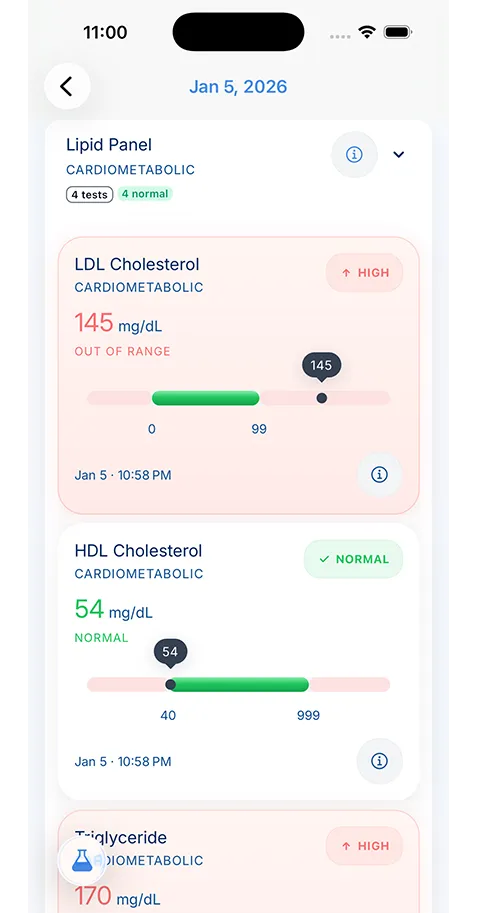
Sometimes. A provider portal or participating immunization registry may offer online access. Availability, identity checks and the request process depend on the source; some records require contacting an office.
Can you get a copy of your immunization records online? Often, yes: through your provider’s patient portal or your state or local immunization registry, if that service offers online access. The useful first question is where the information was recorded. There is no single patient search that guarantees a complete vaccination history from every location.
If you need a record for a child, start with the pediatrician’s office and its parent-access process. If the request is for school, camp or another institution, confirm the required source and format before downloading or sending a copy. The checklist above can help you track the work; the steps below explain how to make each request more useful.
Start with the provider’s official portal or records office
Open the clinic’s official website and follow its own link to the patient portal. Look for the child’s or your own vaccination history, health summary or document-download area. Labels differ by provider. If you cannot find the information, contact the records department or portal support rather than assuming that the clinic has no record.
For a child, check that you are viewing the correct person’s account and using the access the provider has granted you. A parent may need a separate proxy process. As one example, Nemours publishes its records-request and release instructions; use the instructions of the actual provider you are contacting, not another hospital’s rules.
Be precise about the document you need. “Vaccination history for a school records request” gives an office more context than “send everything.” Ask whether the record includes all available dates or only information from a particular practice. Save the original download if one is supplied, and note which office issued it.
Use the official directory to find a registry
If the provider route does not give you the records you need, the relevant immunization information system, or IIS, is another place to investigate. CDC maintains a directory of state and local immunization-record contacts. Use it to reach the jurisdiction’s own instructions rather than relying on an old list of links in a social post.
The CDC’s IIS explanation describes these systems as databases containing records reported by participating providers in a geographic area. They serve a different role from a personal record app. Online access, identity matching and the information available to you depend on the service.
Follow the registry’s official route even if it sends you to an app or a separate access service. Do not assume that an app with “vaccine” in its name is your state’s official channel. Check the referring government or registry page and read the request instructions before entering personal information.
Build a short list of sources still to contact
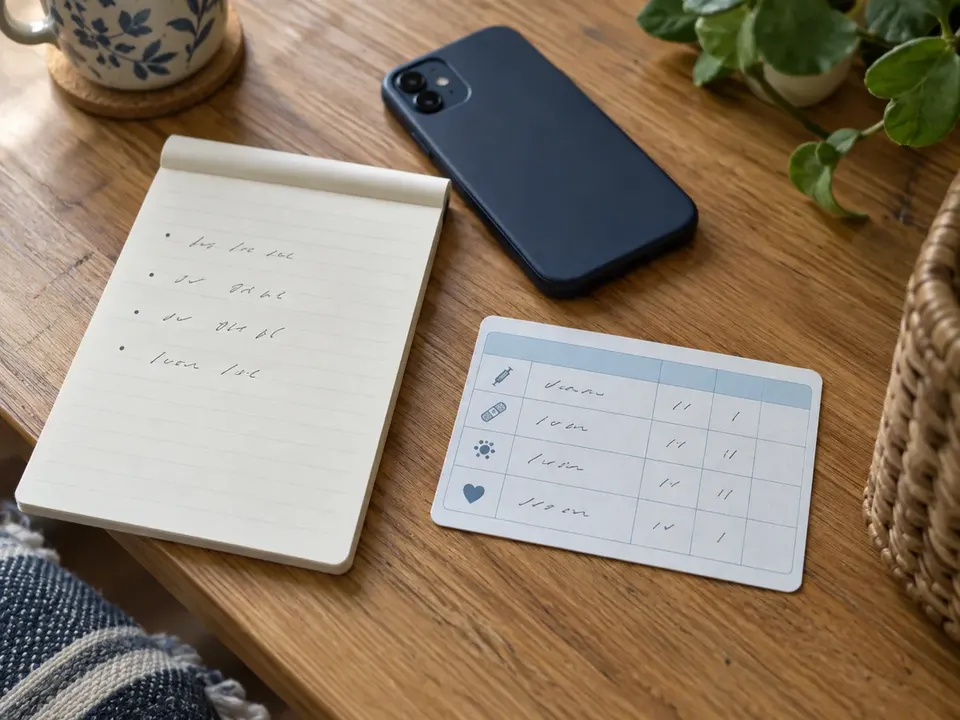
Location, period, reason: enough to start asking the right offices.
A vaccination history can span more than one clinic, pharmacy or state. Instead of repeating the same search, make a short private list of likely sources. Include the location, the period involved and the reason you think it may have part of the record. You do not need to remember every date to begin asking the appropriate offices.
For a child, earlier pediatricians or a previous school may be worth contacting. CDC’s child-record guidance identifies providers, registries and schools as possible sources and notes that records may be incomplete or retained for limited periods. A source you used years ago is an option to check, not a guarantee.
| Possible source | Useful first question | Keep in your request notes |
|---|---|---|
| Current clinic | Can I obtain the vaccination history you hold? | Office, request date and instructions |
| Previous provider or pharmacy | Do you still hold records from this period? | Location and approximate period |
| Relevant IIS | What is your record-access process? | Official service and identity requirements |
| Previous school | Do you retain the copy we supplied? | School and period attended |
This simple log helps you follow the office’s response instructions and avoid sending the same request twice without realizing it.
Ask for a copy that fits the actual purpose
Before completing a request, find out what the recipient needs. A school may have a particular form; a new clinician may want a provider-to-provider transfer; a travel-related request may involve different documentation. An easily readable personal summary is useful to you, but it does not automatically satisfy another organization’s process.
Ask the source whether it can provide the relevant record and how it will deliver it. Use the office’s own identity and authorization steps. Avoid sending sensitive details through an address or form you have not confirmed. If you need more than vaccination history, our guide to requesting medical records explains the broader record-gathering workflow.
Keep the request focused. Specify whose record you need and the relevant document type through the authorized channel. If a deadline is approaching, tell the office and ask about its current process; do not assume an immediate turnaround. The ONC patient guide provides additional guidance on obtaining and using health records.
Check the copy before filing or forwarding it
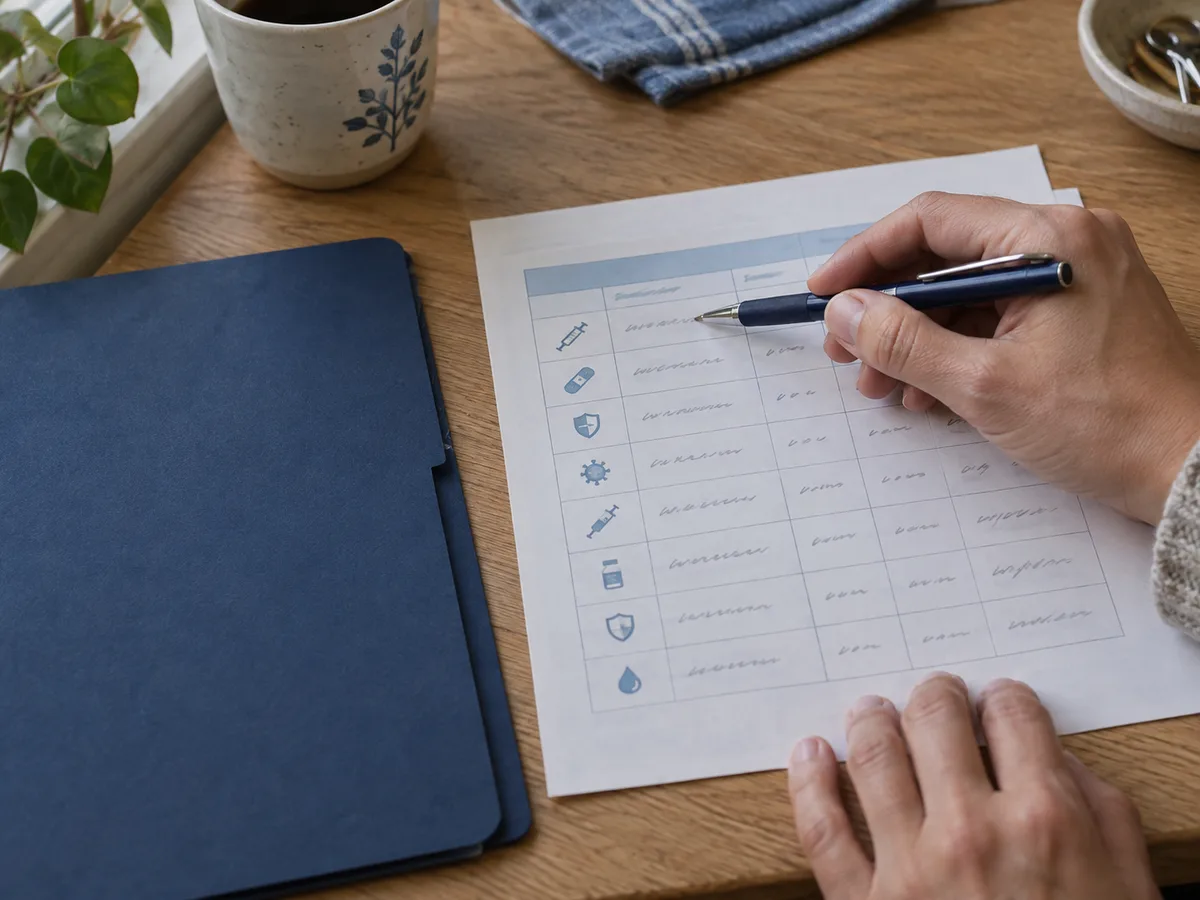
Name and birth date first, then source, issue date and page count.
When the record arrives, begin with the person’s name and birth date. Confirm that it belongs to the intended person before saving it to a child or adult profile. Then check the source, the issue date and whether all pages are present. Keep a legible original copy rather than retaining only a cropped screenshot of part of the page.
Look for questions you need to send back to the source. The record may cover a different period than you expected, omit a page or contain a detail that does not match another document. Make a note of the exact issue and ask the office to review it. Do not silently change the original file or present a corrected personal note as if the provider issued it.
If you maintain a summary, distinguish that summary from the source document. A parent-added note can be helpful, but it should be identifiable as a note. This habit matters when a future clinician needs to understand where a date came from.
Treat missing information as a question to resolve
Not finding an entry can be frustrating, especially when you remember the appointment. It can mean that a record was not transferred, was not reported to that system or is held by another source. The absence of an entry does not establish that the vaccination did not happen.
Return to the provider or registry with a specific question and the information it asks you to supply. Keep any supporting source document available. If there are conflicting entries, ask the source to investigate rather than choosing whichever version looks more convenient for a form.
Bring unresolved history to a clinician. This guide does not recommend repeating a vaccine, choosing an antibody test or deciding that a series is complete. Those are clinical decisions. KeepMD’s immunization record tracker can help you review stored information and its source, while your care team advises you about what the history means.
Give each person’s records a dependable home
After retrieval, organize the copies so you do not have to start from scratch next time. Separate each household member’s information and use a consistent date-and-source label. A newborn’s first documents should not disappear into a parent’s folder simply because one adult manages both sets of records.
A baby medical records organizer can connect vaccination history to the wider record-keeping routine. KeepMD supports separate local profiles, manual immunization entries and provider imports where the connection exposes the information. It is not an official registry, a universal record-finding service or a certificate issuer.
Keep the source copies available alongside your organizing workflow. For a new baby, the newborn medical records checklist helps you give other early documents a place too. A personal timeline is easier to use when you can still explain which office or document supplied its information.
Finish the request with a clear handoff
Before sending a record on, check the recipient, the requested format and the approved delivery method. Send the information needed for that purpose rather than an entire health archive. Keep a copy of what you sent, along with the submission date and any acknowledgement.
For enrollment paperwork, the daycare and school health-records checklist helps you separate getting the record from completing the institution’s forms. Receiving a file does not automatically mean the school has accepted the packet. Follow up through its stated process if a confirmation is missing.
Finally, keep the source and request notes with your organize family health records. The next time a provider asks for the history, you will know where the copy came from, what it covers and which questions remain open. That is a useful result even when the first search did not produce every record.