

A baby brings a new kind of paperwork
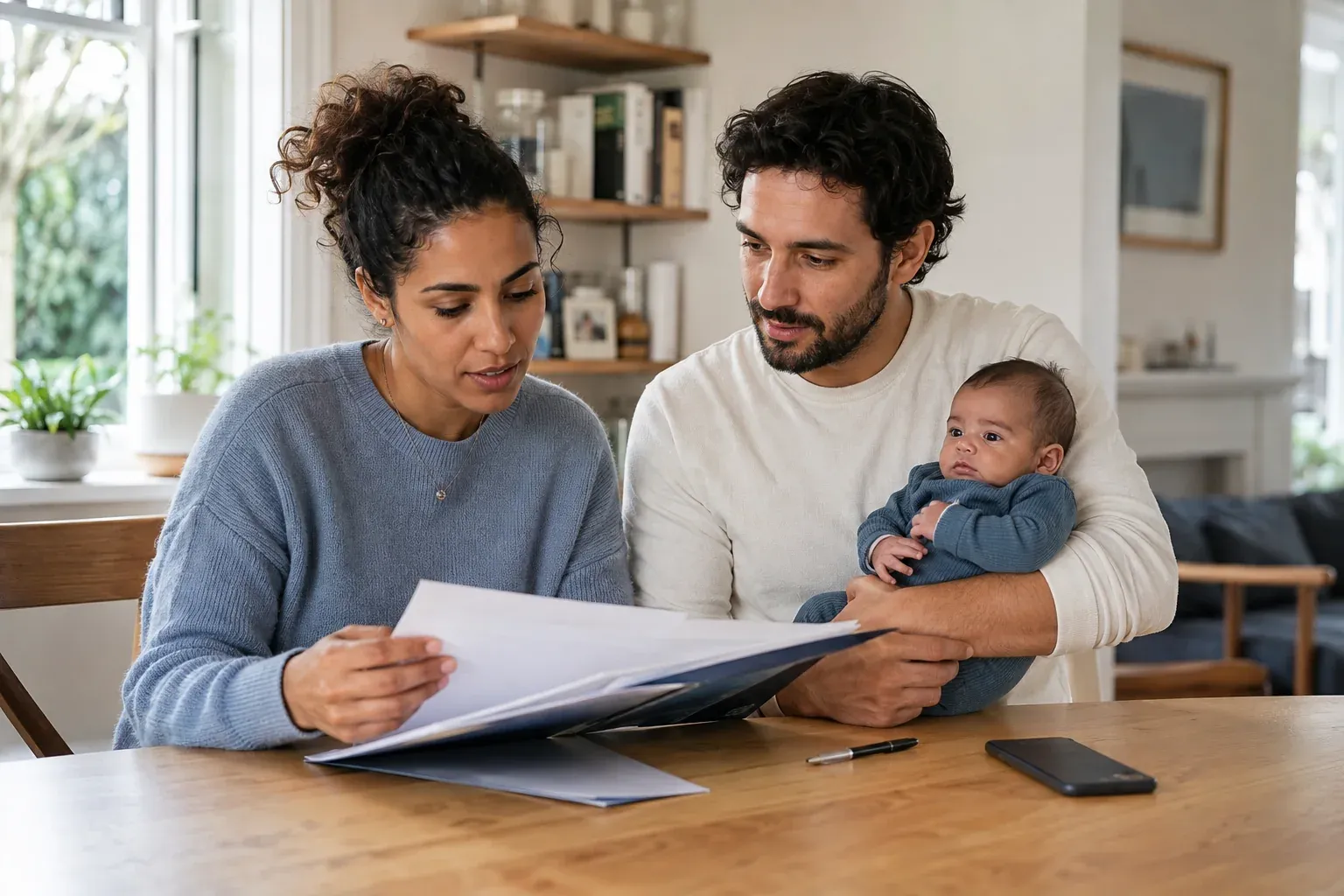
The first folder can arrive before you have settled into life at home. There may be discharge instructions, a follow-up appointment, screening information and a portal invitation. Soon there is another visit summary, another question and another document to keep. Years later, a school form may send you looking for a detail from one of those early appointments.
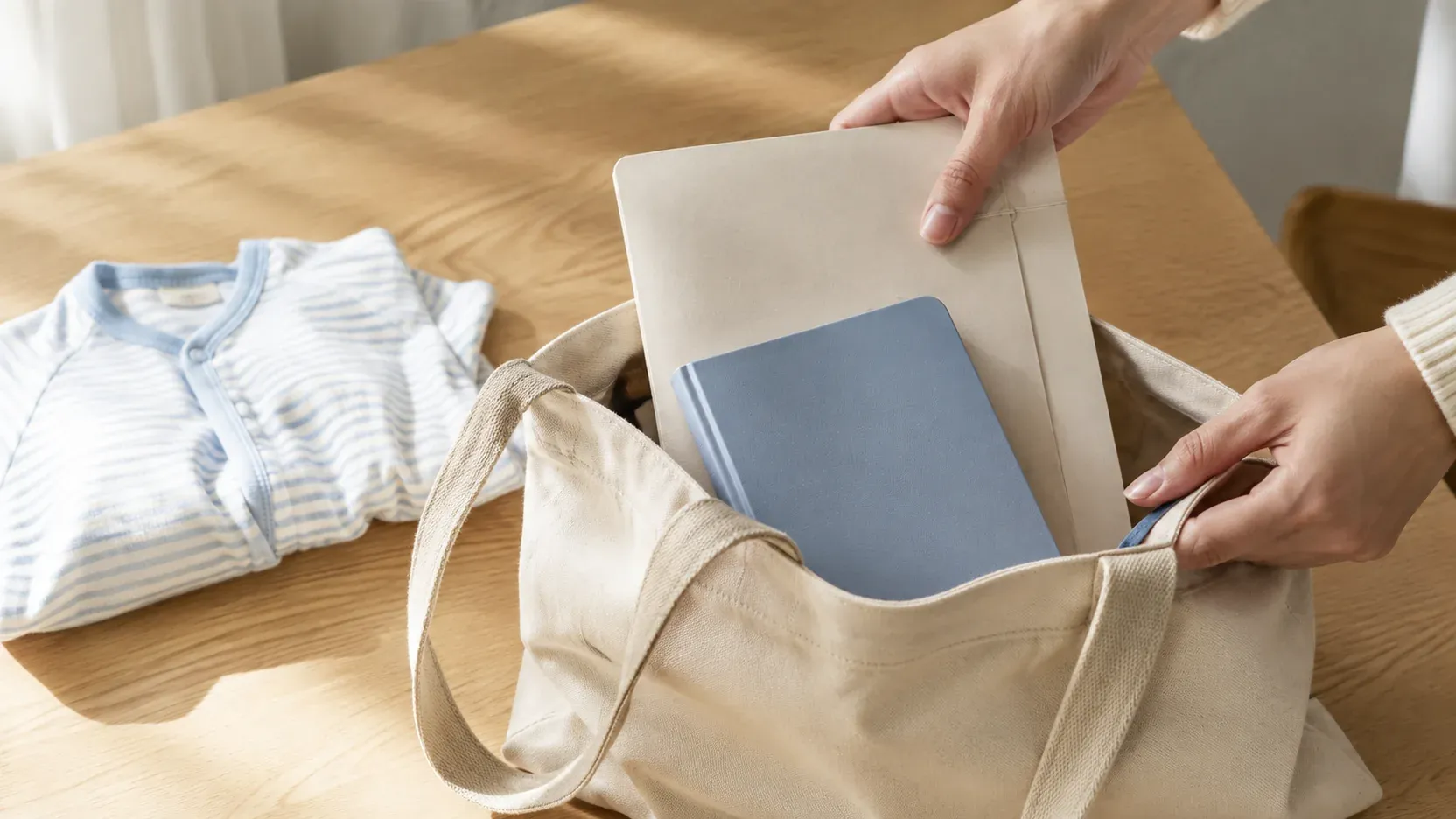
A baby medical records organizer gives that information a home. The aim is simple: when you need a record, know which child’s history it belongs to, where it came from and how to find the original. You can begin with a paper folder, a digital system or a combination. What matters is having a routine you can repeat.
KeepMD brings that record-keeping work into a personal health record. You can keep separate profiles, review stored information and prepare for care conversations. Start with our newborn medical records checklist if you are still working through the first set of paperwork.
Separate children, separate histories
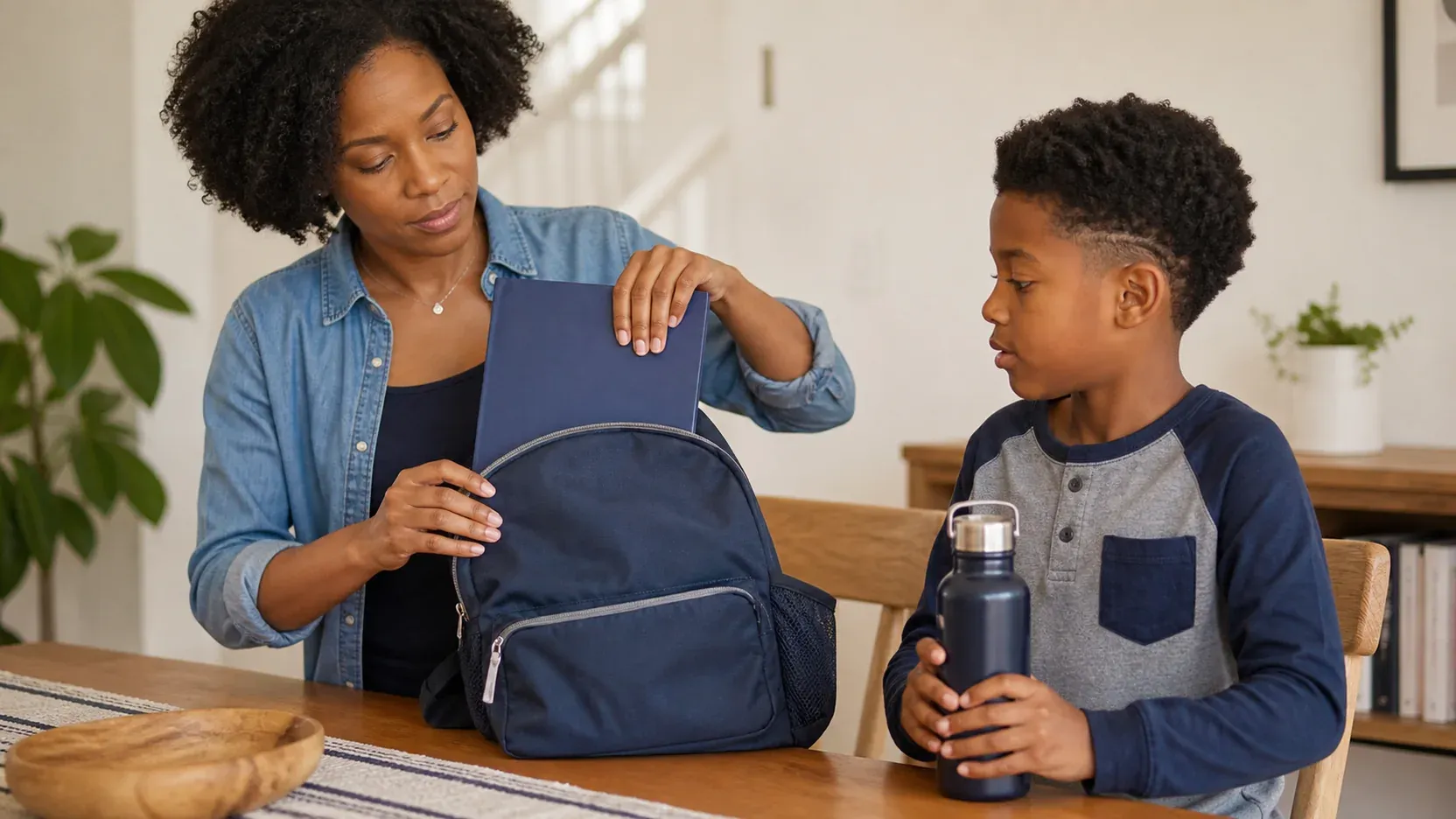
Managing records for two children is more than having twice as many documents. They may see different clinicians, have different medications and need forms at different times. Similar names on a download or two appointments in the same week can make a shared folder confusing. A separate record for each child gives every new item a clear destination.
For example, imagine a parent with a baby and an older child. The baby’s discharge summary belongs in the baby’s record. The older child’s visit information belongs in theirs. The parent’s own health information stays separate too. This example uses three profiles; it does not require a shared login or a remote account for each person.
KeepMD Plus includes up to four active local profiles, counting your own. Review the KeepMD plans when deciding whether that capacity fits your household. Restoring a purchase on another device does not, by itself, synchronize independently created family records. If another caregiver needs information, decide deliberately what to share and how to provide it.
Keep useful context around the record
A filename such as “download.pdf” does not tell you much in a waiting room. A clearer label includes the child, the visit date and the provider. When you organize records, preserve the original document and distinguish it from notes you have added yourself. That makes it easier to explain what was recorded by a clinician and what you want to ask about.
Useful categories might include visits, vaccination history, medication details, allergies and documents from a hospital or specialist. You do not need to fill every category immediately. Start with information relevant to the next appointment and the records already in your possession.
MedlinePlus describes personal health records as a way to keep information from different care settings together. Your own organized copy complements the provider’s chart. It does not replace that chart or automatically correct an error in it. If something appears wrong, keep the source visible and ask the provider to review it.
Make vaccination history easier to find
Vaccination records can become a repeated paperwork task as children grow. A clinic asks about earlier doses. A school requests a particular form. A move introduces a new provider. Having a place to review the history you have collected can make those requests easier to work through.
KeepMD’s immunization record tracker supports stored vaccination history, manual entries and provider imports where the connection exposes those records. Source labels distinguish information imported from a provider from information you added yourself. Keep the official source copy separately available when an institution asks for it.
The app does not establish that a vaccination series is complete or that a certificate will be accepted. A blank history can mean records are unavailable, not that a vaccine was never given. If you need the source documents first, follow our guide to getting immunization records online, then bring unresolved questions to your child’s clinician.
Prepare for a visit with a small, relevant record
Before an appointment, open the correct child’s profile and consider the purpose of the visit. Look for the information you want to discuss, any recent instructions and the questions that have come up since the last conversation. A brief preparation routine is more useful than trying to assemble a perfect lifetime archive the night before.
Suppose a specialist asked to see a recent summary. Confirm which document the office wants and whether it needs to arrive in advance. Keep your own copy available, but do not assume that displaying it on a phone replaces the office’s intake or transfer process. Provider portals and records departments remain part of the workflow.
KeepMD’s Visit Prep can include stored history for the selected profile. Review what is present and add your questions. For a broader preparation routine, see what records to bring to a doctor appointment. After the visit, save the new information while you still remember what it relates to.
Let the system grow beyond the newborn months
The same basic record habits can serve a family through later appointments, daycare enrollment and school changes. The documents change, but the organizing questions remain familiar: whose record is this, who issued it, which version is current, and who needs a copy?
For school or daycare, begin with the institution’s instructions rather than sending an entire health history. Our daycare and school health-records checklist helps you gather a focused packet, confirm the requested format and keep a copy of what you submitted. Requirements come from the relevant institution and authorities; a personal organizer cannot certify compliance.
KeepMD can be part of your wider family medical history organizer. Some daily tasks may still belong in a calendar or a feeding and sleep tracker. You do not need to move every household activity into one app. Give the medical history a dependable home, and keep the tools that already work for the rest of family life.
Start with one record you already have
Choose a document from a recent visit, confirm whose information it contains, and decide where its original and your working copy will live. Then identify the next piece you actually need. That is enough to begin.
KeepMD stores health information in a local profile, with separate consent for cloud features. Keep your device protected and review the privacy policy before using a new workflow. A personal record is useful because it is accessible to you; it also deserves care when you copy, export or send it.
The goal is a routine that fits around caring for your child. Add a little context after each appointment, keep each person’s history distinct and leave clinical interpretation to the care team. The next time someone asks for a record, you will have a clearer place to start.