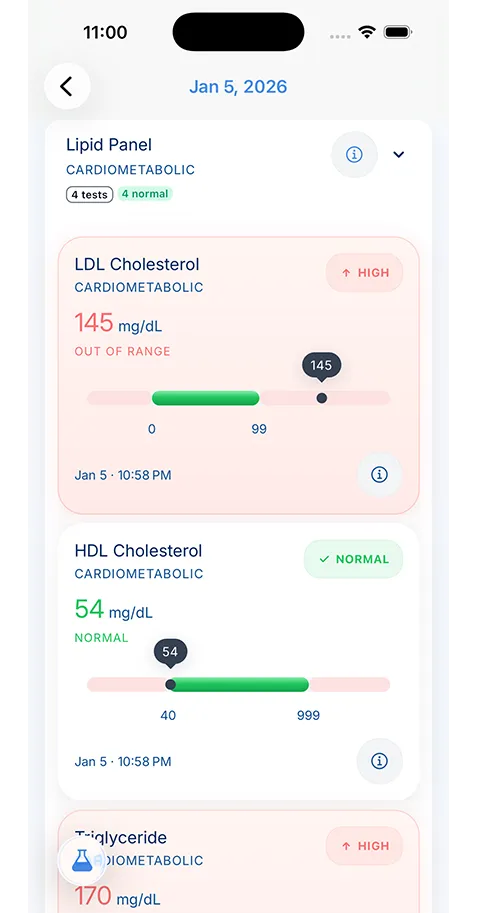

Start with medications, allergies, immunizations, chronic conditions, provider contact information, insurance details, and recent lab or imaging results. Add care plans, emergency contacts, and any documents you are repeatedly asked to bring to appointments.
Keeping Your Family’s Health Data in Order
Trying to organize family health records usually starts with good intentions and ends with screenshots, portal logins, discharge papers, and school forms scattered across different places. That is not a personal failure. It is what happens when every clinic, lab, pharmacy, and specialist gives you information in a different format.
The fix is not to create a perfect binder on day one. The fix is to build a system you can keep up with. If one child has allergies, another parent has chronic medications, and a grandparent sees multiple specialists, you need a method that makes it easy to find the right record quickly and easy to update it after every visit.
This is also where it helps to teach family health record management at home. Instead of treating each appointment like a new scavenger hunt, you create one source of truth for each person and maintain it over time.
If your immediate challenge is a parent or older relative, use the focused guide to caring for aging parents as the next step. The same structure applies, but medication changes, specialist notes, discharge paperwork, and caregiver handoffs usually need more attention.
1. Start With the Records You Reach For Most Often
If you try to gather every document a family has ever received before building your system, you will probably stop halfway through. Start with the records you are asked for repeatedly or need in a hurry. In most households, that means medications, allergies, immunization history, chronic conditions, recent lab results, insurance information, and the names of current clinicians. If vaccines are one of the records you get asked for most often, keeping them in an immunization history app can save a lot of repeat searching. If a vaccine record is missing, our guide on how to get immunization records shows where to ask.
Think about the moments when information matters most: a same-day pediatric appointment, an urgent care visit while traveling, a specialist intake form, or an emergency room nurse asking what someone takes every day. Those moments do not reward completeness first. They reward accessibility first.
Good starter categories include:
- Lab Results - Blood work, imaging, diagnostic tests
- Prescriptions - Current and past medications
- Visit Notes - Doctor’s visit summaries
- Immunizations - Vaccines and boosters
- Insurance - Cards, EOBs, claims
Once those basics are easy to find, you can layer in older records, operative notes, therapy summaries, or school medical forms. That is a much more sustainable way to manage family medical records than trying to solve the whole archive at once.
2. Build a Separate Record for Each Family Member
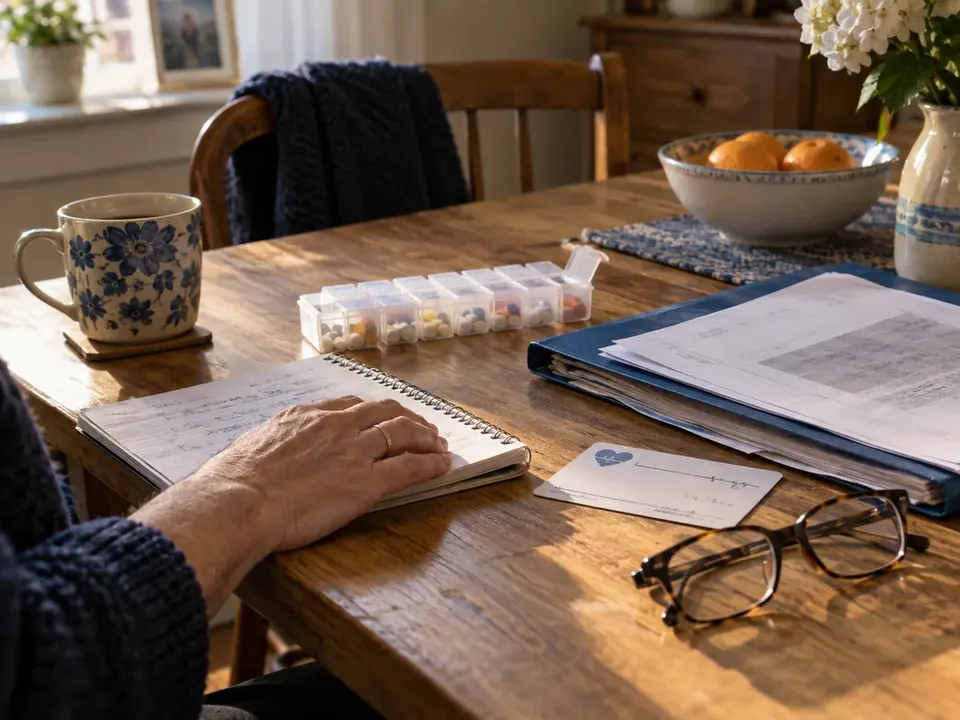
Across generations, the same structure holds different documents.
One of the biggest sources of confusion in family recordkeeping is mixing everyone together. A shared family folder can still work, but each person needs their own record inside it. That is how you avoid bringing the wrong lab report to an appointment or accidentally copying the wrong medication list onto a school form.
Each family member’s record should answer the same practical questions:
One household
Four people, four records
Every record answers the same five questions. What sits on top differs by person.
-
Toddler well visits and vaccines
On top of the record
- Vaccination record and the next due dates
- Allergies and reactions, in the words a sitter would use
- Pediatrician and after-hours line
-
Parent a blood pressure plan
On top of the record
- Current medication list with the latest dose change
- Home readings beside the lab reports
- Primary care and the pharmacy that fills prescriptions
-
You the household organizer
On top of the record
- Insurance cards and recent statements
- Your own medications, allergies and recent results
- The contacts other caregivers would need
-
Grandparent several specialists
On top of the record
- Specialist names and the reason for each referral
- Discharge instructions from the last hospital stay
- Imaging reports and the studies to compare later
Every record answers
- Who are the current clinicians?
- What medicines, and what changed?
- Which allergies matter in an emergency?
- What should a new provider know first?
- What are the latest tests and summaries?
- Who are their current clinicians?
- What medications do they take now, and what changed recently?
- What allergies or reactions matter in an emergency?
- What diagnoses, conditions, or ongoing concerns should a new provider know first?
- What are the most recent tests or visit summaries?
This is especially important if you are managing records across generations. A toddler’s file is dominated by vaccines and well visits. A parent managing blood pressure might need medication history and home readings. An older adult may need specialist contact details, imaging reports, and post-discharge instructions. One filing system can support all of that, but only if each person’s record stays separate.
If you are trying to do this with screenshots and email attachments alone, the process becomes fragile very quickly. A structured record, even a simple one, is what turns family medical history from clutter into something usable.
When You Are Managing Records for an Aging Parent
Organizing a parent’s medical records is harder because the record often changes after every visit. A cardiologist may adjust one medication, a hospital discharge packet may add another, and a primary care visit may update the plan again two weeks later. The safest workflow is to treat the parent as their own record, not as an extra folder inside your account. Keep current medications, allergies, emergency contacts, primary clinicians, specialist names, and recent visit summaries easy to reach. If more than one caregiver helps, agree on who updates the record after each appointment so the family does not depend on scattered text messages.
3. Create a Quarterly Update Routine Instead of Waiting for Chaos
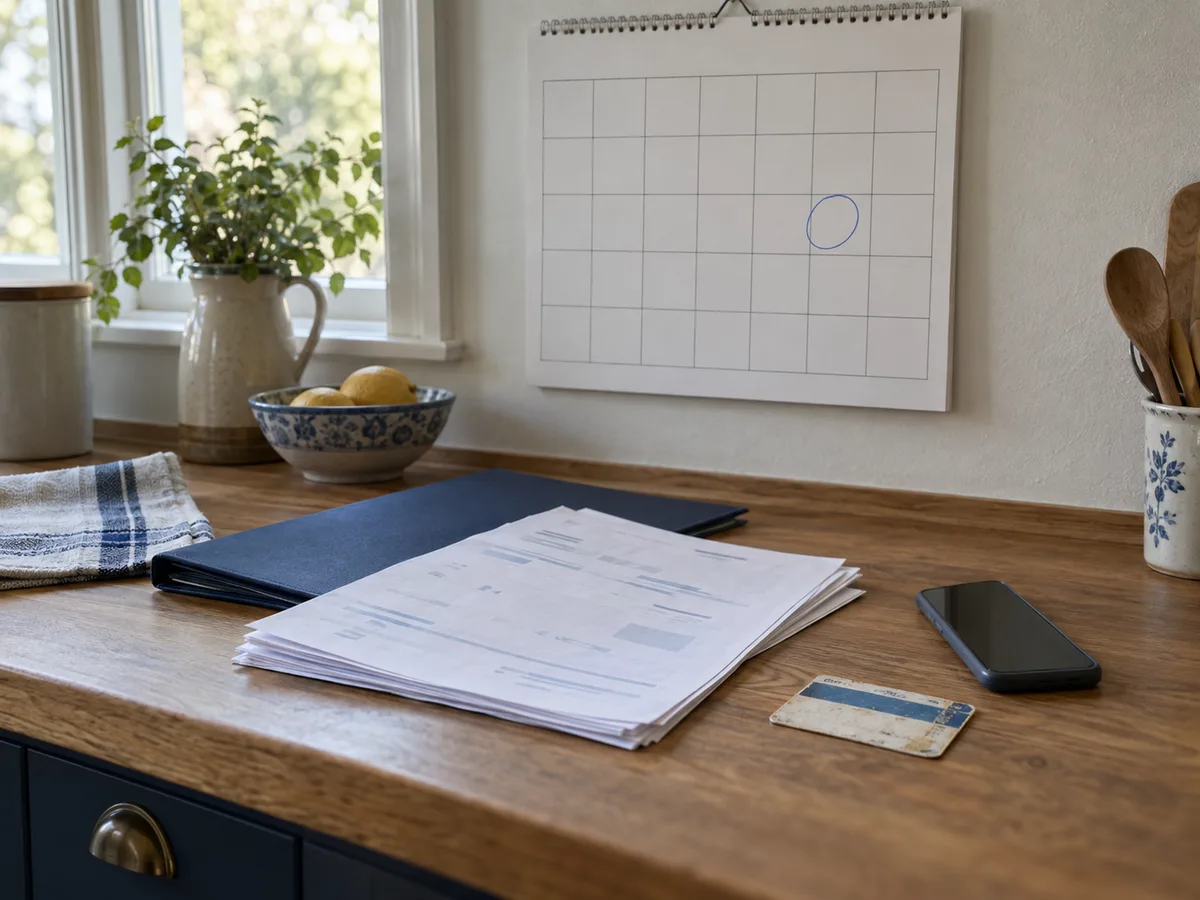
Twenty minutes a quarter, the same checklist every time.
Most families do not lose track of health information because they never cared about it. They lose track of it because updates happen in small bursts. A prescription changes here, a lab result arrives there, an urgent care visit happens on a weekend, and suddenly no one is sure which document is the most current one.
A short quarterly review solves a surprising amount of this. Put 20 to 30 minutes on the calendar and use the same checklist every time:
- remove expired insurance cards or outdated medication lists
- add new visit summaries and test results
- confirm vaccine history is current
- update emergency contacts
- note any new diagnoses, procedures, or restrictions
You should also do a quick update after high-signal events such as a hospital stay, a medication change, a new diagnosis, or a move to a new clinic. This is what keeps records useful when you need to prepare for doctor visits rather than just decorative.
That same review window is a good time to refresh a medication management app workflow and make sure the documents you share still reflect the most current treatment plan.
Families that stay current do not usually maintain huge systems. They maintain small habits. That is the better goal.
If your household includes a baby or young child, our baby medical records organizer shows how to keep their history distinct from yours. Start with the newborn medical records checklist, then use the daycare and school health-records checklist when an institution requests a focused set of documents.
4. Keep an Appointment-and-Emergency Packet Ready
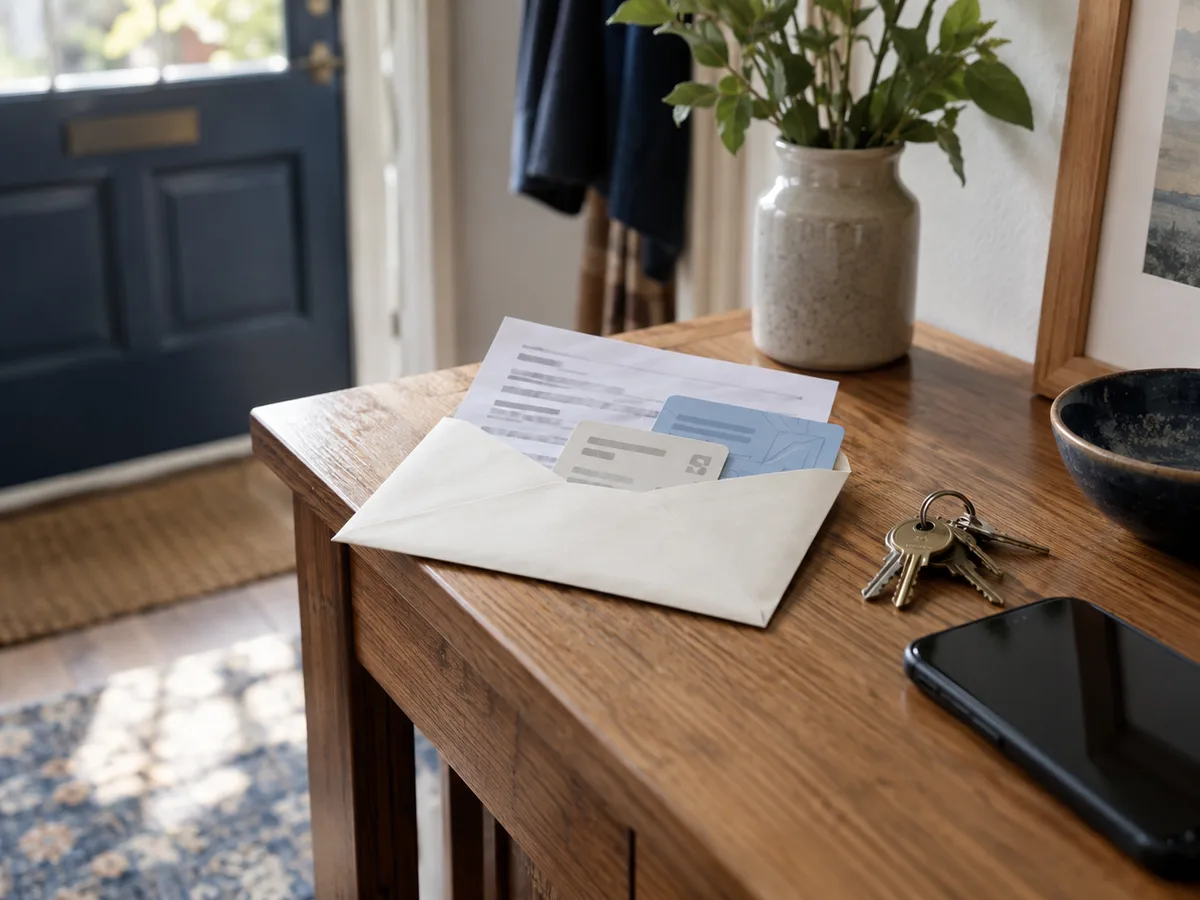
Every family should have a fast-access summary for each person who may need care on short notice. This is not the full chart. It is the short version that gives a clinician enough context to make safer decisions quickly.
An effective packet usually includes current medications and dosages, major allergies, chronic conditions, key surgeries or hospitalizations, primary care and specialist names, and insurance details. For children, it may also include vaccination status and recent growth or developmental notes. For older adults, include mobility concerns, caregiver contacts, and recent discharge instructions when relevant.
This packet is useful for more than emergencies. It helps with:
- new patient registration
- school or camp forms
- urgent care intake
- second-opinion visits
- travel
If your family has ever arrived at an appointment and realized the portal is down, the paperwork was mailed to the old address, or no one remembers the exact prescription strength, you already know why this matters.
5. Use a Digital Tool That Makes Sharing and Search Easy
Paper folders still have a role, but they are hard to search, easy to duplicate, and almost impossible to share cleanly across multiple caregivers. A digital system works better when it gives you three things: consistency, searchability, and controlled sharing.
That is why a family health tracker should do more than store PDFs. It should help you scan medical records, search across records, and pull together information when a question comes up. KeepMD is designed around that use case. You can track medical history across appointments, keep separate family health profiles, maintain records privately, and bring together the documents that normally live across portals, downloads, and paper forms. If you are still deciding which tool to use, our comparison of the best medical records apps covers nine of them on family profiles, self-upload, and where the data lives.
When the record includes children, older adults, or multiple caregivers, it is also worth taking a few minutes to protect health data privacy so the right people can access the right information without turning the whole household record into a loose collection of forwarded files.
If you are weighing dedicated personal health record tools for that household workflow, this KeepMD vs Guava comparison explains how the two differ on connected data, documents, privacy, and family organization.
The best system is the one your family will keep using. That usually means:
- one place to store records
- one process for updating them
- one way to prepare for appointments
- one method for sharing information when needed
If you are still deciding which setup makes sense, compare the available KeepMD plans, read more of the health records blog, and review about KeepMD before you commit to a system your family will rely on year after year.
If you build that system now, every future appointment becomes easier. More important, you reduce the chance that important information is missing when someone needs care quickly.
A Simple First-Week Workflow
If you want to put this into practice without overcomplicating it, use this one-week plan:
On day one, list every family member who needs an active record. On day two, gather current medication lists, allergies, insurance cards, and provider names. On day three, pull the last year of important visit summaries and lab results from portals or paper files. On day four, create one emergency summary per person. On day five, choose where the record will live and load the files into the same structure for everyone.
That is enough to create momentum. After that, maintenance becomes much easier than rescue work.
Organizing family health records is not about becoming a full-time record keeper. It is about making sure the right information shows up at the right time for the people you care for most.