Requirements depend on the program and location. Ask for its current checklist, vaccination-document instructions, any clinician-completed forms and the submission deadline. This guide helps organize the task but does not establish legal requirements.
A daycare or school health-records checklist is most useful when it starts with the institution’s current request. Get the forms, confirm the deadline and ask what kind of vaccination document it accepts. Then gather the pieces that apply to your child, keep a copy and confirm the handoff.
This guide helps you organize that work. It does not list every state’s enrollment rules or determine whether a child meets them. Daycare programs, schools and camps can have different requirements. Use the checklist above as a working list alongside their instructions, not as a substitute for the official forms.
Get the current packet before you start filling things out
Begin with the program’s official website, enrollment office or designated health contact. Ask for the forms for the relevant year or session. A packet from an older sibling or a previous camp can help you remember the task, but it may not be the version you need now.
Check what is requested, when it is due and where it should go. If the instructions refer to another document, such as a vaccination history or a clinician’s form, obtain that requirement before arranging the next step. Ask whether the institution needs an original, a particular electronic format or a form completed directly by a provider.
The CDC notes that school and childcare vaccination requirements vary by state. That is one reason a general online checklist cannot certify a complete packet. Keep the current instructions with your records and use the institution’s own answers to resolve questions about eligibility, deadlines or accepted documentation.
Sort the request into three kinds of work
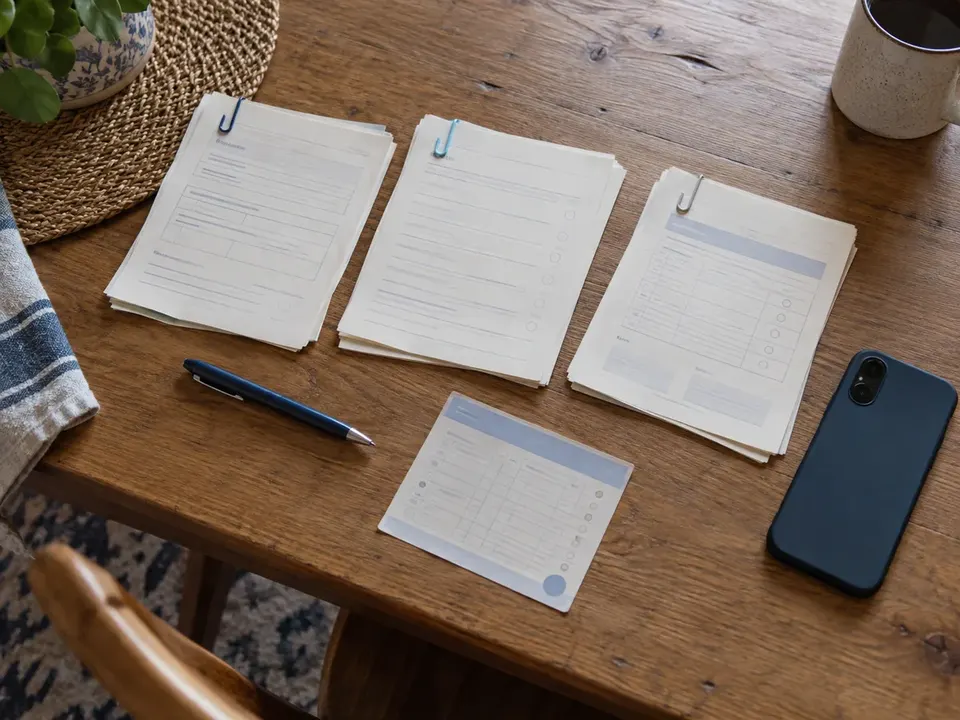
Parent sections, clinician sections, source documents: three piles, three timelines.
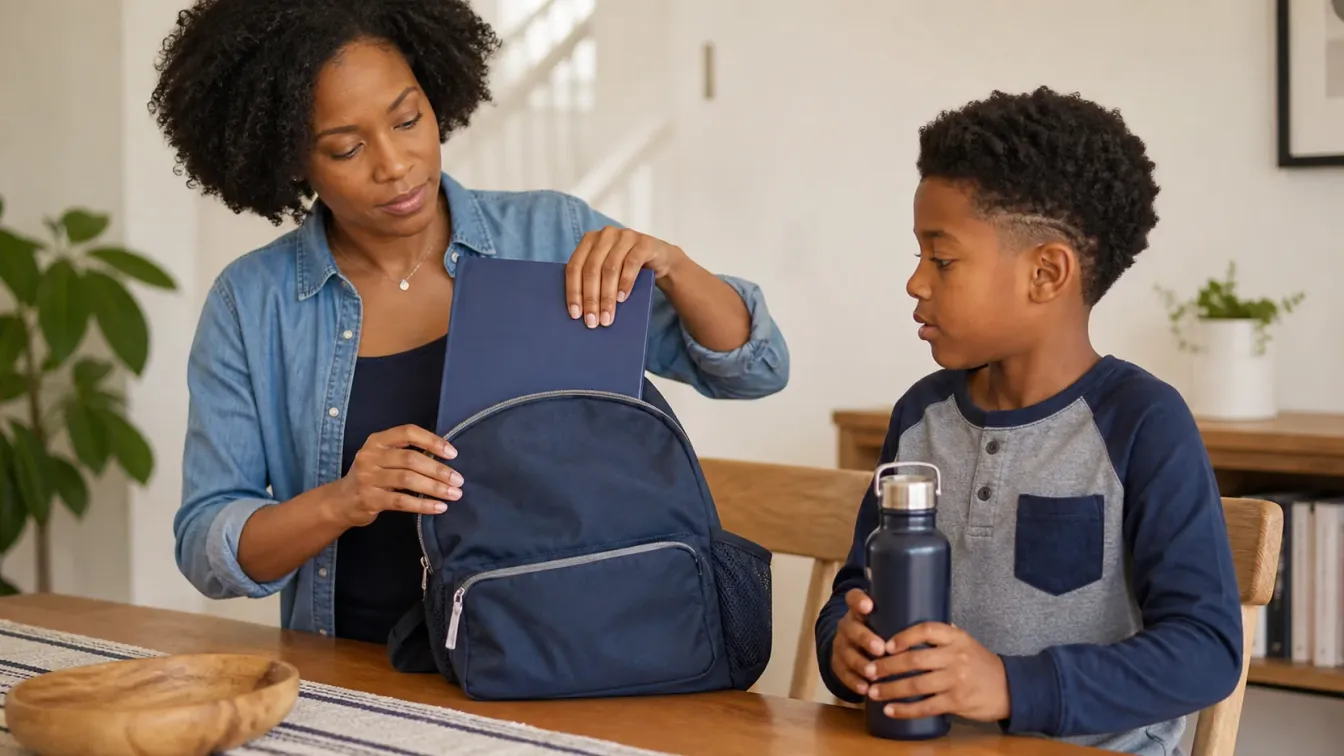
A packet becomes easier to manage when you separate work you can do now from work that needs another person. Parent sections may ask for contact details and other information you can verify yourself. Clinician sections may require an appointment or a records-office process. Source documents may need to come from a provider or registry.
The table below is an organizing example. It does not mean that every program requests each item. Use only the categories relevant to the instructions in front of you, and ask the institution about anything unclear.
| Kind of task | Your next action | What to keep |
|---|---|---|
| Parent or guardian section | Complete the requested fields and check the details | A copy of the submitted version |
| Clinician-completed form | Ask the office how it handles that form | The completed form and any delivery instructions |
| Vaccination document | Request the accepted source record | The original copy and source |
| Child-specific care information | Coordinate with the clinician and designated program staff | The agreed, current information the program asks for |
Mark who is responsible for each remaining item. This helps avoid discovering near the deadline that a section you thought was administrative actually needs the clinician’s attention.
Request vaccination documents early enough to review them
If you do not have the document the institution accepts, begin at the source. Ask your child’s provider or check the relevant registry’s official process. The CDC immunization-record contacts directory is a starting point for locating a state or local service.
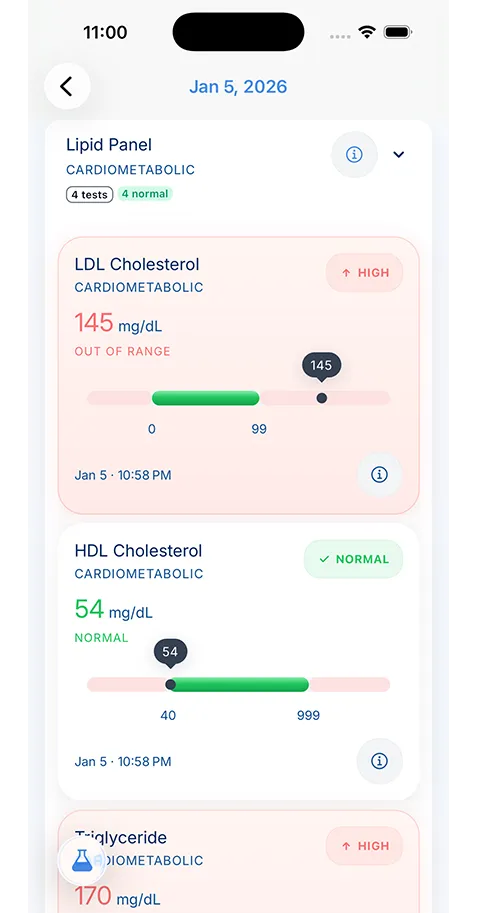
Use our guide to getting immunization records online if you are unsure which source to try. A personal health app may help you review history, but the school may require a provider- or registry-issued record. Ask about the format instead of assuming that a screenshot will be sufficient.
When the copy arrives, check the child’s details, the source and whether every page is present. If it appears to be the wrong person’s record or information is unclear, contact the source before forwarding it. Keep the current original available even if you also add details to a personal organizer. The official copy and your convenient working history serve different purposes.
Give the clinician a clear, complete request
If a form has a clinician section, contact the office and ask how to submit it. Explain the deadline and the program’s requirements. The office can tell you whether it needs an appointment, a recent visit or another step before completing the form. Avoid assuming that any form can be signed immediately or that the rules from a previous clinic apply.
Complete the parent portions you are responsible for before sending the packet, if the instructions say to do so. Include the program’s directions and your contact information through the office’s approved channel. Keep a copy of the version you submitted so you can answer questions about missing pages or fields.
A little preparation can make the conversation more focused. Our medical appointment checklist explains how to gather relevant information before a visit. This checklist does not decide which examination, assessment or care instruction your child needs; the clinician and institution determine the appropriate clinical and administrative steps.
Coordinate information specific to your child
Some children need additional coordination around a medication, allergy, support need or existing care plan. Follow the clinician’s instructions and the program’s process. Ask who should receive the information and whether the institution uses a specific form. Do not rewrite clinical directions from memory to make them fit an informal note.
Keep track of which version was agreed and when it was provided. If instructions change later, contact the appropriate staff about updating the record rather than assuming that a new entry in your personal app updates the school’s copy. The two systems have separate owners and processes.
The AAP’s discussion of technology in a child’s medical home describes tools that can support information sharing and care coordination. Your own record system can support preparation, but it does not replace direct communication between the family, clinician and program about a child’s needs.
Make a final check of the packet you intend to send
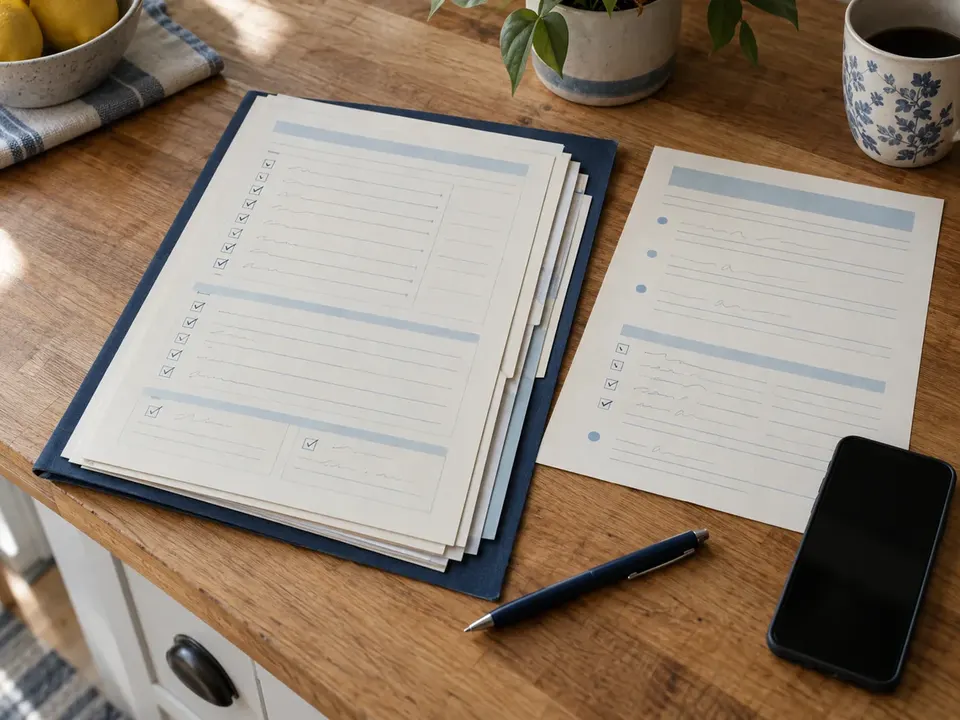
Instructions beside the completed pages, checked together.
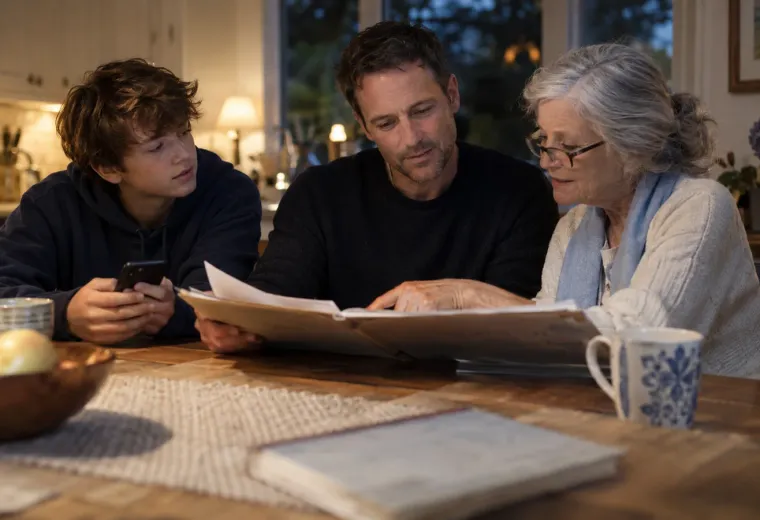
Before submission, place the instructions beside the completed documents and review them together. Confirm the intended child’s name, the required sections and any signatures or dates the instructions call for. Check that the digital files open and that scans show the entire page clearly. A readable copy is more useful than a quick photograph with a corner cut off.
Keep this review focused on the administrative request. Checking a box does not establish that a vaccination history is medically complete or that a form guarantees enrollment. If the school identifies a missing or unclear item, ask exactly what it needs and who should supply it.
For a household with several children, repeat the review separately for each child. Similar forms and shared surnames make it easy to mix up pages. Our baby medical records organizer explains a separate-profile approach that can help keep each person’s source records identifiable before you assemble a packet.
Send the information through the agreed channel
Use the recipient and delivery method the institution provides. That might be an official upload portal, a designated office or another stated process. Confirm the destination before sending health information, especially if an old email thread contains a different address. Avoid adding unrelated parts of the child’s record just because they are stored in the same folder.
Keep a dated copy of what you submitted and any receipt or acknowledgement. If another parent handles the handoff, agree on who will confirm completion. A useful status note is “sent to the enrollment office on this date,” followed by the response when it arrives. It is more precise than marking an entire medical history “complete.”
A family medical history organizer can help you retain that small submission history. The point is to know which packet the institution received and where your own copy lives, without collecting unnecessary duplicates in several messages and folders.
Keep the next update manageable
After submission, follow the institution’s stated process for confirmation and corrections. If a document is still outstanding, retain the office’s instructions and the source you are waiting on. Ask the program about its next step rather than making assumptions about what it will accept temporarily.
Keep any future renewal or update request with the packet so you can find it later. When care information changes, use the clinician’s and program’s processes to communicate the update. A new personal note does not automatically replace the form on file with the school.
KeepMD’s immunization history feature can help you review stored vaccination information within the correct profile. For younger children, the newborn medical records checklist offers a starting routine for the documents that will accumulate over time. Your record organizer supports the work; the provider supplies clinical information and the institution decides whether its requirements have been met.