Start with the baby's discharge summary, written follow-up instructions, screening information, records of care received and the first visit summary. Ask the care team which documents apply to your baby and how to obtain pending results.
A useful newborn medical records checklist starts with what you actually receive. Keep your baby’s discharge information, the instructions for follow-up and the documents the pediatrician asks you to bring. Give missing items a place on a request list instead of trying to solve every paperwork question at once.
This guide is about organizing records. Your baby’s care team determines appointments, screening follow-up, treatment and vaccine timing. If paperwork is missing, contact the clinic; do not postpone care while assembling a complete folder. The checklist above is a practical starting point you can use on screen or print, then adjust to the instructions you have been given.
Start with the baby’s discharge paperwork
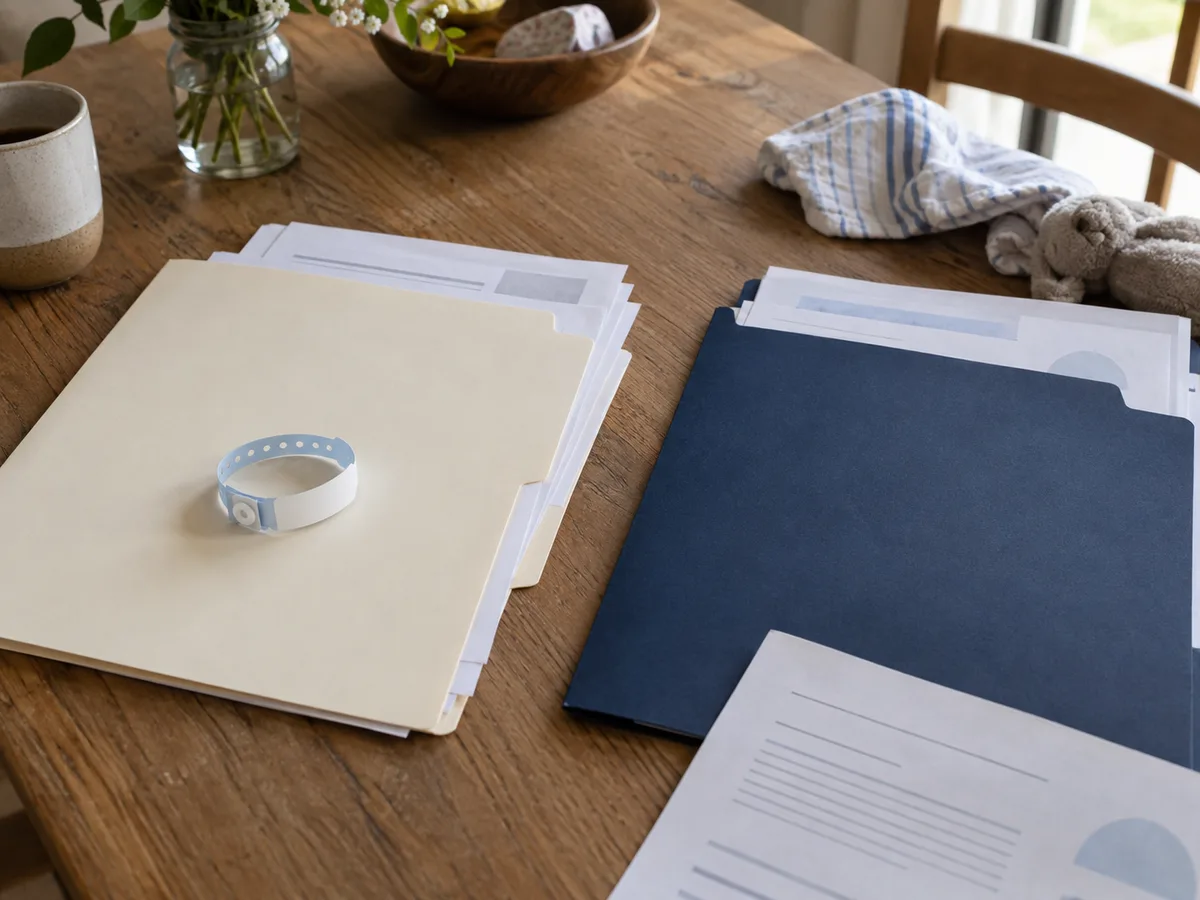
Two patients, two folders, even when the papers arrive together.
Before filing a hospital packet, identify which pages belong to the baby and which belong to the parent. Birth can generate records for both people, and the papers may arrive together. Look at the patient name on each page. Keep each person’s clinical information in a separate folder or profile, even when the documents concern the same hospital stay.
Ask how to obtain the baby’s discharge summary and written instructions if they were not included in the packet. Some information may be available through a portal; other documents may come from the records department. Keep the contact details and any instructions the team provides for requesting another copy.
It can help to add a simple cover note to your folder: the hospital, the discharge date and the next office to contact. That is an index for you, not a replacement for the clinical summary. Keep the source document intact so that details remain in their original context when you share it with the pediatrician.
Give pending information a place to land
A record system should have room for information that has not arrived yet. Ask the care team whether any screening information or results will become available after discharge, who will communicate them and whom you should contact with questions. Write down the instructions you receive rather than choosing your own deadline or assuming that silence means a result was normal.
You can keep a small “still to request” note beside the existing papers. Record the document you are expecting, the source and the follow-up instructions. When it arrives, match it to the correct child, save the original and mark your request note as resolved. If the clinic gives new instructions, keep those with the relevant document.
The AAP’s first-week checkup guide describes the early visit as a time to review your baby’s care and discuss parents’ questions. Use that conversation to clarify anything about the paperwork you do not understand; this checklist does not interpret screening results.
Prepare a small packet for the pediatrician
Call or check the clinic’s official instructions before the visit. Ask whether it has received the hospital information, whether you need portal proxy access and which documents you should bring yourself. A folder on your phone does not necessarily mean the office has the same information in its system.
Put the relevant records together with your questions. If the clinic asked for a particular form, keep it at the front so it is easy to find. Bring the information you have about care your baby received, while keeping your own observations clearly labelled as parent notes. Do not copy medication instructions from memory when the written source is available.
Our guide to what records to bring to a doctor appointment offers a broader preparation routine. For a newborn, keep the packet focused on the care team’s instructions and the purpose of this visit. You can build the archive gradually; the first appointment does not require a perfectly indexed lifetime record.
Choose a filing structure you can maintain
A complicated system is hard to keep current when your days are unpredictable. Begin with a few broad categories and a consistent way to label documents. The table below is an example, not a required medical-record format. Adjust it to what your clinic supplies and what is easy for you to retrieve.
| Folder or section | What belongs there | Helpful context to retain |
|---|---|---|
| Birth and discharge | The baby’s hospital summary and written follow-up information | Hospital, date and the original document |
| Visits | Pediatric and specialist visit summaries | Visit date and provider |
| Vaccination history | Available source records and your request notes | Where each record came from |
| Questions and follow-up | Your questions and the care team’s written responses or instructions | Which visit or document the note concerns |
Name files clearly enough that you can recognize them later. For example, “Pediatric visit — September 12” is more useful than several files called “scan.” If you add a summary, keep it distinct from the original. The organizing principle is that someone looking at the folder should be able to tell what was issued by a provider and what you wrote for your own reference.
Keep vaccination records connected to their source
Give vaccination history a place in the baby’s record as information becomes available. Keep the provider-issued record and note where a replacement can be requested. If you are entering information into a personal organizer, use the source you have rather than guessing a date or vaccine name to fill a blank.
KeepMD’s immunization record tracker helps you review stored history and distinguish provider-sourced information from your own manual entries. It does not decide which vaccine is due or whether your baby’s history is complete. Those questions belong with the clinician.
If a copy is missing, our guide to getting immunization records online explains where to begin. Keep your request notes beside the existing records so you can see what you have already tried. A missing document is a records problem to investigate; it is not evidence by itself that your child did not receive a vaccine.
Make a digital copy without losing the original
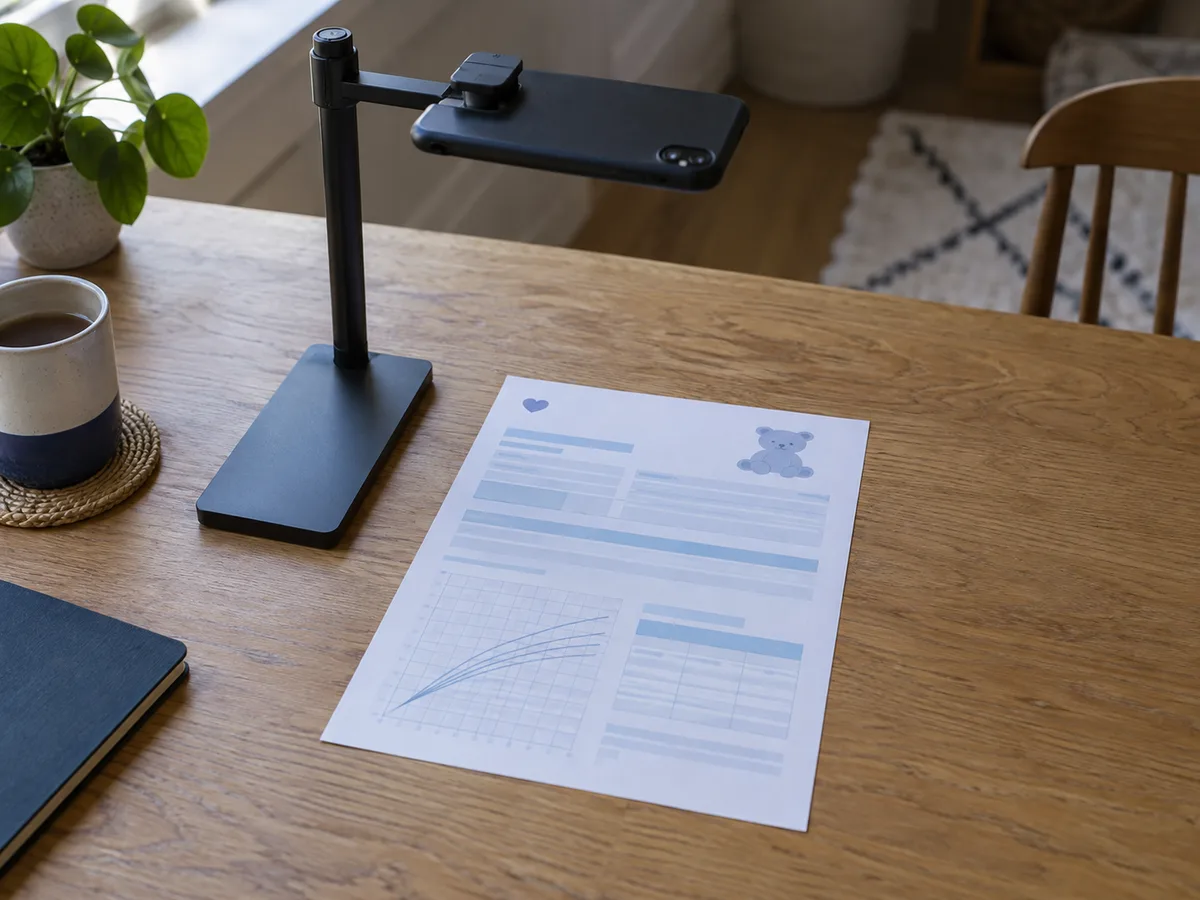
Every page, every edge, in order, before the office asks.
A digital copy is useful only if it is readable and you can find it. After scanning or photographing a document, check every page. Make sure the name, date and edges of the page are visible. Keep multi-page documents together and confirm that the pages are in the right order. A quick review now can prevent discovering a cropped section when the office asks for it later.
Keep paper originals somewhere protected and keep the digital copy in the intended child’s record. Avoid leaving the only copy in an email thread or treating a camera roll as the long-term index. Decide how you will recover the records if your device is lost, and understand the backup options of the tool you choose.
A baby medical records organizer can make this routine easier to repeat. KeepMD uses separate local profiles, and cloud features have a separate consent step. Review a feature’s privacy choices before processing health documents; a convenient workflow should still make sense for your family’s information.
Share a focused packet with the right person
When another caregiver helps with an appointment, agree on what they need and how you will hand it over. A short set of relevant documents and questions can be easier to use than an entire archive. Check the recipient and the clinic’s preferred delivery method before sending anything, then keep your own copy available.
Do not assume that a shared purchase, a family subscription or a portal login automatically gives another adult the same access to a child’s records. Follow the provider’s own parent or guardian process. KeepMD’s separate local profiles are an organization feature, not a substitute for those permissions.
The Seattle Children’s care-notebook resources offer an example of structured family record keeping. Your newborn’s needs may be much simpler than a specialist care notebook. Borrow the useful habit—keeping relevant information organized—without feeling that you must complete every possible section.
Use the next appointment to keep things current
After a visit, spend a few minutes with whatever information you received. Save the summary, file it under the correct child and date, and keep written follow-up instructions easy to find. If an expected document is missing, add it to the request note. Avoid turning a remembered conversation into a new clinical instruction; ask the office to clarify uncertain details.
This routine can stay small as your baby grows. The same folder may later hold a specialist summary or the source records needed for daycare. When that stage arrives, use the daycare and school health-records checklist to prepare a focused packet from the information you have kept.
For households managing several people’s records, connect the baby’s folder to a wider family medical history organizer. Keep each person’s information separate and use the same filing habit after appointments. The goal is not to remember everything. It is to know where to look, what is still missing and whom to ask.