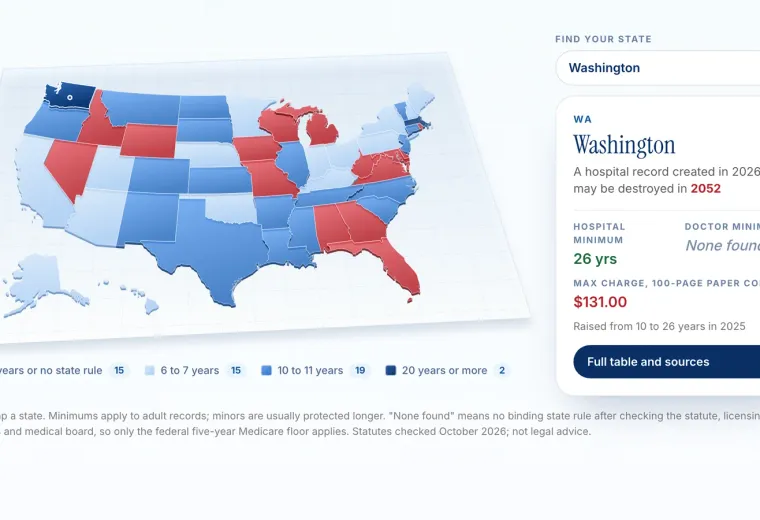
Request the images from your Kaiser region. Washington State lists imaging centers and a Central Imaging Center, the Northwest uses an Imaging department line, Hawaii offers studies on CD or USB, and Georgia uses its authorization form.
Reports and Images Are Two Different Things
When people search for Kaiser radiology records, they usually mean one of two things, and Kaiser treats them differently. The first is the radiology report: the written interpretation by a radiologist, describing what the study showed. The second is the image study itself: the X-ray, CT, MRI, ultrasound, or mammogram pictures, usually stored in a medical imaging format called DICOM.
The report is part of your medical record and behaves like other documents. It can appear in kp.org once released, it can be included in a detailed records copy, and it can travel through a patient records connection. The images are large files that need a viewer and are usually delivered on a CD, a USB drive, or through a download portal. Most confusion about Kaiser imaging comes from asking for one and expecting the other. Before you request anything, decide whether you need the report, the images, or both, because the route for each is different.
Two different things
The report and the images
Most confusion about imaging records comes from asking for one and expecting the other.
The report The images
What it is The radiologist's written interpretation of what the study showed. The X-ray, CT, MRI, ultrasound or mammogram pictures themselves, usually in DICOM format.
Where it shows up In kp.org once your care team releases it; in a detailed records copy; through a records connection. Not viewable online. Delivered by request.
How to get it Secure message if it has not appeared; a detailed copy for a formal version. Your region's imaging or Release of Information process. Routes differ by region.
Format A document, like any other in the record. Large files on a CD, a USB drive or a download portal; they need a viewer.
Before you ask Decide whether the recipient needs the report, the images or both. Ask the recipient's office which format it accepts, and about cost.
What You Can Usually See in kp.org
Radiology reports often appear in your kp.org record, but timing depends on your care team. Kaiser Washington explains that you can view radiology reports online if your Kaiser doctor releases them to your online record, and that digital images are not available to view online. That pattern, reports online after release and images by request, is a good expectation to set in every region.
If a report you expect is not visible, give it a few days after the study, then ask your care team through a secure message. If you need the formal report for another doctor, a detailed records copy from kp.org can include it. The downloadable health summary will not list every imaging report, because it is a summary rather than a full record. For image files, move on to your region’s imaging request process described below.
How Each Kaiser Region Handles Image Requests
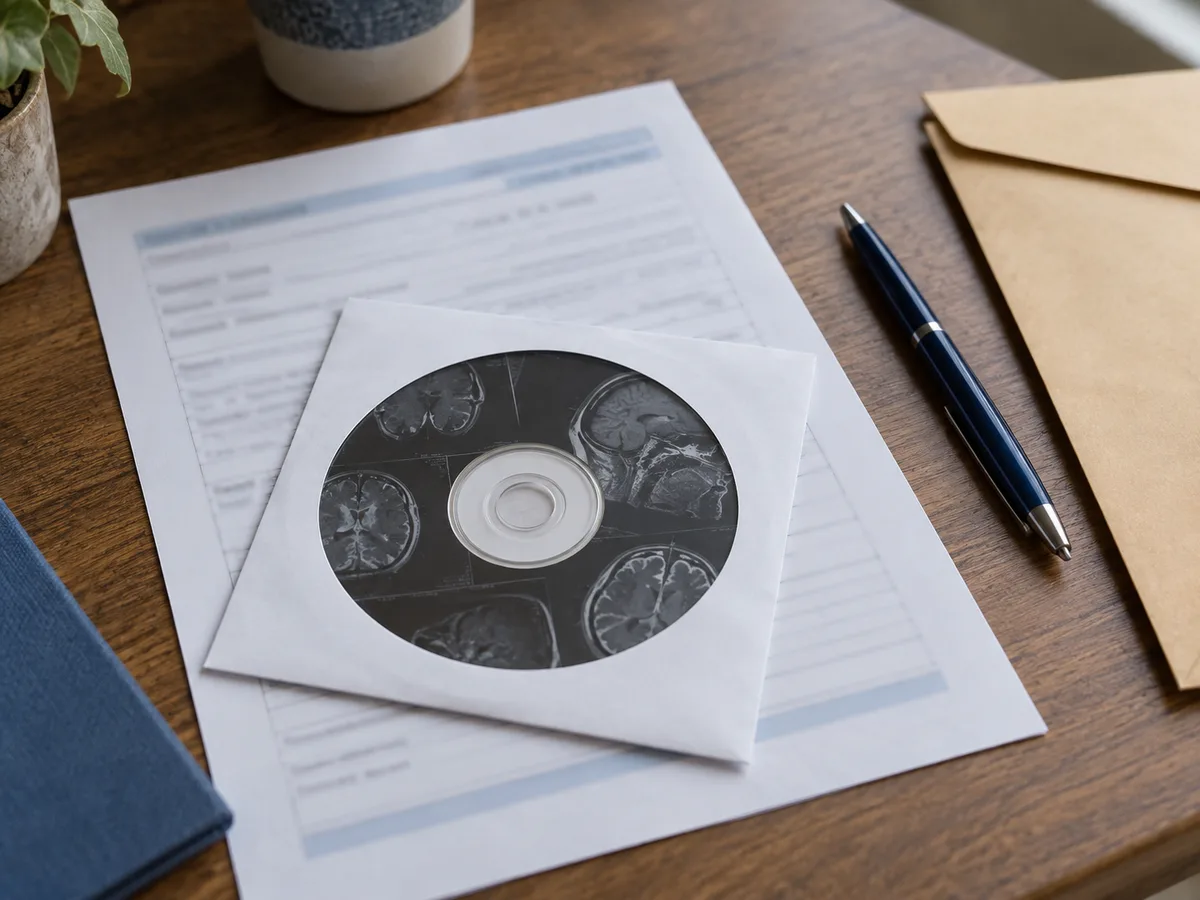
Images usually arrive on a disc or through a download portal.
Image requests are handled by region, and the published routes differ a lot. In the Northwest (Oregon and southwest Washington), Kaiser says imaging records such as X-rays, scans, and ultrasounds must be requested from the Imaging department at 503-571-8451, while dental and eye images go to Release of Information, which delivers images by email or a download portal. In Washington State, requests for radiology images only go to the Central Imaging Center in Seattle, and Kaiser lists imaging centers in Bellevue, Everett, Olympia, Silverdale, and Tacoma that process CD requests faster than general medical centers.
In Hawaii, the patient release form offers radiology reports, and radiology studies on CD or USB, with a box to request a Mac-compatible format. In Georgia, Kaiser lists radiology records and mammography records as their own request types, submitted with the authorization form to Medical Records Administration. In California, Kaiser’s authorization form includes diagnostic images as a separate category, and the regional Release of Information offices can help. The Kaiser regions guide links to each region’s details.
Timing, Pickup, and Appointments
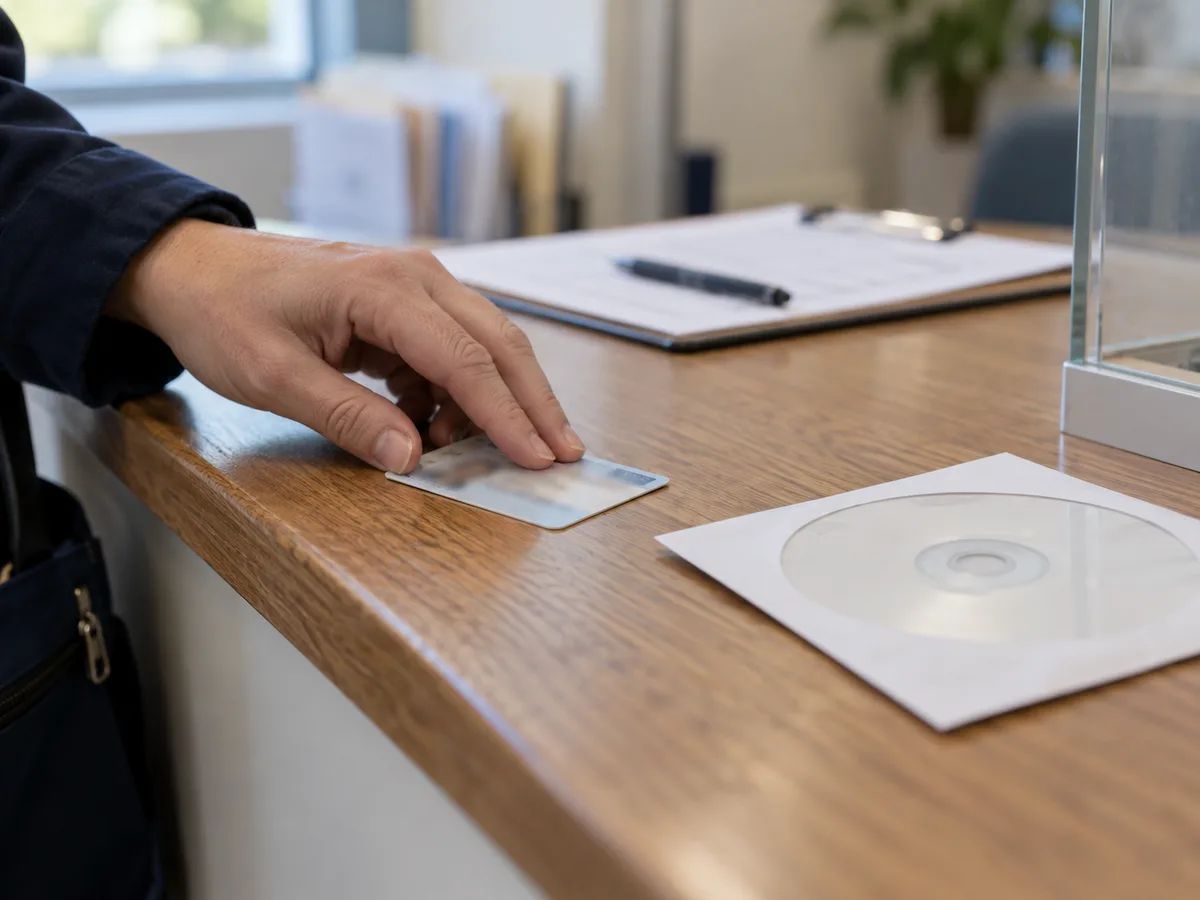
Pickup usually means photo ID, and a signed note if someone collects it for you.
Plan ahead if the images are for an upcoming appointment. Kaiser Washington says many CD requests are processed the same or next day, but some take more than 72 hours, excluding weekends and holidays. It recommends picking up the CD in person if you need it for an appointment within the next seven business days. Picking up a CD usually requires photo ID, and someone collecting it for you may need a signed note with your details.
Ask the receiving doctor’s office whether they want a CD, a portal link, or a direct transfer, because some offices cannot open certain discs or prefer electronic delivery. If your new provider can request the images directly for your ongoing care, that can be the smoothest route. Either way, make a note of the study date, body part, and Kaiser facility, because those three details are what imaging staff need to find the right study quickly.
Costs and Who Receives the Images
Fees for imaging copies vary by region and by purpose. Kaiser Washington says there is no charge when digital images are sent directly to a non-Kaiser facility for your ongoing care, while charges may vary for personal copies, so ask about cost when you call. Kaiser Northwest says electronic records are free for current and former members, with fees only for large printed requests. Georgia notes that some request types have a fee and that Kaiser will call with the cost before releasing records.
Encryption is another practical detail. Kaiser Washington encrypts image emails sent to anyone other than the patient or an authorized representative, and suggests that if a non-Kaiser provider will view the images, you may want to pick up an unencrypted copy yourself. Specialized studies can have their own route too: for example, Kaiser Washington says echocardiogram copies come from your cardiologist, not Radiology.
Mammograms and Studies You Will Compare Later
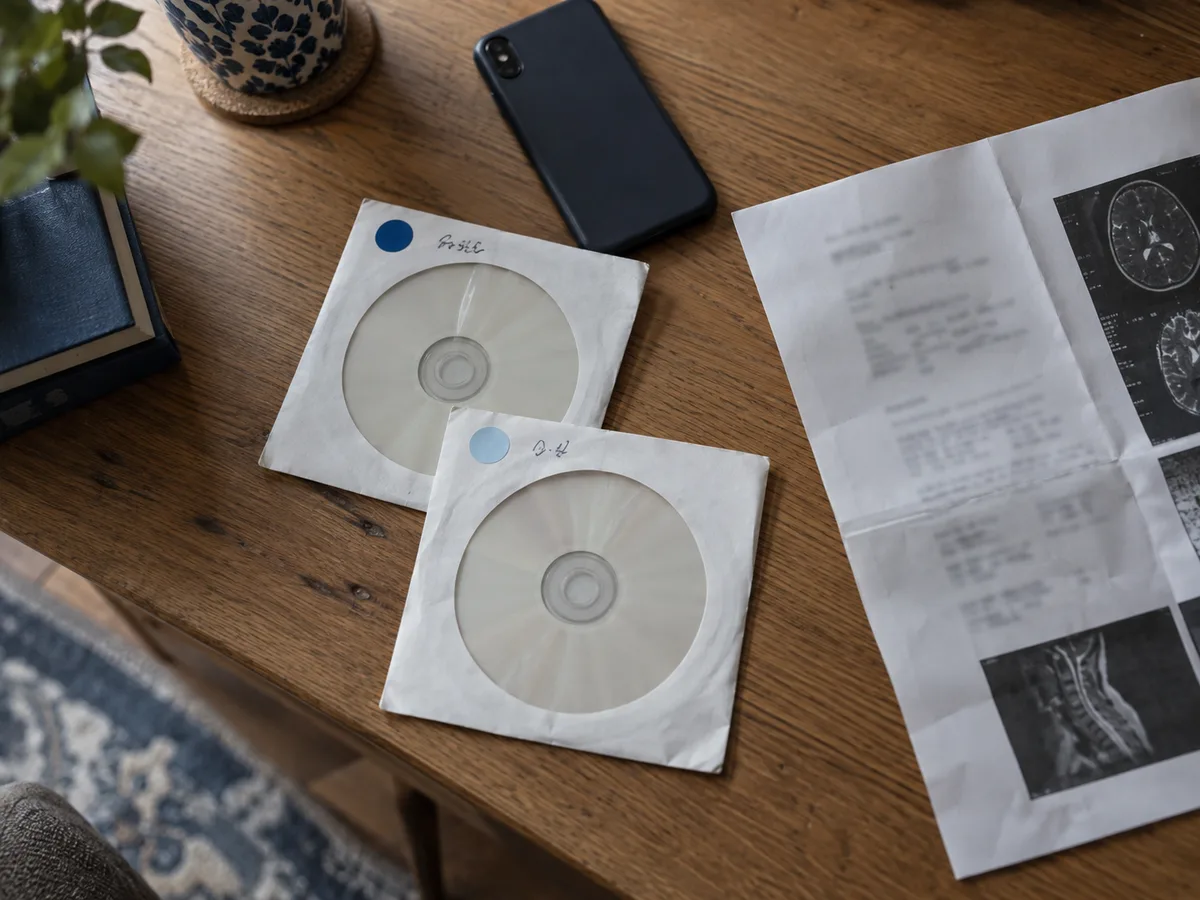
Name the prior studies: a new provider compares, not just reads.
Some images matter more over time than on the day they were taken. Mammograms are the clearest example: radiologists often compare a new mammogram with earlier ones, so a new provider may ask for your prior studies, not just the reports. Kaiser Georgia lists mammography records as their own request type, which is a helpful reminder to name them specifically in any region.
The same logic applies to follow-up imaging for a known finding, such as a lung nodule, a thyroid nodule, or an orthopedic injury that is being monitored. If you are leaving Kaiser or seeing an outside specialist, request the most recent comparison studies along with their reports, and keep a note of the dates. Ask whether the recipient can accept images through a portal, because a link can be easier to share than a disc. If a CD is the only option, keep it with your other records and make a copy of the report so the images and their interpretation stay together.
What a Records Connection Can and Cannot Carry
A patient records connection is well suited to reports. When you connect your Kaiser region to KeepMD, the regional Kaiser Permanente clinical records connection can include the imaging reports and narratives that Kaiser shares with your account, alongside results, medications, and other documents. That makes it easier to keep a readable history of what each study showed, in date order, next to records from other providers.
It does not carry the images themselves. KeepMD imports reports and narratives, not DICOM image files or raw image pixels, even though Kaiser’s systems store imaging studies. If you need the pictures for a second opinion, surgery planning, or comparison with a new scan, request them from your region using the routes above. Keeping the report in KeepMD and the CD or portal link with your other paperwork gives you both halves of the record.
A Simple Checklist Before You Request
Start by writing down what you need and why. Note the study type, body part, approximate date, and the Kaiser facility where it was done. Decide whether the recipient needs the report, the images, or both, and ask the recipient’s office which format they accept.
Then check kp.org for the report. If it is there, download it. If you need images, find your region’s route: the Imaging department in the Northwest, the Central Imaging Center or an imaging center in Washington State, the release form in Hawaii, the authorization form in Georgia, or the Release of Information office in California. Ask about cost and timing when you request, and give yourself extra days before an appointment. When the images arrive, confirm the disc opens and shows the right study before you hand it over.
Kaiser pages cited in this guide: Records, forms and certifications, Oregon and southwest Washington; Hawaii region patient request, release of records; Records, forms and certifications, Georgia.