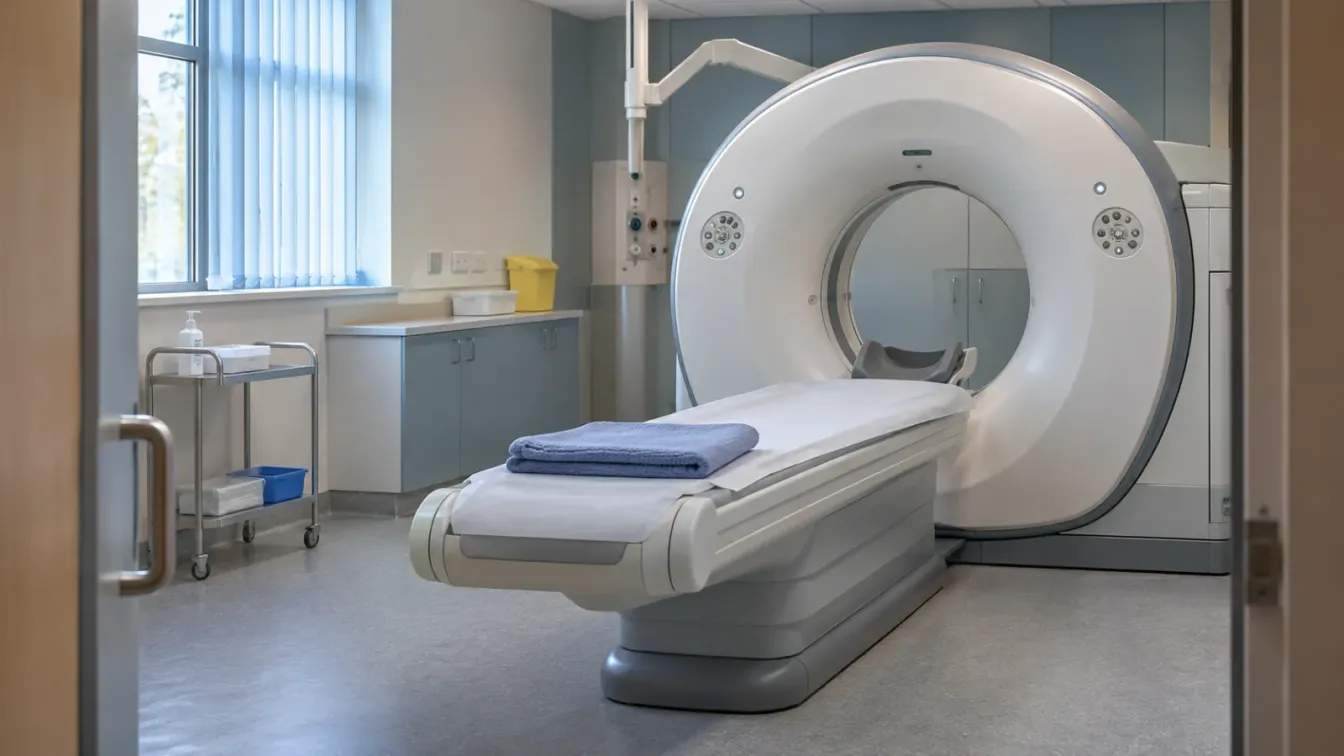
Yes. Scan images are part of your health record. Ask the hospital trust that did the scan, name the exam and its date, and ask for the full image files as well as the report.
A hospital letter or portal may tell you what a scan showed. The pictures themselves are a different thing, and you usually have to ask for them. You might want them for a second opinion, for a private or overseas doctor, or simply to have your own copy.
You have a right to a copy. This guide explains who to ask, what to say, how the files reach you and what to do when they arrive. For the wider picture, see our guide to NHS medical records.
The report and the images are separate
Every scan normally produces two things: the images, and a written report by the radiologist. They often sit in different systems, and a request for one may not bring the other.
Two different things
What you are asking for
Ask for both by name, so you do not have to send a second request.
The report The images
What it is The radiologist's written description of what the scan showed. The X-ray, CT, MRI or ultrasound pictures, usually stored as DICOM files.
Where you might see it A letter from the hospital, a letter to your GP, or a hospital portal. Rarely online. A few portals show some images, but not every type of scan.
Who holds it The hospital that did the scan, and often your GP as well. The hospital or provider that did the scan.
How it arrives A PDF or a printed page, like any other document. A secure download link or an encrypted disc.
Portals vary. Chelsea and Westminster’s form says its portal shows X-rays but not ultrasound or MRI scans.
This is why it pays to be specific. Leeds Teaching Hospitals, for example, asks on its form whether radiology images are required. If you do not say what you want, it will treat your request as one for your general health records.
Who to ask
Ask the organisation that did the scan. There is no central NHS store of scans that you can apply to, and your GP practice usually gets the report but not the images.
| Where you had the scan | Who to ask |
|---|---|
| NHS hospital | The trust or health board, through its imaging team or subject access team |
| Community diagnostic centre or mobile unit | The provider named on your appointment letter, or the trust that referred you |
| Private hospital or clinic | That provider, even if the NHS referred you |
| Pregnancy scan | The maternity unit or the hospital trust |
| Breast screening | Your local breast screening service, which is based in a host hospital trust |
| Dental X-ray | The dental practice |
Many trusts handle image requests through the imaging department.
Each trust sets up its own route, so search for the trust’s name with “subject access request” or “copy of imaging”. Here are some of the routes trusts use:
- A single form. Gloucestershire Hospitals uses one application for both medical records and imaging.
- A separate imaging team. Kingston and Richmond has its own radiology access team, apart from its general records team.
- An online imaging form. Surrey and Sussex has a patient imaging request form on its website.
- A portal. University Hospital Southampton keeps images on a separate system and takes radiology requests through a portal, where you can track progress and download your copies.
The same right applies across the UK. In Scotland and Wales, ask the health board or the hospital that treated you. In Northern Ireland, write to the hospital’s records manager or the Health and Social Care Trust, and include photo ID.
What to put in your request
Use the trust’s form if it has one. Otherwise, a short email or letter is enough. Whichever you use, include:
- The exam and the date. For example, “MRI of my left knee, March 2025”. An approximate date is better than none.
- Your details. Give your full name, date of birth, address and NHS number.
- Any reference numbers. The accession number on the report and your hospital number both help the trust find the right study.
- What you want. Ask for the complete study in its original DICOM format, not screenshots, plus the written report.
- Any earlier scans. If you want a comparison, ask for previous scans of the same area.
- How you would like it. Say whether you prefer a download link or a disc.
Check that your contact details are up to date first. Surrey and Sussex, for example, needs your details to match your GP record, and it will only send images electronically if the address, email and mobile number it holds are current. If you live abroad or have no UK mobile, ask whether the password can go to a second email address.
Sample wording
Asking for your scan images
Replace the highlighted parts and delete the options that do not apply.
Subject: Subject access request for imaging
Dear Radiology Department / Subject Access Team,
I am making a subject access request under the UK General Data Protection Regulation for a copy of my imaging records.
Full name: your name, and any previous names
Date of birth: date
NHS number: number
Hospital number (if known): number
Address: current address
Please provide the complete study in its original DICOM format, and the written report, for: exam and body part on date at hospital, accession number number, if known.
I would prefer to receive the images by secure download link / encrypted disc. My mobile number for any password is number.
I have enclosed proof of identity. Please let me know if you need anything else to find these records.
I look forward to your response within one calendar month.
Yours sincerely,
your name
date
This is a starting point, not legal advice. If the trust has its own form, use that instead.
Keep a copy of what you sent and the date you sent it. For asking on someone else’s behalf, or for wider records, see our subject access request guide for GP and hospital records.
How the images reach you
The details vary by trust, but most copies arrive in one of three ways.
- Download link. You get an email with a link from a secure portal, often the Image Exchange Portal, and a PIN or password by text. The email may land in junk mail, and the time limit can be short: Kingston and Richmond and Royal Berkshire both allow 14 days.
- Posted disc. An encrypted disc comes to your home address, with the password sent separately. Royal Devon says its encrypted disc does not work on a Mac.
- Collecting in person. At some hospitals, staff copy a disc while you wait. Bring ID: Royal Surrey asks for two types, one with a photo and one showing your address.
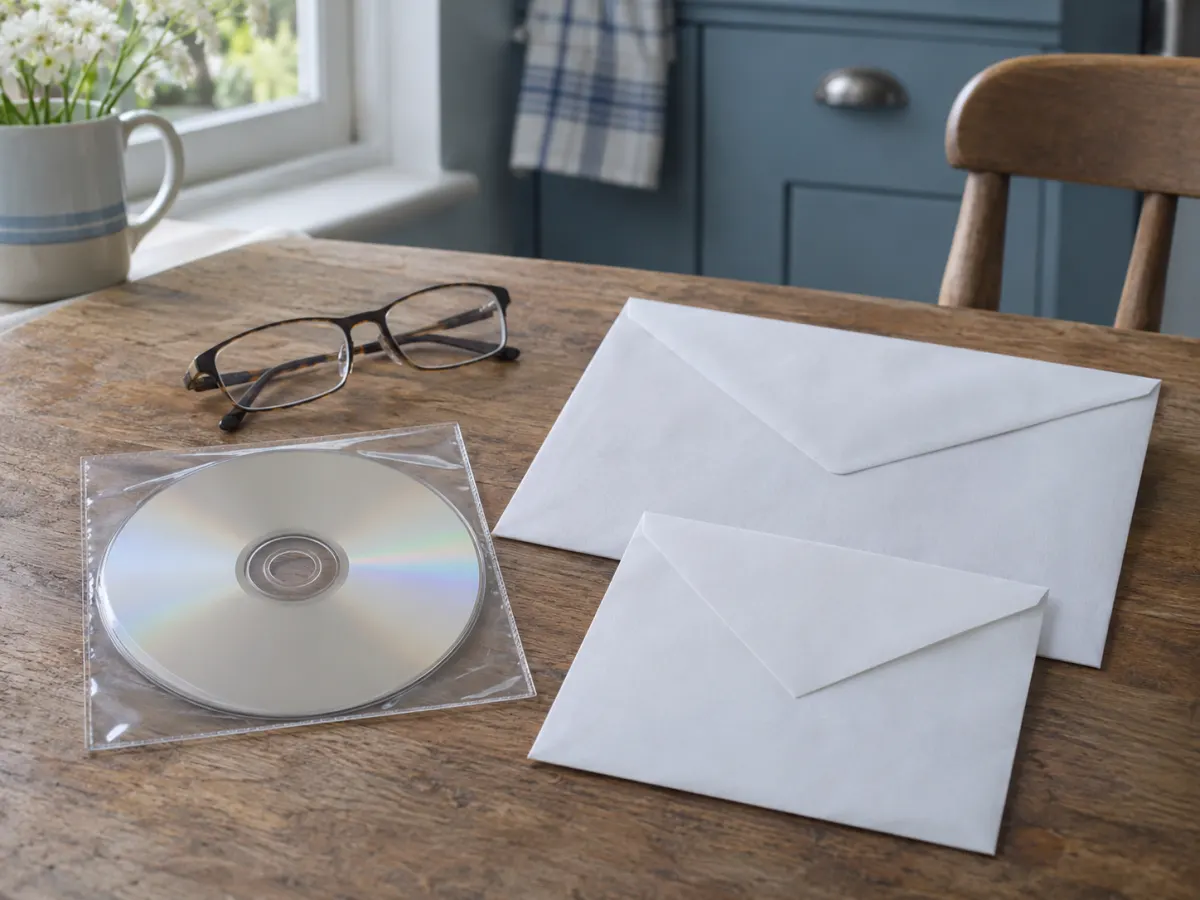
A posted disc is usually encrypted, with the password sent separately.
A download link is usually the quickest choice, especially if you live abroad. Choose a time when you can use a computer with enough free space, as a single MRI or CT study can be large. Then save the files as soon as the link arrives, because a second copy may mean a new request.
How long it takes and what it costs
The organisation should respond within one calendar month. It can extend this by up to two further months if the request is complex, but it must tell you within the first month. Imaging departments are sometimes quicker: Royal Surrey says it can copy a disc in about 15 minutes if you attend in person.
A first copy is normally free. Repeat copies are where charges tend to appear. Royal Berkshire, for example, charges £10 for a repeat image request. Some forms also list a charge for a disc, as Royal Devon’s does. If a form asks you to pay for a first copy, ask what the charge is for, and ask whether a download link would avoid it.
Opening and keeping the files
Scans usually come as a folder of DICOM files, often zipped. Ordinary photo apps cannot open them. A disc may include a viewer, and otherwise you will need a DICOM viewer on a computer.
- Keep the folder as it arrived. Do not rename or move individual files, because a viewer or another hospital may need the whole study.
- Make a backup. Keep a second copy on another drive you control, because a repeat request takes time and may cost money.
- Keep it private. The files normally carry your name and other personal details. Royal Berkshire’s form makes clear that their security is your responsibility once they are downloaded.
Your copy is for your own records. Kingston and Richmond notes that its copies are not for diagnostic use, so a doctor may still want the original images sent directly.
Scans are also hard to read without training. If you see something that worries you, talk to the clinician who ordered the scan rather than relying on your own reading of the images. Royal Surrey, for example, only gives out printed reports once the results have been discussed with you.
Sending scans to another doctor
If a new doctor needs your scans, ask them how they prefer to receive them. It is often better for the imaging departments to transfer the images directly, because the originals stay in their full format. Royal Surrey, for example, needs your written permission before it sends NHS imaging to a private hospital.
If you are leaving the UK, collect your scans before you go. Our guide to moving abroad from the UK has a timeline.
If a scan is missing or your request stalls
The scan is old. In England, the minimum for adult X-rays and scans is 8 years from when you were last seen, and a trust may keep them for longer. For children, it is until their 25th birthday, or 26th if they were 17 when last seen. Scans linked to a cancer diagnosis and breast screening records have their own, longer periods. Our guide to how long the NHS keeps records explains the main periods, and it is worth asking even if a scan is older than that.
There are fewer images than you expected. An ultrasound examination is saved as selected still images or short clips, not as a recording of everything you saw on the screen.
The reply is late. Contact the organisation first, and give the date of your request. Requests often reach the wrong team, so ask whether it has gone to the imaging department. If you are still unhappy, you can complain to the Information Commissioner’s Office (ICO).
Something is withheld. An organisation can withhold information in limited cases, for example if a health professional thinks releasing it is likely to cause serious harm. It should normally tell you when it has done this.
Keep the paperwork together
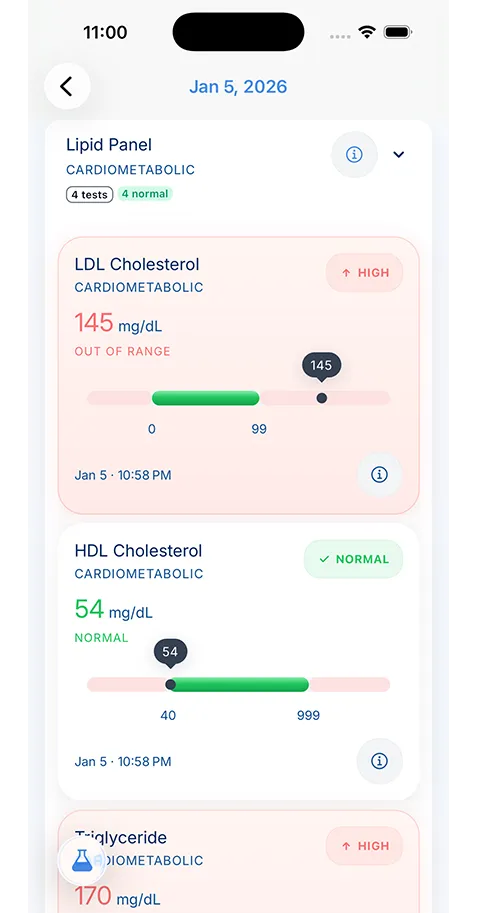
KeepMD does not import or open DICOM image files, so keep the download or disc somewhere safe. KeepMD is for the documents that go with them, which are usually what you need to find quickly:
- Save the report. Pick the PDF you received, or photograph a printed report or letter with your phone’s camera.
- Review before saving. KeepMD Vision reads the values on the page after you give consent, and you check every value before it is saved.
- Keep family records apart. Use a separate profile for each person you look after.
Your records stay encrypted on your phone. KeepMD does not connect to the NHS; you choose what to add. See medical document scanning for how it works.