Health Connect is Android's way to let compatible health and fitness apps share data through one common layer instead of keeping every record trapped in its own app.
Health Connect Integration
Use KeepMD with Health Connect to gather Android health data from multiple apps inside one private personal health record.
Platform
Android
Data Types
Activity, sleep, nutrition, body metrics, wellness records from compatible apps
Best For
People who use several Android health apps and want one shared record instead of siloed histories
Category
Health Connect solves a different problem than a brand dashboard
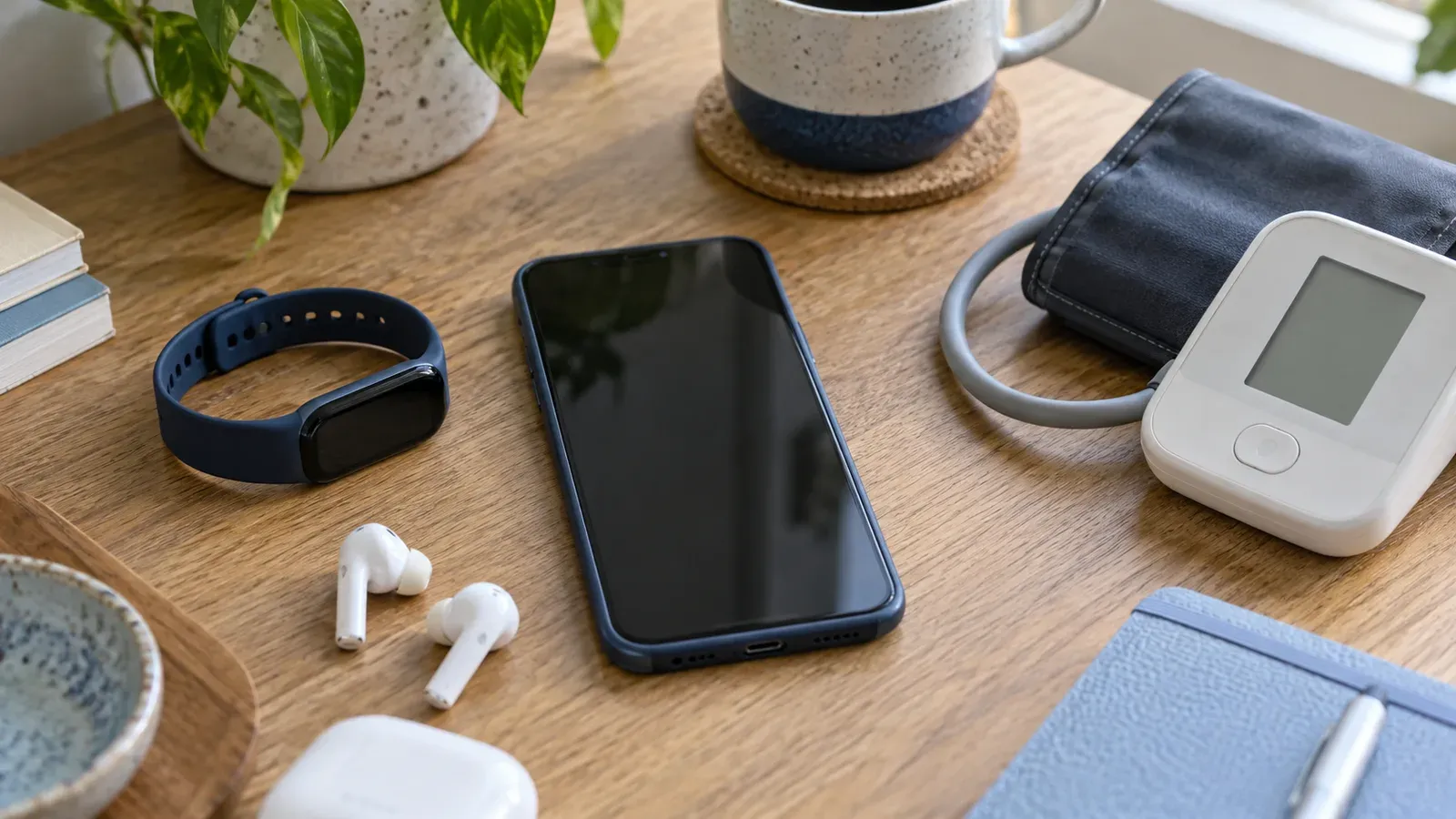
Health Connect integration matters when your Android health data comes from several apps instead of one vendor. That is a common setup. You may track sleep in one place, workouts in another, body metrics in a third, and step history through your phone or watch.
Without a shared layer, every app keeps its own version of the story. Health Connect compatible apps can exchange that data. KeepMD takes the next step and gives that shared history a home inside your personal record.
For a side-by-side explanation of those two roles, read the KeepMD vs Health Connect comparison. It separates Android data sharing from the broader work of organizing medical documents, labs, medications, and family records.
Health Connect is the Android consolidation layer
Two weeks, in context
Sleep beside the medication change
Illustration with example readings. Not a KeepMD screen.
Sleephours a night
Home blood pressuremmHg, mornings
- Sleep, first week → second week
- 6.2 h → 7.2 h
- Blood pressure, before the change → last 7 days
- 142/90 → 129/83
The readout, computed from the same example data
What this guide's data adds
- Activity
- Sleep
- Nutrition
- Body metrics
Keep it with visit summaries and scanned reports
Health Connect is not another brand dashboard. It is the Android layer that helps compatible apps share health and fitness information through one common system.
That matters because you may not stay loyal to one brand forever. You may change watches, change workout apps, or add a new sleep tool. Health Connect gives Android users a path to keep the data moving through one layer instead of starting over each time.
When you sync Health Connect data into KeepMD, you can keep that continuity in the same record as your paperwork and provider history.
Shared data becomes more useful inside a private record
Health Connect helps compatible apps exchange records. It does not replace the need for a record you control.
KeepMD helps you connect Health Connect to medical records so your Android wellness history can sit beside:
- scanned paperwork from scan medical records
- provider exports and visit summaries
- notes you keep for prepare for doctor visits
- related trend context from read lab results
- offline access through an offline health tracker
That turns shared data into a working record instead of another stream of disconnected measurements.
Health Connect works best for people with layered app setups

Some people use one watch and one app. Others build a more mixed setup over time. If that sounds like you, Health Connect integration can help because it respects the reality of Android health tracking. Your data may come from more than one place, and you still need it to end up in one record.
That becomes helpful when you:
- compare trends across several wellness apps
- keep a longer history even after changing devices
- combine wearable data with notes and documents
- want one place to review your health picture before an appointment
If your Android setup already spans more than one tool, Health Connect gives KeepMD a stronger bridge into that ecosystem.
Privacy does not improve on its own
Consolidation is useful. It does not remove the need for privacy. The more data you gather from different apps, the more complete your personal picture becomes. That picture can include movement, sleep, weight, symptoms, recovery, and the routines that shape daily life.
KeepMD helps you keep that broader picture inside a secure medical records app workflow while preserving on-device health data storage as part of the system. That matters when you want Android convenience without turning every health signal into data you lose track of.
Health Connect is strong for continuity and shared history
Continuity is the strongest reason to use Health Connect integration. You are less dependent on one app to remember what happened last year. You can keep a longer health history even as your device setup changes.
That long view helps when you need to show a trend, compare a period before and after treatment, or keep one record for a household that does not use the same hardware. Health Connect gives the Android side of that workflow a more stable base.
Build one Android health record instead of starting over
If you already use Android to track health, you should not have to rebuild your history every time you change apps. Health Connect gives you a better way to gather compatible data. KeepMD gives you a better way to keep it with the records that explain what the data means.
That is the point of Health Connect integration. It does not add one more dashboard. It helps you build one record from a setup that used to live in pieces.
Key takeaways
- Health Connect acts as an Android data-sharing layer, which makes it useful when your health history lives across multiple apps.
- KeepMD helps you turn that shared Android data into a record you can review with documents, medications, and visit notes.
- Health Connect integration is strongest when you care about consolidation and long-term organization, not one brand dashboard.
FAQ
Health Connect helps apps share data. KeepMD helps you keep that data beside the rest of your health record so it stays useful over time.
People who use several Android health apps, wearables, or wellness tools benefit most because Health Connect can reduce fragmentation before the data reaches your personal health record.
Health Connect can help compatible Android apps share health and fitness data. KeepMD gives that data a broader personal health record context beside scanned documents, lab reports, medication notes, and visit summaries.
You might be interested in
Bring your Google Fit activity and wellness history into KeepMD so Android health data stays connected to your medical record.

Sync Apple Health data into KeepMD so device trends, lab reports, visit notes, and scanned medical records sit in one private timeline.
Connect supported Withings weight, blood pressure, and heart-rate readings to KeepMD through KeepMD Cloud.

Keep Dexcom glucose trends in view with your KeepMD record as CGM support rolls out through Apple Health, Health Connect, and planned direct Dexcom sync.
Your Records. One App. Total Control.
Stop chasing down files across hospital portals. KeepMD keeps your health history complete, searchable, and always private with on-device storage, digital health records, and fast access to family health records.
- On-device storage
- Searchable health history
- Family records in one place
5K+



Trusted by families
worldwide