The hospital basement
Imaging and emergency departments are often below ground. The intake nurse asks for a medication list while your phone shows no bars.
Offline health tracker
Hospital basements, rural clinics, a plane, a parent’s house with no Wi-Fi. KeepMD keeps your medical record in an encrypted database on your phone, so opening, searching and adding to it never waits for a connection. Only the parts that fetch new information do.


KeepMD, split by whether a feature needs the network.
A scan you start offline is kept as an encrypted draft until the page can be read.
Portals need a login, a session and a signal. The moments you most need your record tend to have none of the three.
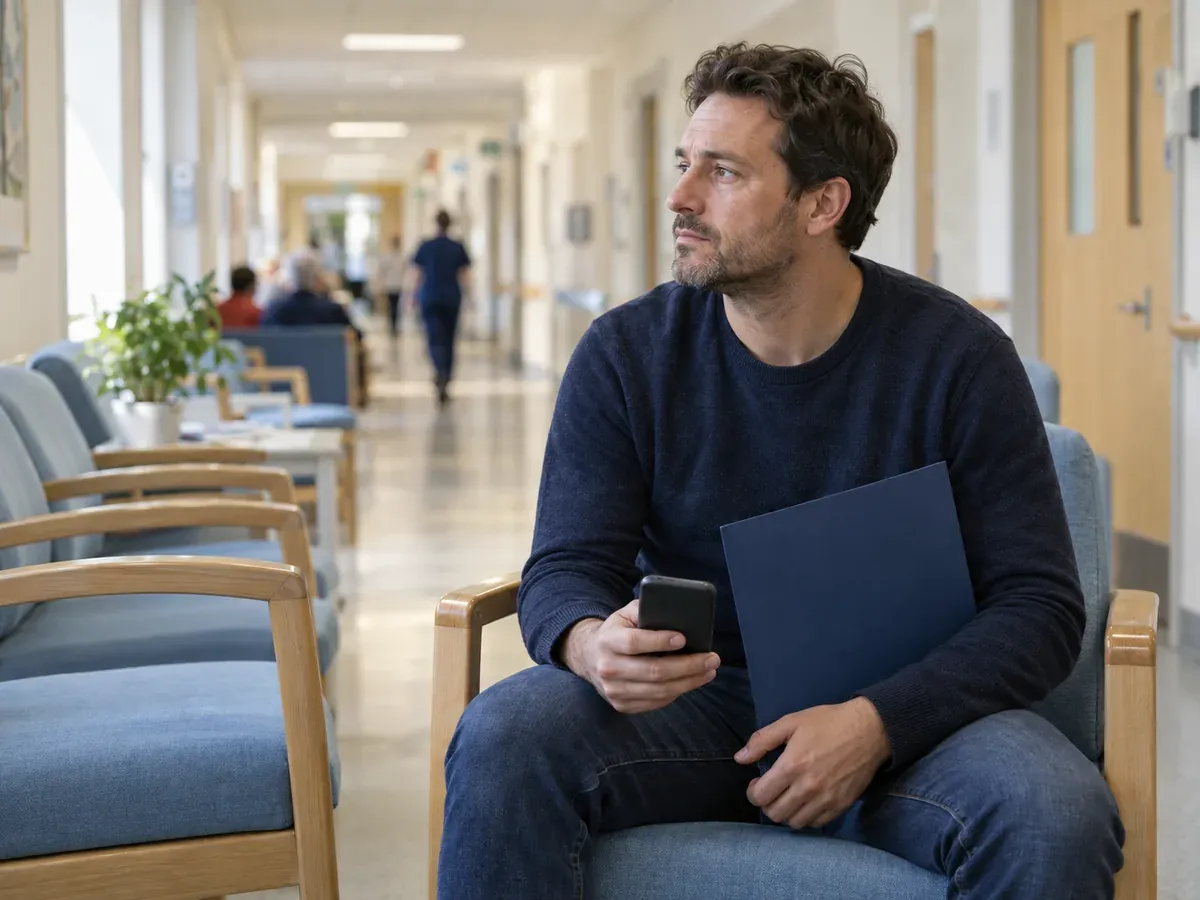
Imaging and emergency departments are often below ground. The intake nurse asks for a medication list while your phone shows no bars.
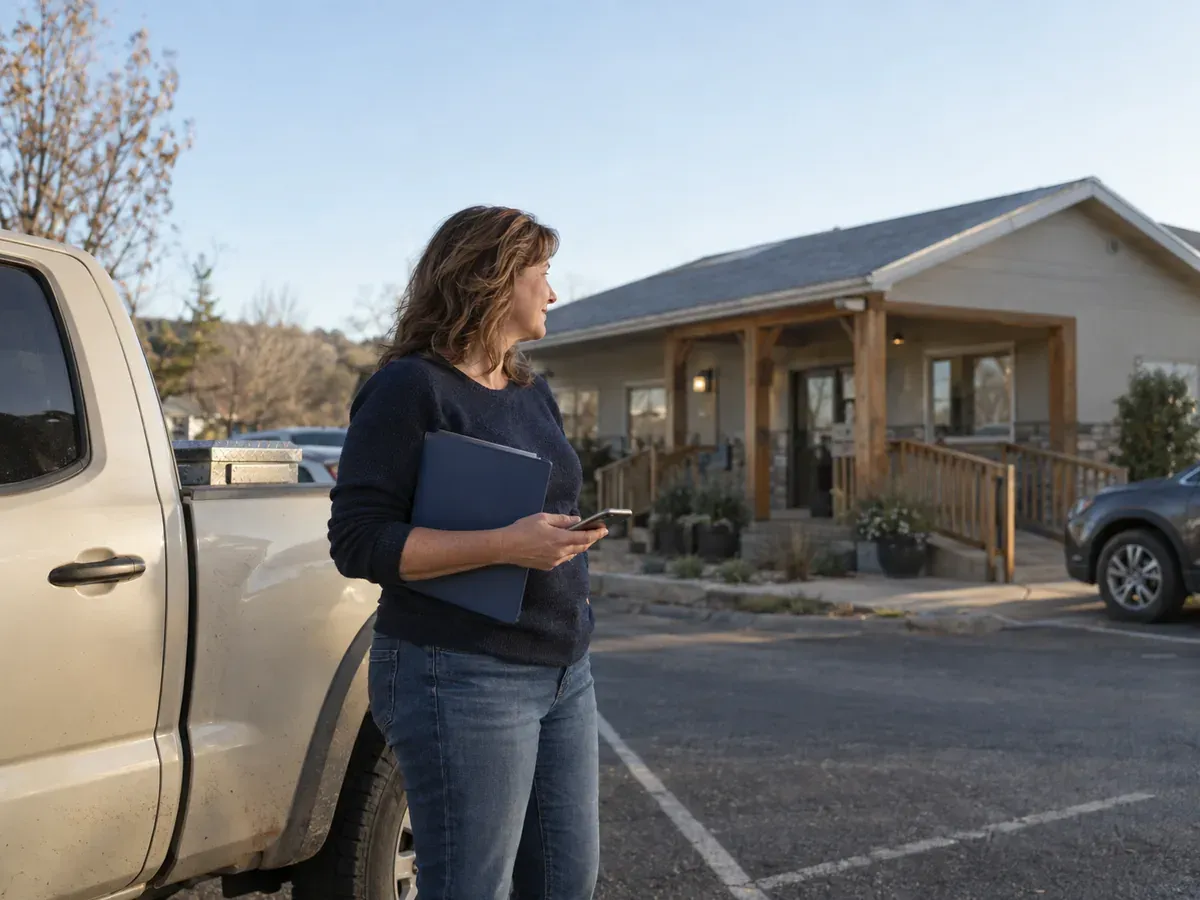
A clinic forty minutes from town, a parking lot with one bar. Your labs from the city hospital are already on your phone.
A new country, a new SIM, a pharmacist asking what you take. Your vaccination record and prescriptions open on the plane and on the ground.
You are at urgent care with a parent and their portal password is at home. Their profile, medicines and allergies are in your pocket.
KeepMD is not a cached copy of a website. The record itself is an encrypted database on your phone, with its key in the device’s secure keychain and a lock that opens with Face ID, Touch ID or a passcode. Searching runs on the device too. That is why the app behaves the same with airplane mode on, and why the secure medical records app page and this one describe the same design from two sides.
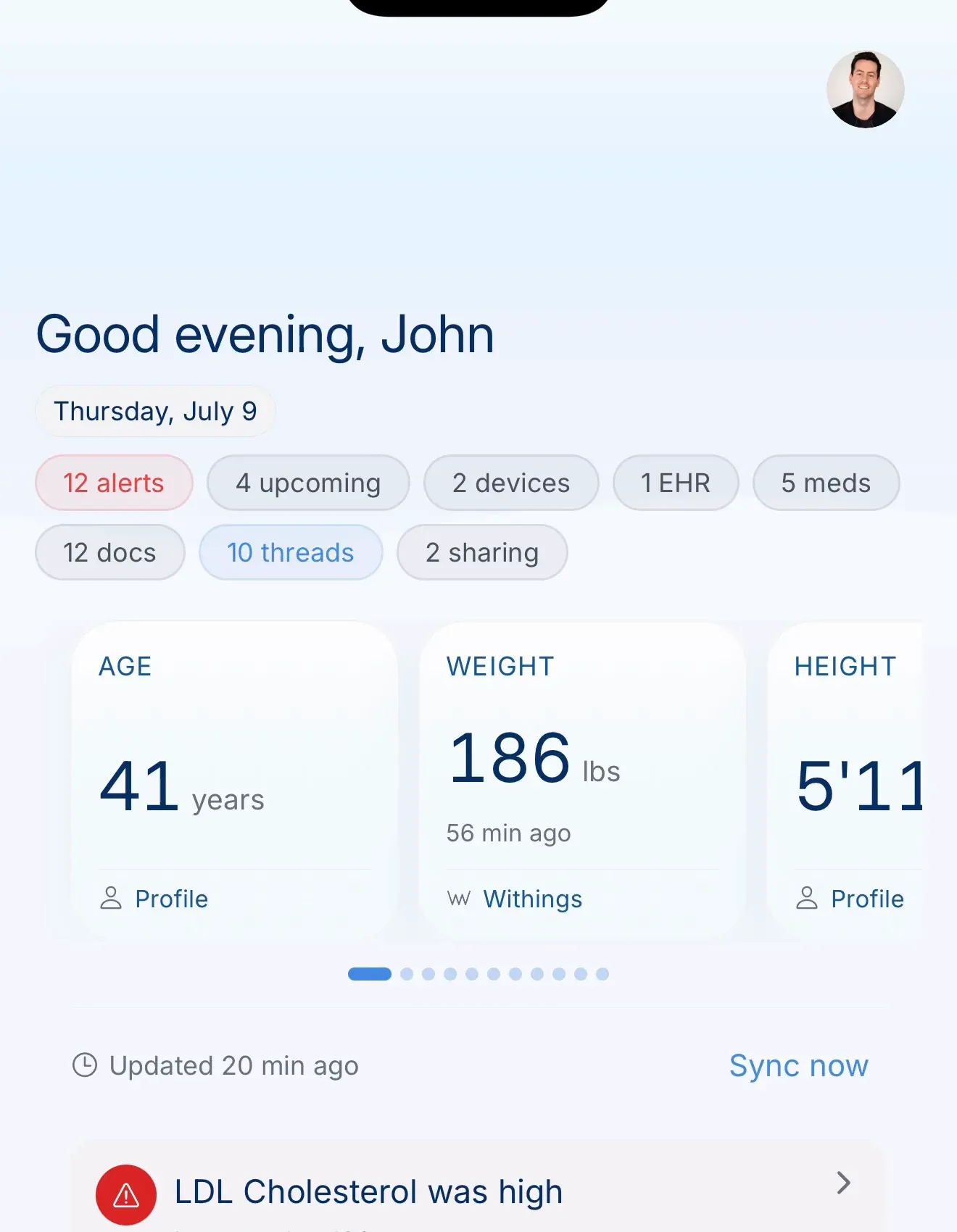 KeepMD screen shown with demo data.
Offline access is only as good as what you put on the phone while you still had a connection. Four habits cover most emergencies.
New results arrive when you sync a connected health system. Do it at home and they are on the phone before you need them.
Discharge folders, outside labs and pharmacy printouts are read once, with your permission, and then open anywhere.
Allergies, medicines, conditions and contacts, built from the profile and openable in two taps.
Visit prep gathers your questions and the labs for the timeframe you choose into one PDF you can show from the phone or hand over.
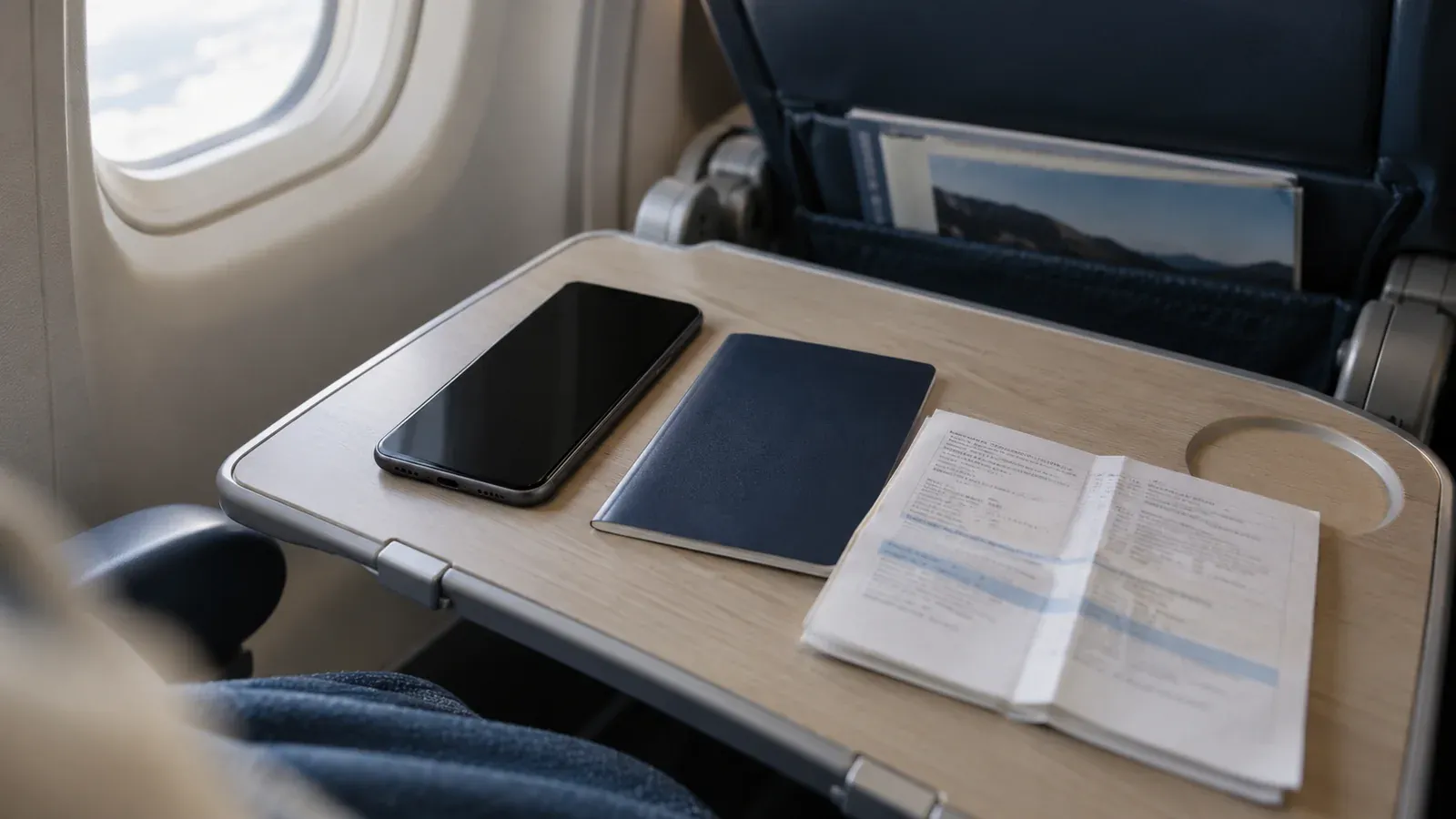
A record that lives on one phone needs a way to survive a lost phone and a way to reach a clinician. Both are files you make, so you always know when a copy exists.
Offline is an overloaded word in app descriptions. Sometimes it means a cached copy of the last page you looked at. In KeepMD it means the record itself is on the phone: an encrypted database that holds your documents, results, medicines, notes and profiles, with the key in your device’s secure keychain.
That is why the app behaves the same with airplane mode on. Reading, searching and adding never contact a server, because there is no server copy to contact. The features that do need the network are the ones that fetch something new: a hospital sync, a scan being read, an optional cloud answer.
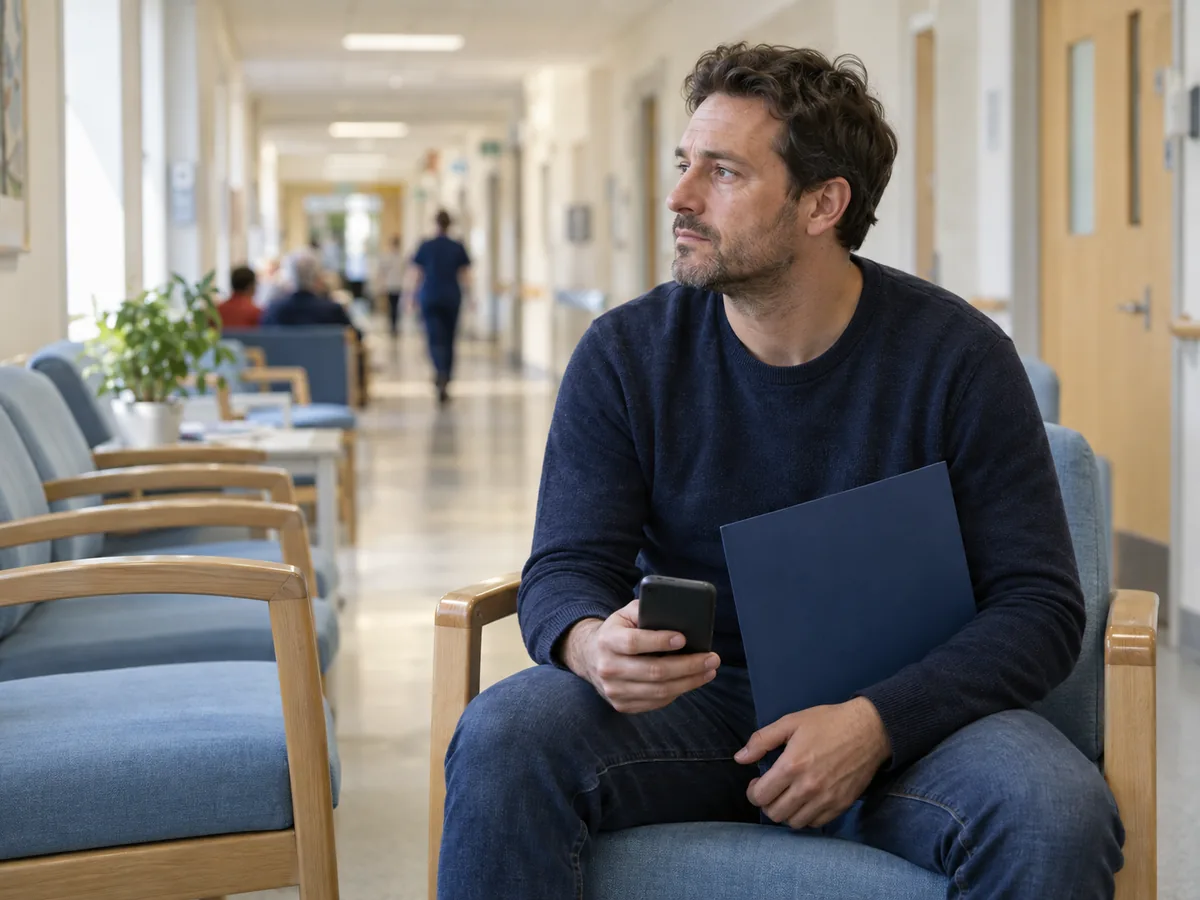
Imaging departments are often underground. The record in your pocket does not know.
A portal is a website. It needs a signal, a login and a session that has not expired, and it shows one organization’s records. The waiting room where you need your medication list is often the place with none of those: a basement imaging department, a rural clinic, a plane, a parent’s house.
KeepMD does not replace the portal; the patient portal vs personal health record guide explains how the two fit together. It takes the copy out of each portal while you have a connection, so the copy is there when you do not.
Travelers carry vaccination records, prescriptions and recent results into countries with a different SIM and a pharmacist who wants to know what they take. Rural patients move between clinics with weak service. Caregivers answer questions for a parent whose portal password is at home. Anyone in a hospital for a few days answers the same medication questions on every shift.
For caregivers in particular, the offline record is the parent’s profile on your phone: medicines, allergies, clinicians and the last discharge summary, which is exactly the list the caring for aging parents guide builds.
Medication reminders are local notifications, scheduled on the phone, so they fire at eight in the morning whether or not there is a signal. Logging a dose, counting remaining supply and noting a change all happen on the device. Our guide to medication management covers what a safe entry holds.
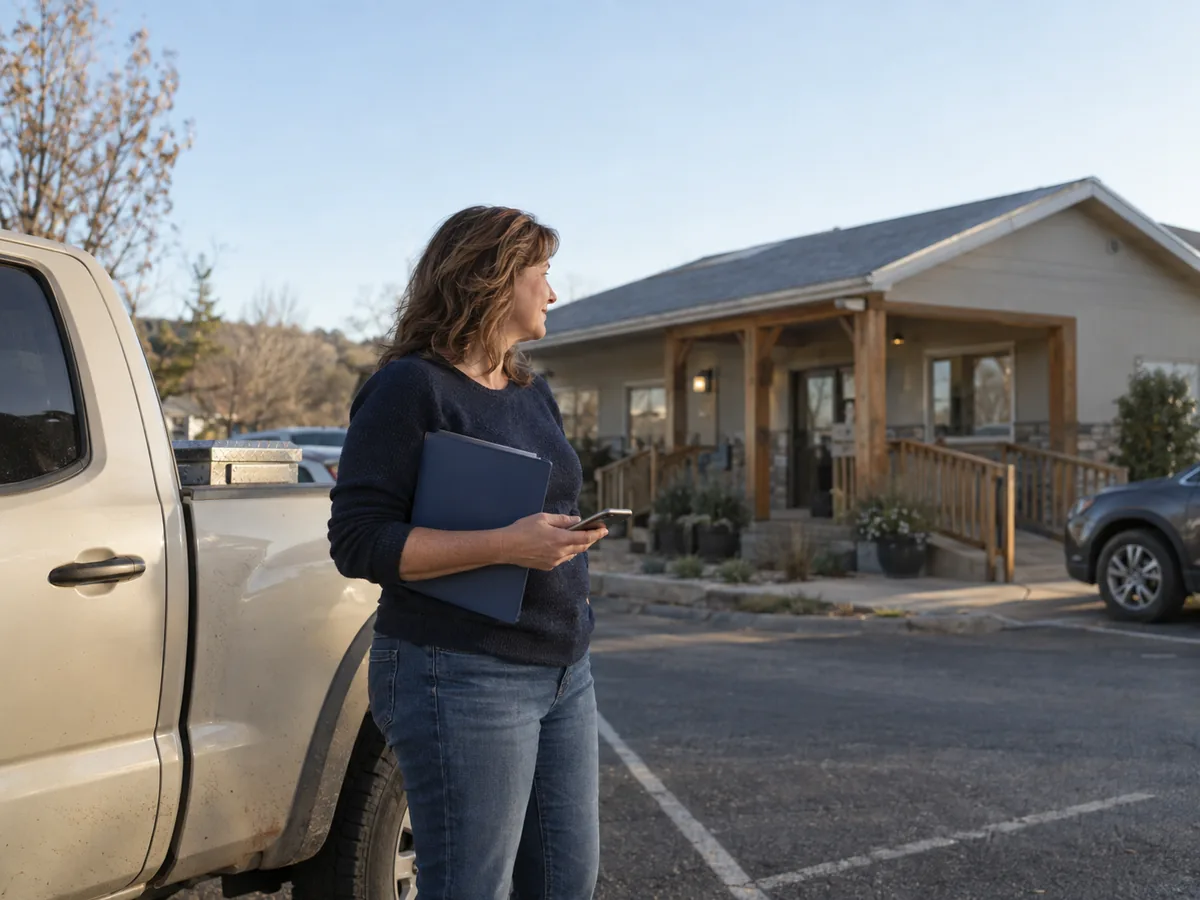
One bar of signal in the parking lot. The labs from the city hospital are already on the phone.
On KeepMD Plus a household keeps up to four profiles, each with its own records, hospital connections and emergency card, all on the one phone and all available offline. Switching from your profile to a child’s or a parent’s does not need a connection either. Our family health record management guide covers who keeps what current.
Offline is not isolation. KeepMD connects to hospitals that use Epic MyChart, reads scans with your permission and shares PDFs when you choose. Offline is also not fragile: an encrypted backup file, protected by your passcode, survives a lost phone, and the secure medical records app page explains exactly what leaves the device and when.
What offline is, is a default. The record works first on the phone in your hand, and reaches out only when you ask it to.
Questions
A health record app whose record lives on your device rather than in a web session, so you can open, search and add to it without internet, a portal login or cloud sync. KeepMD stores the record in an encrypted database on your phone.
Opening any record, document, result or note; searching; adding entries and logging doses; reminders; the emergency card and specialist packet; switching profiles; exporting a PDF or writing an encrypted backup.
Syncing a connected hospital for new results, having KeepMD Vision read a new scan, optional cloud answers, which are off by default, and App Store or Google Play purchases. A scan started offline waits as an encrypted draft.
No. You can write an encrypted backup file protected by your KeepMD passcode and keep it where you choose, and share a specialist packet or emergency card PDF whenever you like. Copies exist when you make them.
Yes. Reminders are local notifications scheduled on the phone, so they fire with no signal.
Yes. Your record opens on the plane and on the ground with no SIM. Syncing a hospital or reading a new scan waits until you have a connection.
Offline access is for records you already hold. For the ones a provider still has, learn how to request medical records and put them on the phone before the next trip.
How KeepMD keeps your copy on your device.
Get the paperwork, then keep it in one place.
Separate, organized records for everyone you look after.
Tools for the parts of your record a portal leaves out.
Integration guides for the devices people track at home.
Don’t just take our word for it. Compare KeepMD for yourself.