


The records that matter first
Caring for a parent usually begins with appointments and errands and turns into a records job without anyone deciding it should. One sibling knows the pharmacy, another remembers the cardiologist’s name, and the discharge summary is in a folder in the parent’s kitchen when a new clinician asks for it.
The way out is not a complete archive. It is a short list kept current: the medicines and their doses, allergies, diagnoses, recent results, who treats them and where, insurance, emergency contacts and where the advance directive lives. The National Institute on Aging’s caregiving guidance comes back to the same point: the facts that change decisions have to be findable by whoever is in the room.
Hospital and specialist paperwork

The discharge folder is the record of the year. Scan it the day it comes home.
A hospital stay produces the most important paper of the year and the easiest to lose: the discharge summary, a new medication list, follow-up dates and instructions. Scan the folder into the parent’s profile the day it comes home, as a discharge document, so the primary care visit two weeks later starts from the same page.
Specialist notes and imaging reports go in the same way. If the parent’s hospital uses Epic MyChart, connect it to the parent’s profile and the results arrive without paper; the hospital connection guides show what each system shares. For older records a hospital still holds, follow our guide to requesting medical records: ask in writing with your parent’s authorization, then scan what arrives.
Medicines
Medication lists are where caregiving goes wrong most often: a dose changed at a specialist visit, a new medicine started at discharge, an old bottle still in the cupboard because it still has pills. Keep one current list in the parent’s profile with the dose, timing, reason, prescriber and pharmacy for each medicine, and the date anything changed.
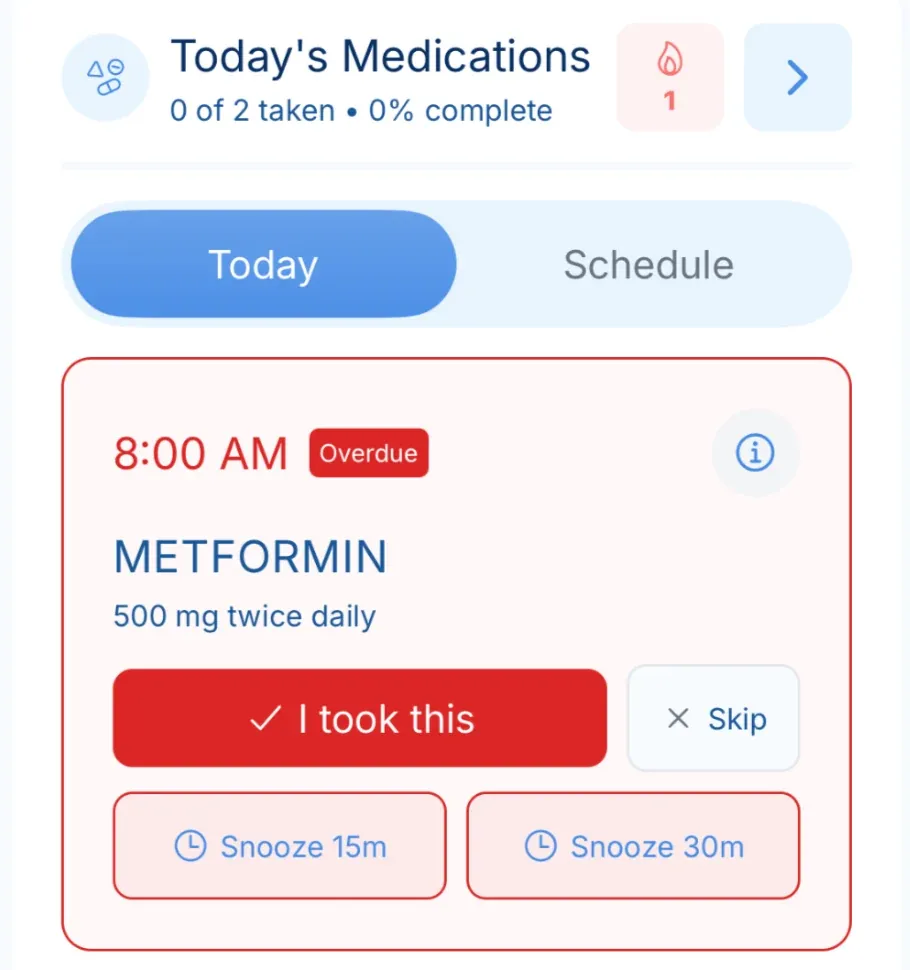
KeepMD adds reminders, a dose log and supply counts to each medicine, and can read a bottle label with your permission to fill in a new entry. Our guide to medication management covers what a safe entry holds; for a parent, the extra discipline is the handoff after every change.
Portals and proxy access
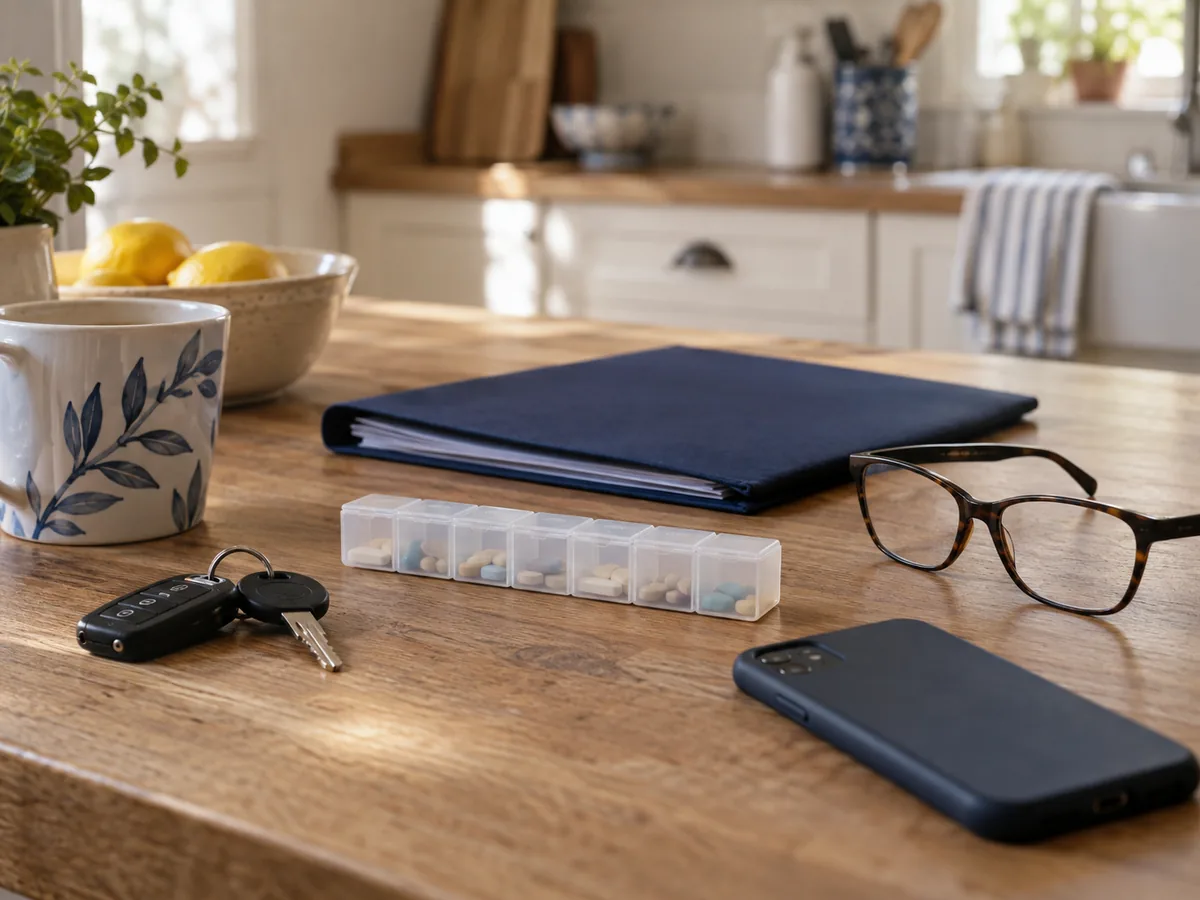
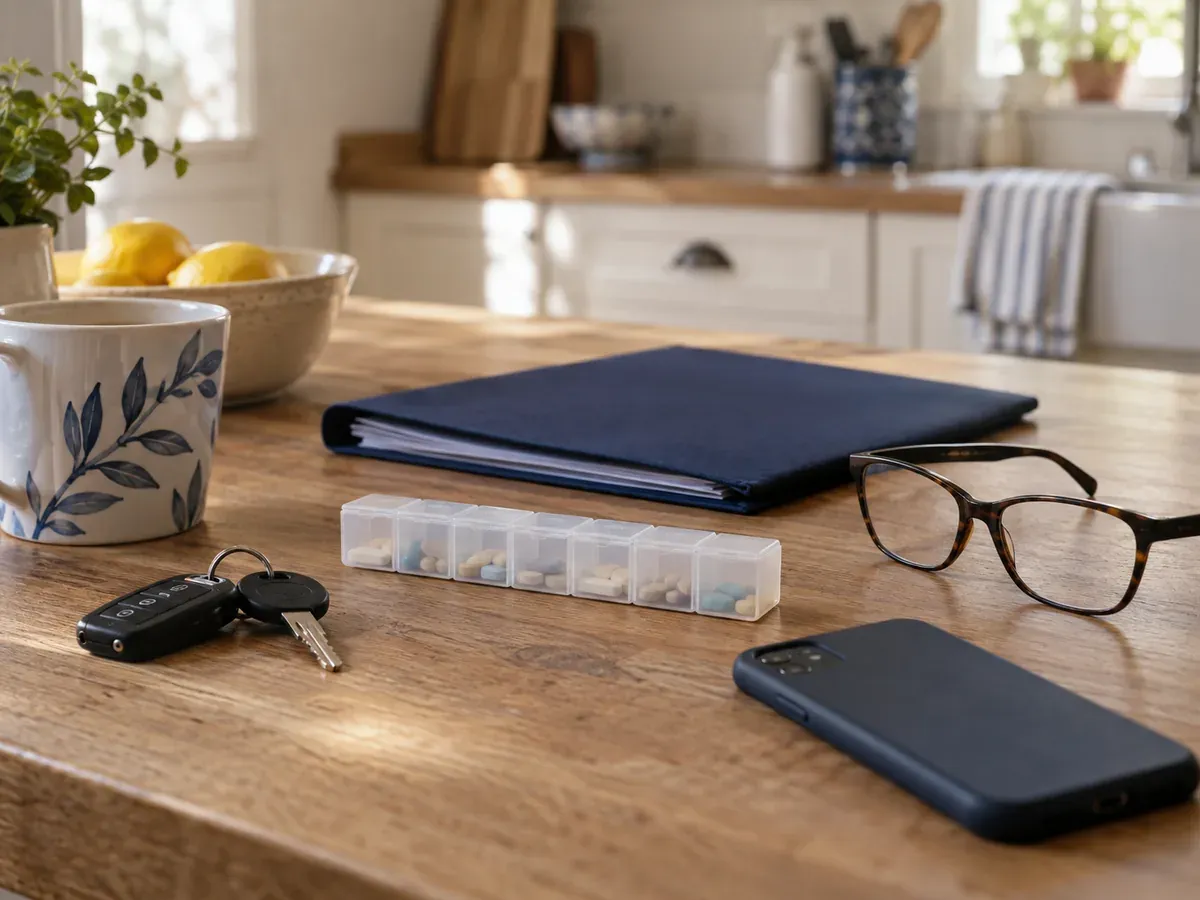
The kit before an appointment: keys, the organizer, the folder and the phone that holds the rest.
Many hospitals offer proxy access, which lets you see a parent’s portal under your own login, with rules each organization sets. It is worth having. It is also one organization’s slice of the record, and it ends when the portal does.
KeepMD takes the copy out of each portal and keeps it with everything else in the parent’s profile, on your phone, where it works in the hospital basement and the urgent care waiting room. The patient portal vs personal health record guide explains the difference.
Privacy inside the family
Caregiving needs sharing, and casual sharing is how a parent’s records end up in a group chat that never gets cleaned up. The better model is one record behind one lock, and files that go exactly where they are needed: a specialist packet to the sibling who drives, the emergency card to everyone, nothing to the group chat.
Include the parent in those decisions if they are able to take part. The secure medical records app page explains what stays on the phone and what leaves only when you choose, which is the same question a parent is entitled to ask about their own record.
Setting it up
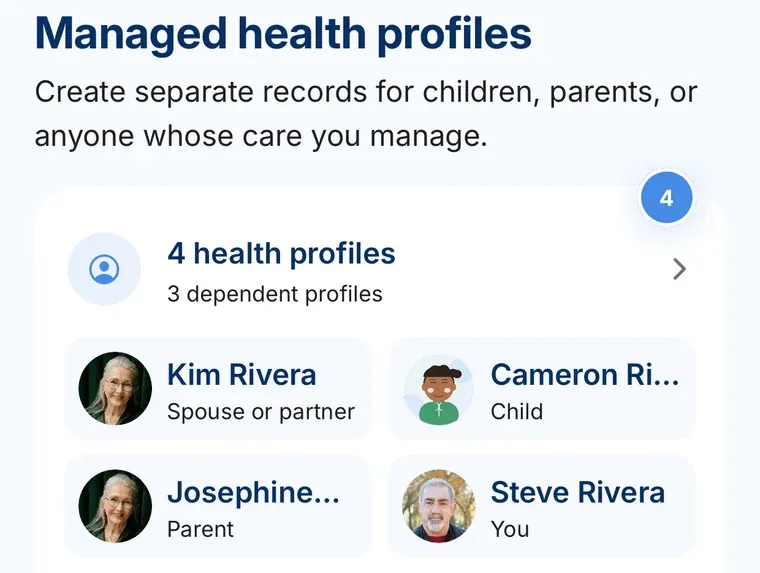
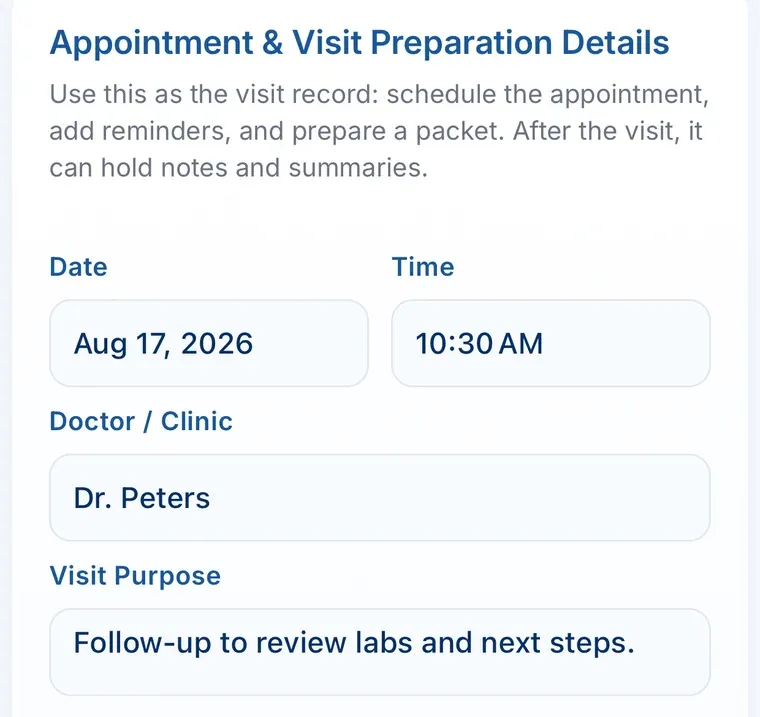
Start with the parent’s profile, then the medication list, then the clinicians and the pharmacy. Scan the most recent discharge summary and the latest labs. Build the emergency card and send it to the other caregivers. Then add the habit: after every visit, scan the paper, update the list, tell the next person what changed. Our family health record management guide covers how a household shares that routine across ages.
A usable record you keep beats a perfect archive nobody maintains. For a parent, usable means current medicines, current contacts and the last discharge summary, on a phone that is in the room.