You see Mass General Brigham instead of MGH
Patient Gateway uses the parent-system name. Massachusetts General Hospital remains the hospital whose records you are connecting.
Hospital integration guide
 Massachusetts General Hospital Massachusetts General Hospital · patientgateway.massgeneralbrigham.org
Connect Massachusetts General Hospital through Mass General Brigham Patient Gateway and organize available records in KeepMD. This guide also covers formal requests and imaging.
KeepMD is an independent personal health record app. It is not affiliated with, endorsed by, or operated by Massachusetts General Hospital or Epic Systems Corporation. MyChart® is a trademark of Epic Systems Corporation.
Mass General Brigham Patient Gateway is the patient portal used by Massachusetts General Hospital. Mass General says patients can securely access much of their health information there around the clock.
Massachusetts General Hospital is ready to connect in KeepMD. Search for the hospital, continue to Patient Gateway, review access, and import the health information available for your account. The active KeepMD registry entry uses the same Epic patient-access workflow approved for other supported Epic organizations.
For a formal copy, call Mass General Medical Records at 617-726-2361 or submit the current authorization form by fax to 617-726-3661. Radiology images use a separate service.
Have records at another health system? Explore other Epic hospital guides.
Mass General documents seven health-record categories available through compatible patient apps. KeepMD treats the active Mass General Epic connection as ready; the exact records returned depend on the account.
Record categories KeepMD can organize from Massachusetts General Hospital through the patient-access connection.
These may exist in the portal, but KeepMD has not verified their availability through this connection.
Records Massachusetts General Hospital typically releases through its medical-records process, not through the patient-access connection.
These screens show the path from provider search and Patient Gateway sign-in to category selection, import, and the KeepMD connection summary. No patient credentials or health information are needed to explain the process.
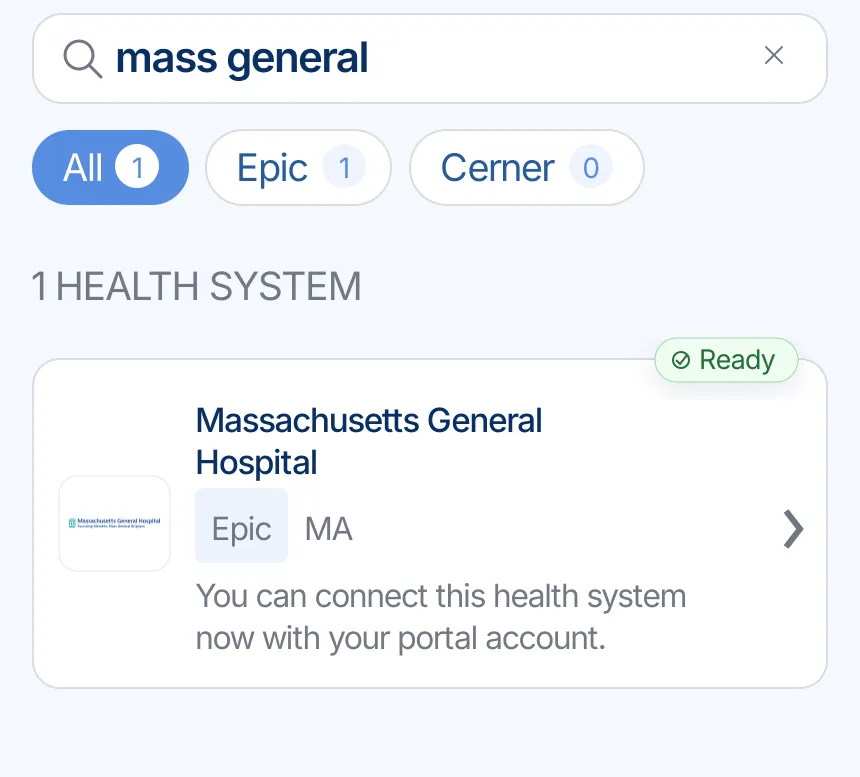
Search KeepMD for Massachusetts General Hospital, Mass General, or MGH, then choose the hospital entry.
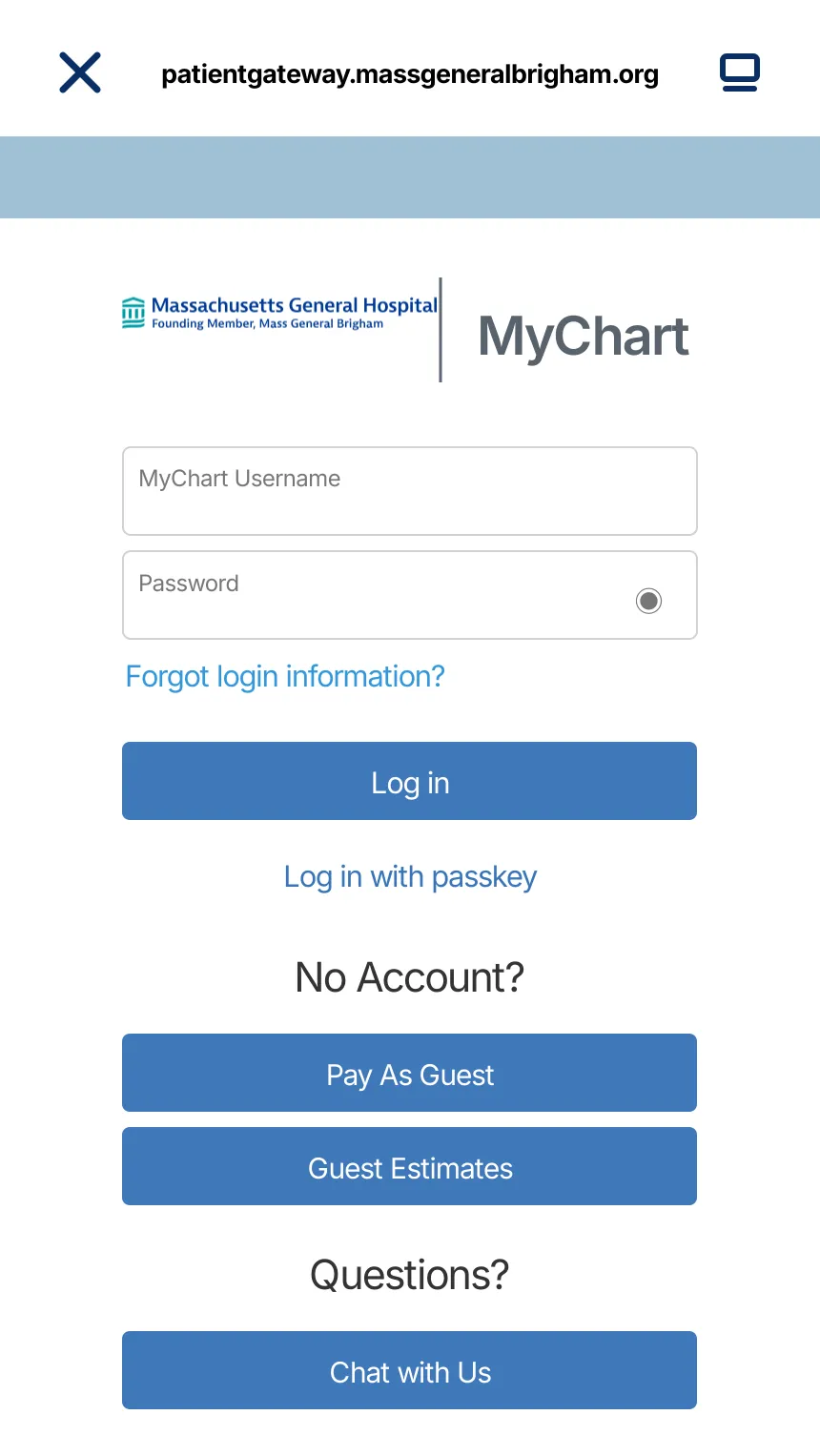
KeepMD opens Mass General Brigham Patient Gateway. Enter your portal credentials on that provider-owned page; KeepMD does not receive or store your password.
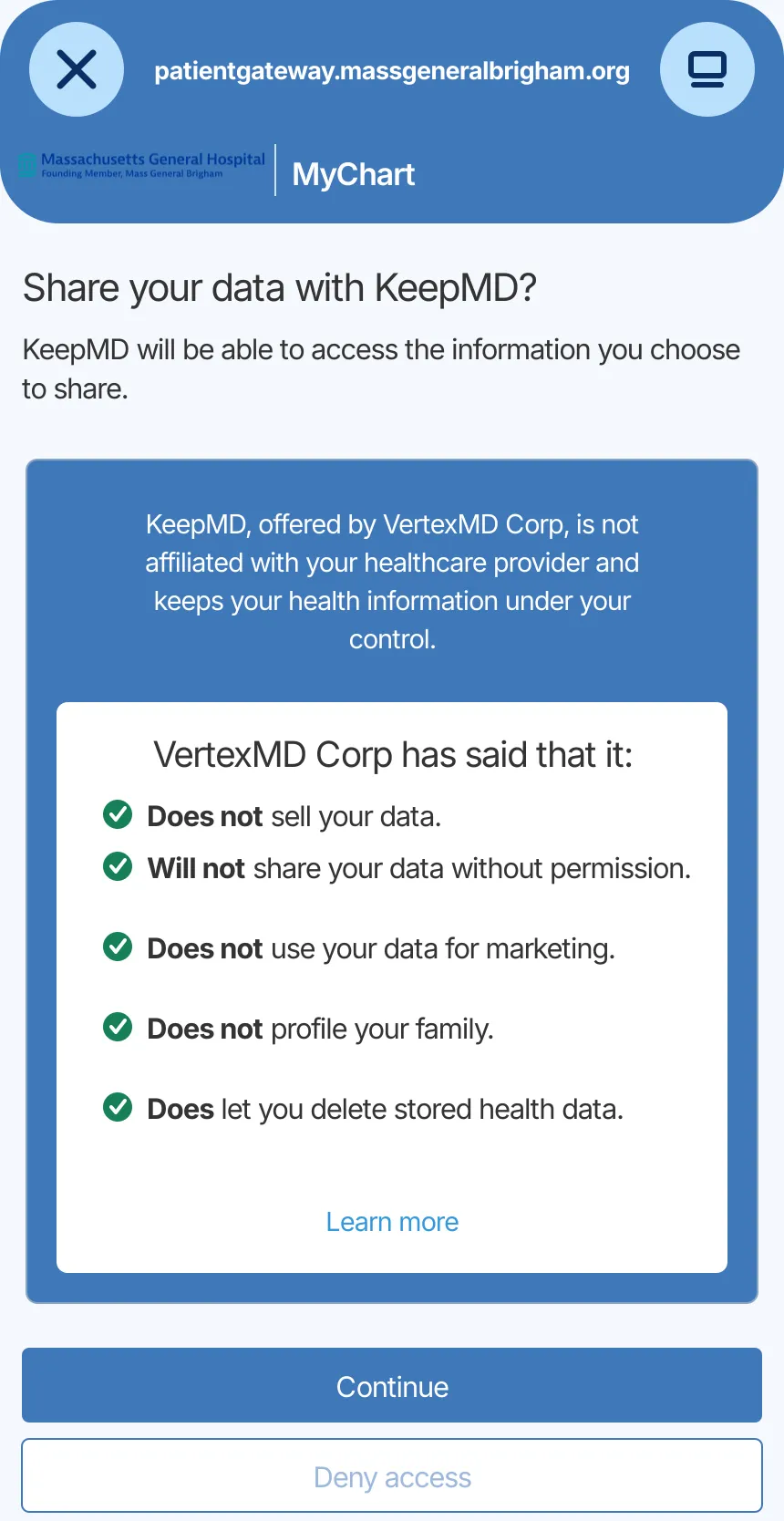
Review the connection details and decide whether KeepMD may retrieve the health information available for your account.
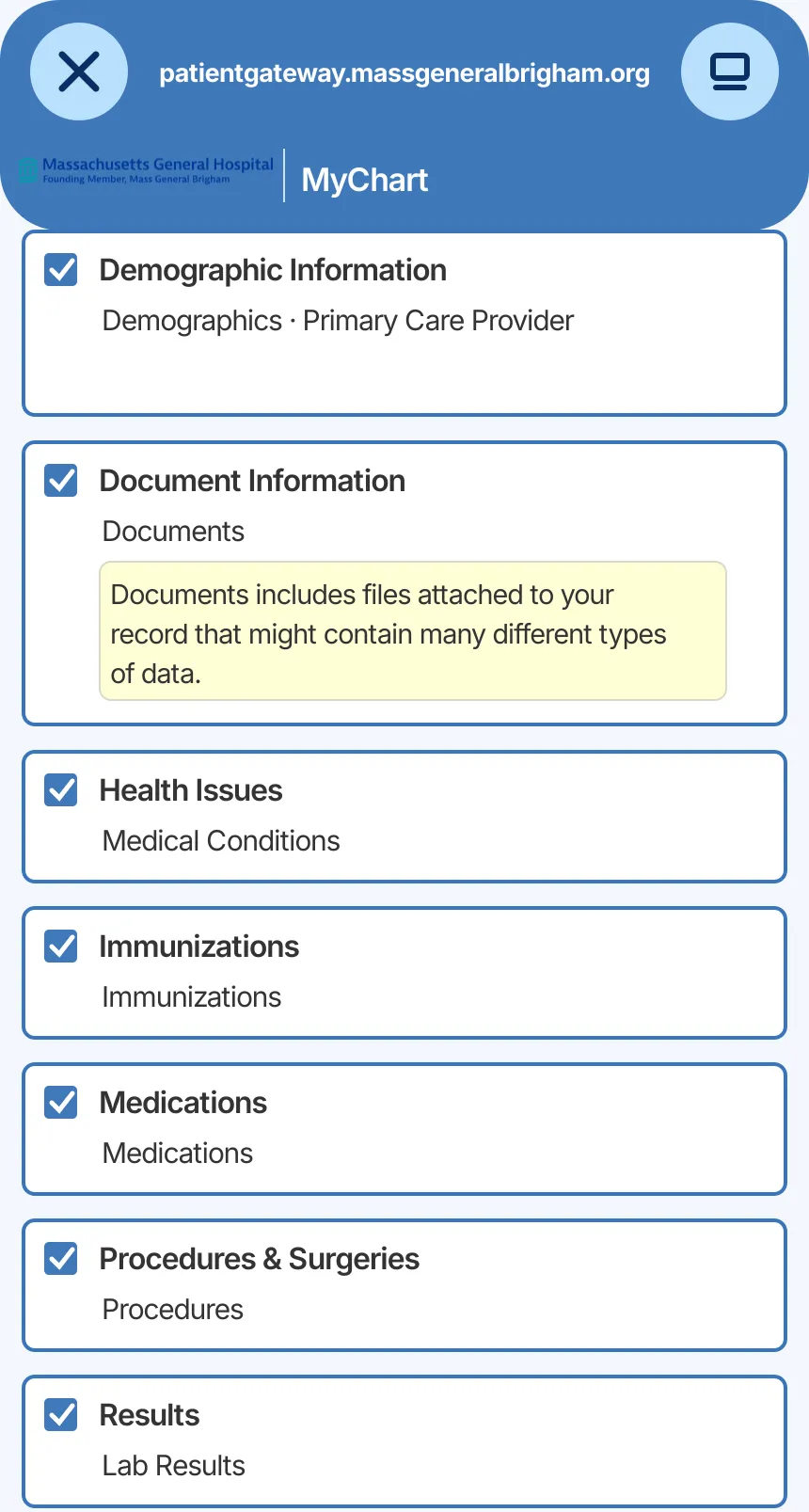
Choose the information you want to organize. Mass General documents allergies, conditions, immunizations, labs, medications, procedures, and vital signs for compatible patient access.
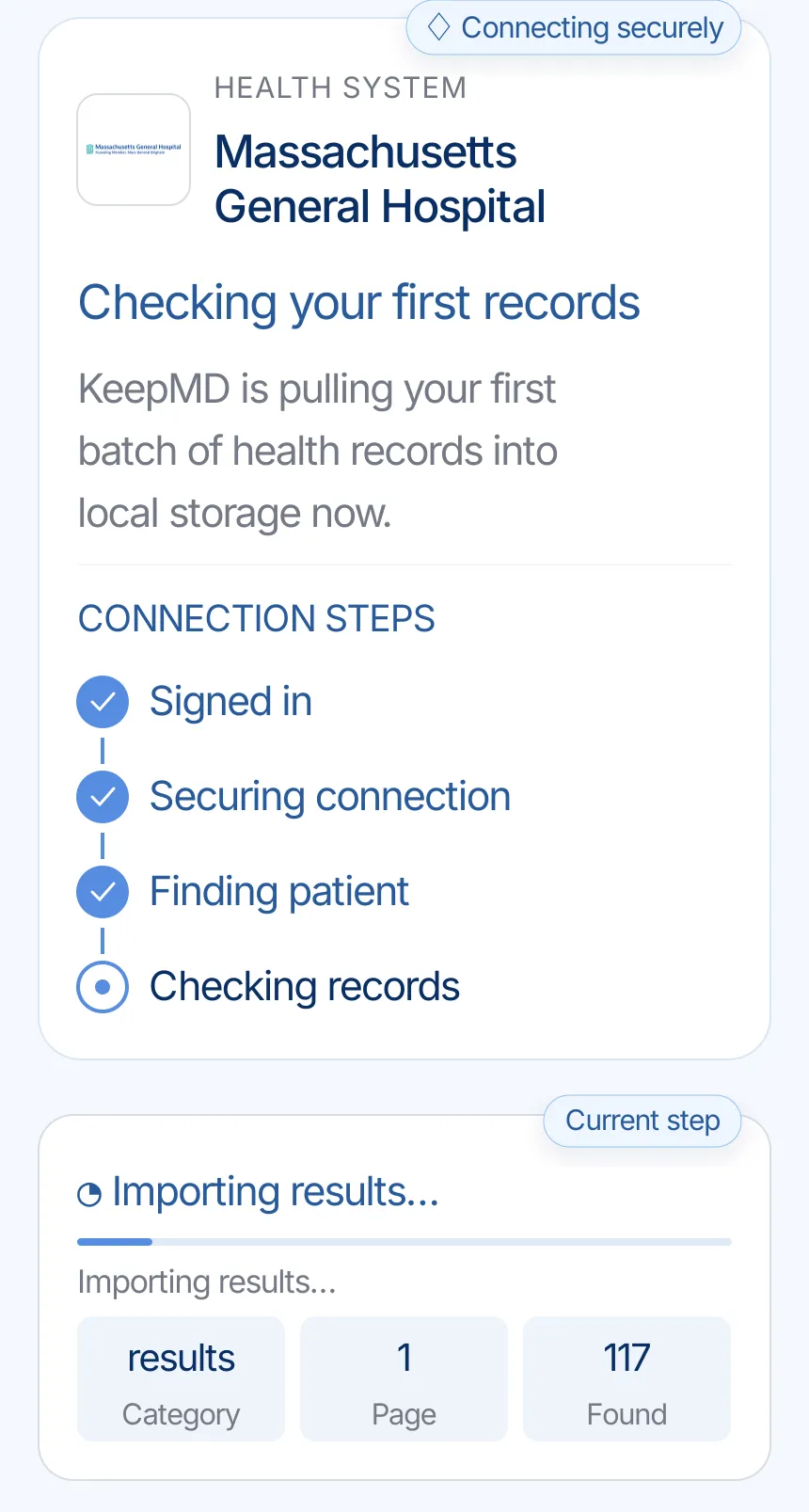
KeepMD secures the connection, identifies the patient record, and checks the health information available to import.
KeepMD groups the records returned through the connection. Categories and totals vary by patient, facility, and date range.
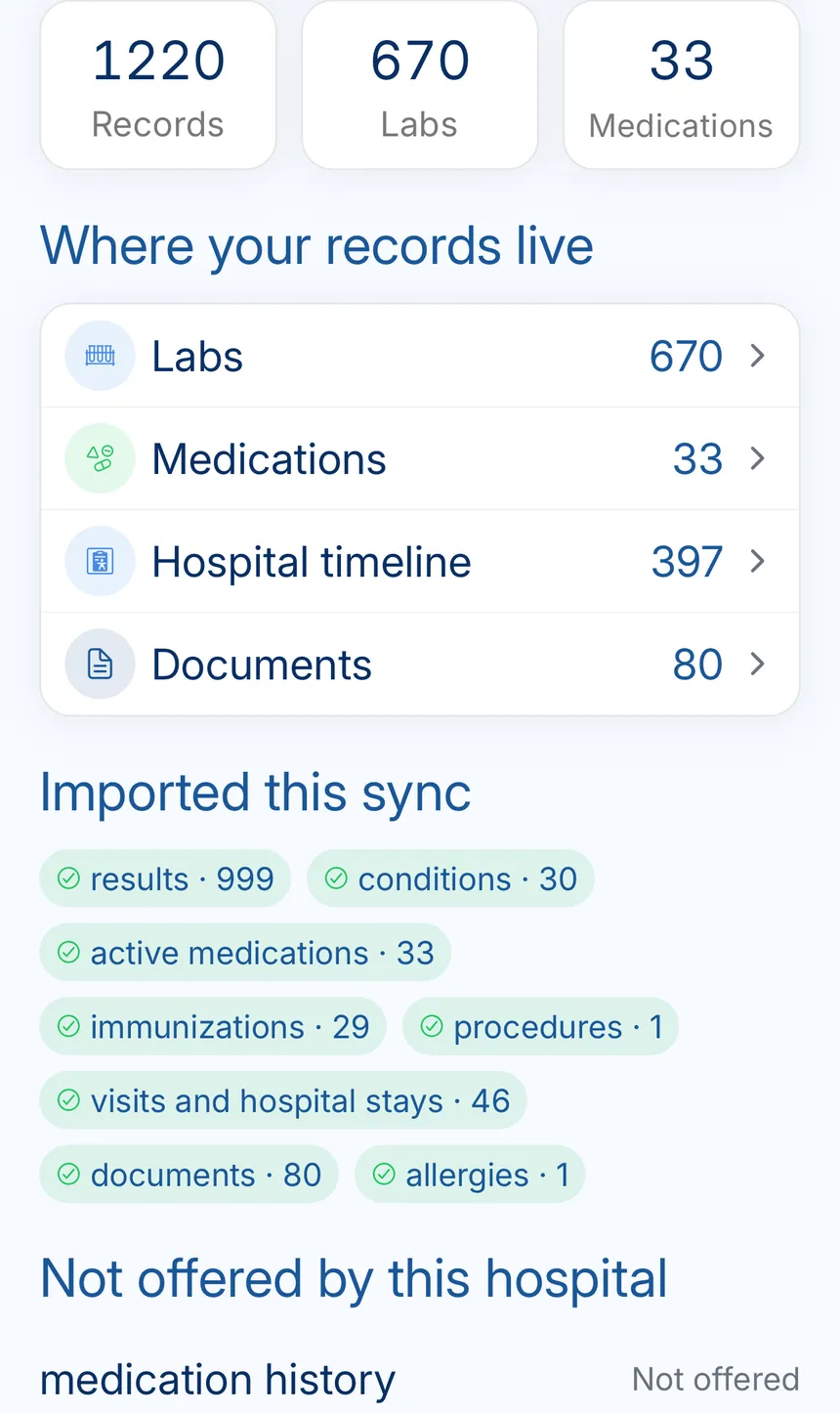
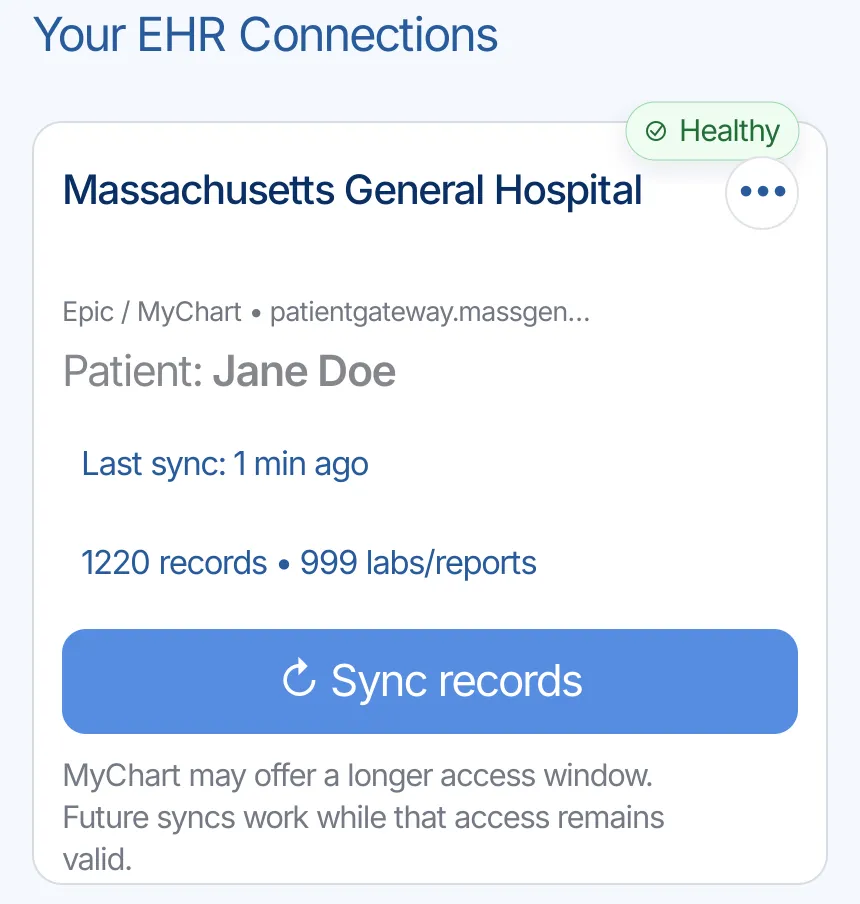
The summary keeps the Mass General provider identity, last update, and organized record categories together.
Massachusetts General Hospital's Boston campus and current official records channels.
Everything the connection does not cover: identifying the right organization, portal downloads, formal requests, privacy, and the post-import check.
Massachusetts General Hospital, Mass General, and MGH refer to the hospital. Its portal is Mass General Brigham Patient Gateway, reflecting the parent health system. These names belong to the same patient-access path for Mass General care.
Check that the sign-in page is hosted by patientgateway.massgeneralbrigham.org before entering credentials. KeepMD is an independent personal health record app and does not operate Patient Gateway.
Mass General says Patient Gateway provides secure online access to much of a patient's health information. The hospital also documents compatible app access to allergies, conditions, immunizations, labs, medications, procedures, and vital signs.
Portal access and an app connection are not the complete legal record. Use the formal process below when you need a released copy, protected information, a specific date range, or material that does not appear.
Mass General routes formal requests through the Mass General Brigham Medical Records Department and its Release of Information form.
Patient Gateway handles your username and password. KeepMD receives only the access you approve and stores imported records on your device by default. KeepMD is independent from Massachusetts General Hospital, Mass General Brigham, and Epic.
Review the facility names, date ranges, and categories returned. If something is missing, refresh the connection, compare it with Patient Gateway, and use the formal records or imaging route for anything that remains absent.
Patient Gateway uses the parent-system name. Massachusetts General Hospital remains the hospital whose records you are connecting.
Use the Release of Information form. A portal or app connection does not replace a formal medical-record release.
Contact the Imaging Service Center at 617-726-1798. Reports and image files follow different request routes.
FAQ
Massachusetts General Hospital uses Mass General Brigham Patient Gateway.
Mass General publishes 617-726-2361 for the Release of Information Unit.
The current authorization form lists 617-726-3661.
Use Patient Gateway where available or complete the current authorization form and submit it to Release of Information by fax or mail.
Contact the Imaging Service Center at 617-726-1798. Its fax is 617-724-0264.
Yes. Search for Massachusetts General Hospital in KeepMD, continue to Patient Gateway, review access, and import the records available for your account.
No. KeepMD is independent and is not affiliated with, endorsed by, or operated by Massachusetts General Hospital, Mass General Brigham, or Epic.