You cannot complete MyChart sign-in
Confirm that you can sign in directly at the official Cleveland Clinic MyChart site. Portal account recovery is handled by Cleveland Clinic.
Hospital integration guide
 Cleveland Clinic Cleveland Clinic · mychart.clevelandclinic.org
Connect Cleveland Clinic MyChart to organize available health records in KeepMD. This guide also covers MyChart downloads, formal requests, and the current Ohio medical records phone and fax.
KeepMD is an independent personal health record app. It is not affiliated with, endorsed by, or operated by Cleveland Clinic or Epic Systems Corporation. MyChart® is a trademark of Epic Systems Corporation.
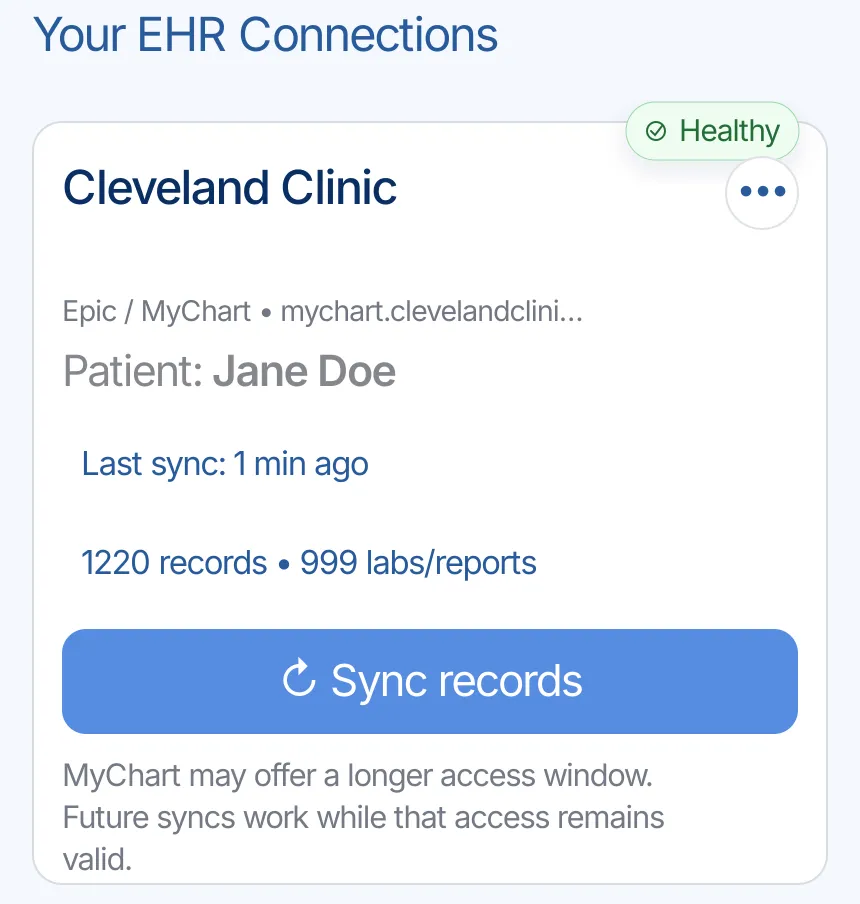
Cleveland Clinic MyChart is the patient portal. Cleveland Clinic says Ohio and Florida patients can see up to three years of records and use the Sharing Hub in the web portal to request a snapshot or formal copy.
Cleveland Clinic is ready to connect in KeepMD. Search for Cleveland Clinic, continue to the provider-owned MyChart sign-in, review access, and import the information available for your account. Cleveland Clinic's linked-app guide says Epic patients can connect third-party apps and can later remove access in MyChart.
If you need a complete copy, older records, radiology images, or anything not returned through the connection, use the official request process below.
Have records at another health system? Explore other Epic hospital guides.
Cleveland Clinic states that Epic patients can connect third-party apps and identifies lab results, allergies, medications, and immunization history among the available information. The exact categories returned to KeepMD depend on the account.
Record categories KeepMD can organize from Cleveland Clinic through the patient-access connection.
These may exist in the portal, but KeepMD has not verified their availability through this connection.
Records Cleveland Clinic typically releases through its medical-records process, not through the patient-access connection.
These screens show how the Cleveland Clinic connection moves from provider search and MyChart sign-in to record selection, import, and the KeepMD connection summary. No patient credentials or health information are needed to explain the process.
Search for Cleveland Clinic in KeepMD and select the health system from the provider list.
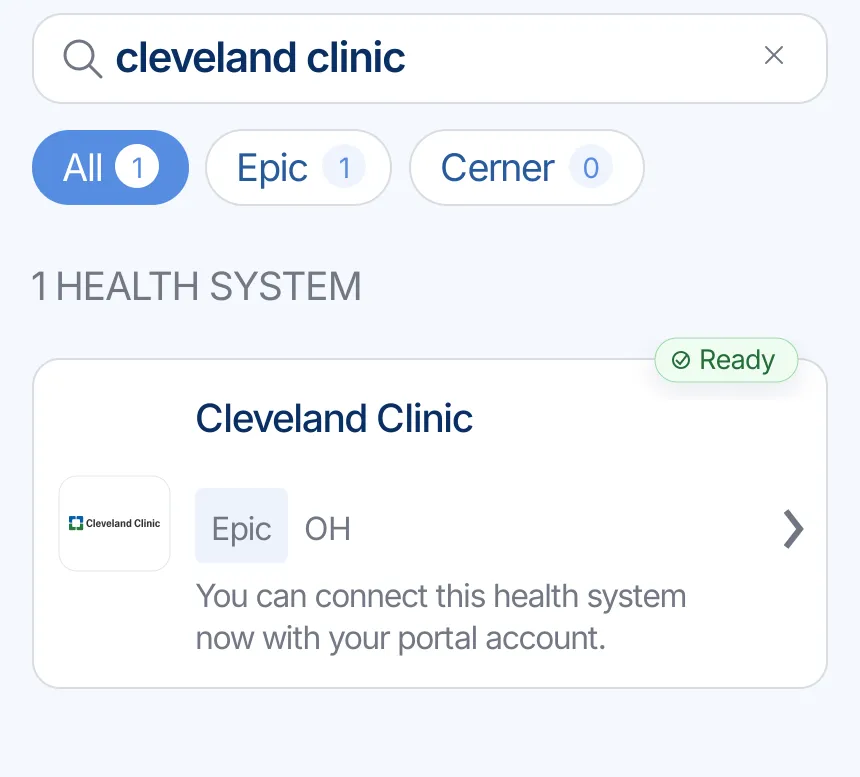
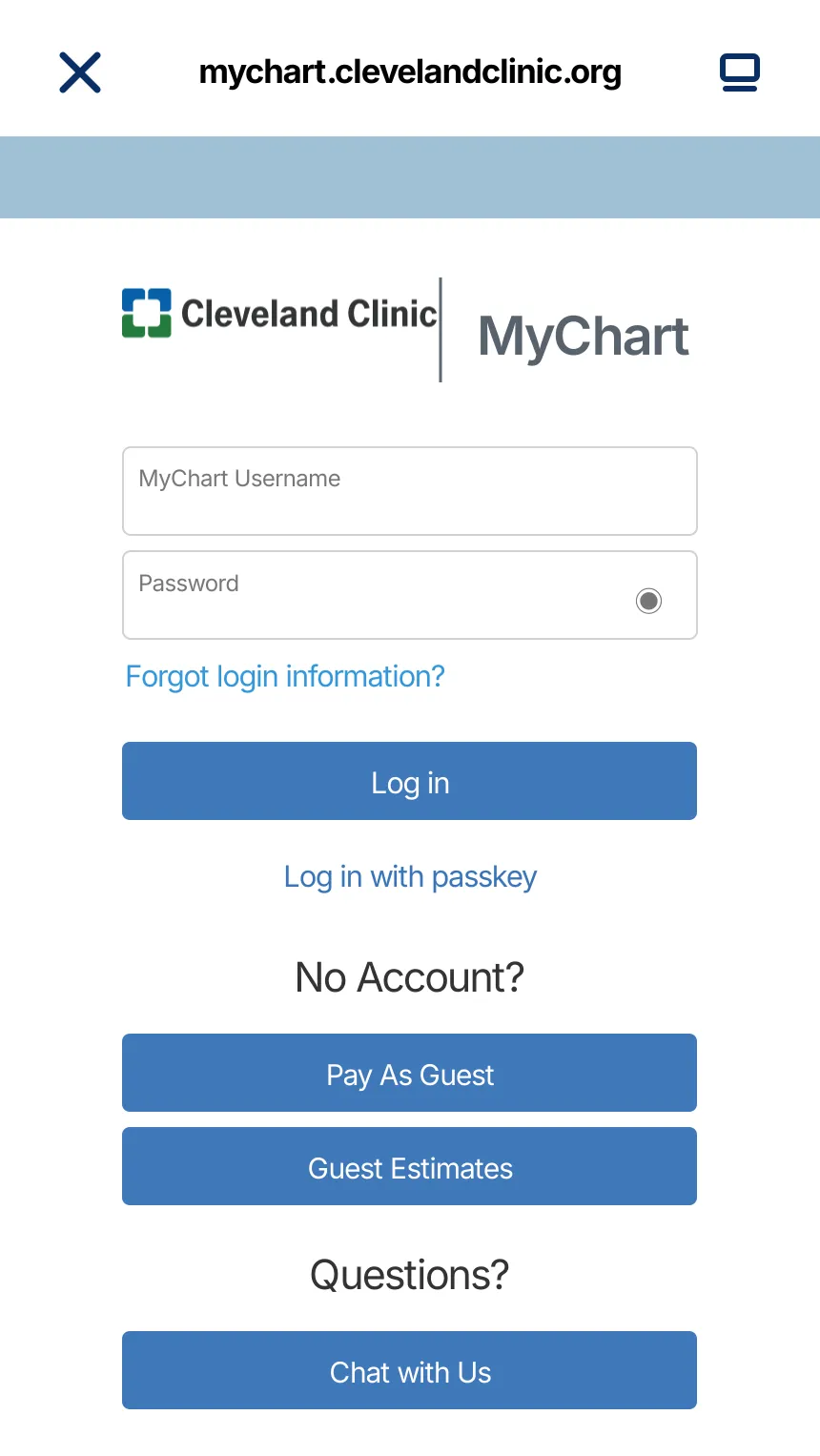
KeepMD opens the provider-owned MyChart sign-in page. Enter your portal credentials there; KeepMD does not receive or store your portal password.
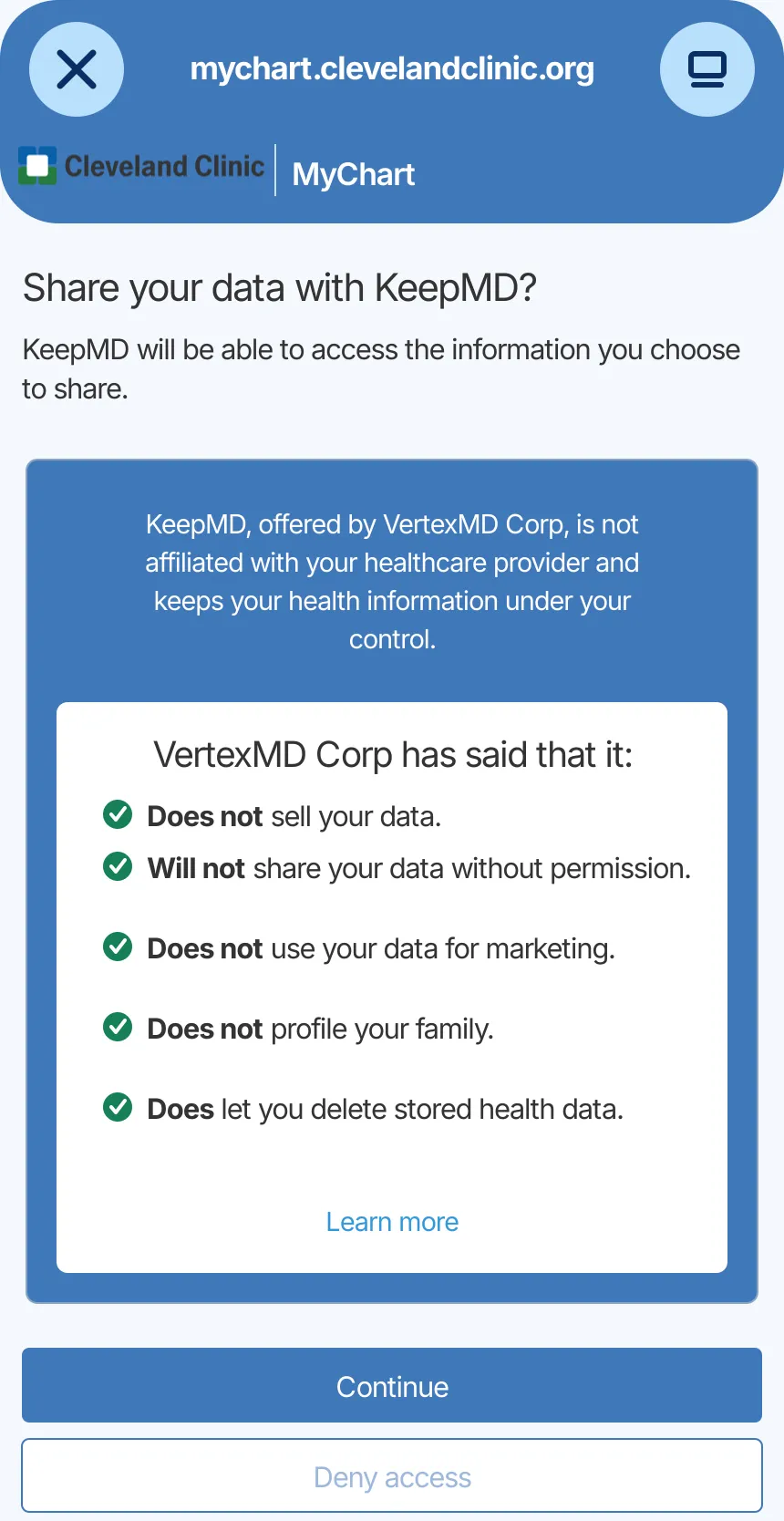
Review the connection details and decide whether to allow KeepMD to retrieve the health information available for your account.
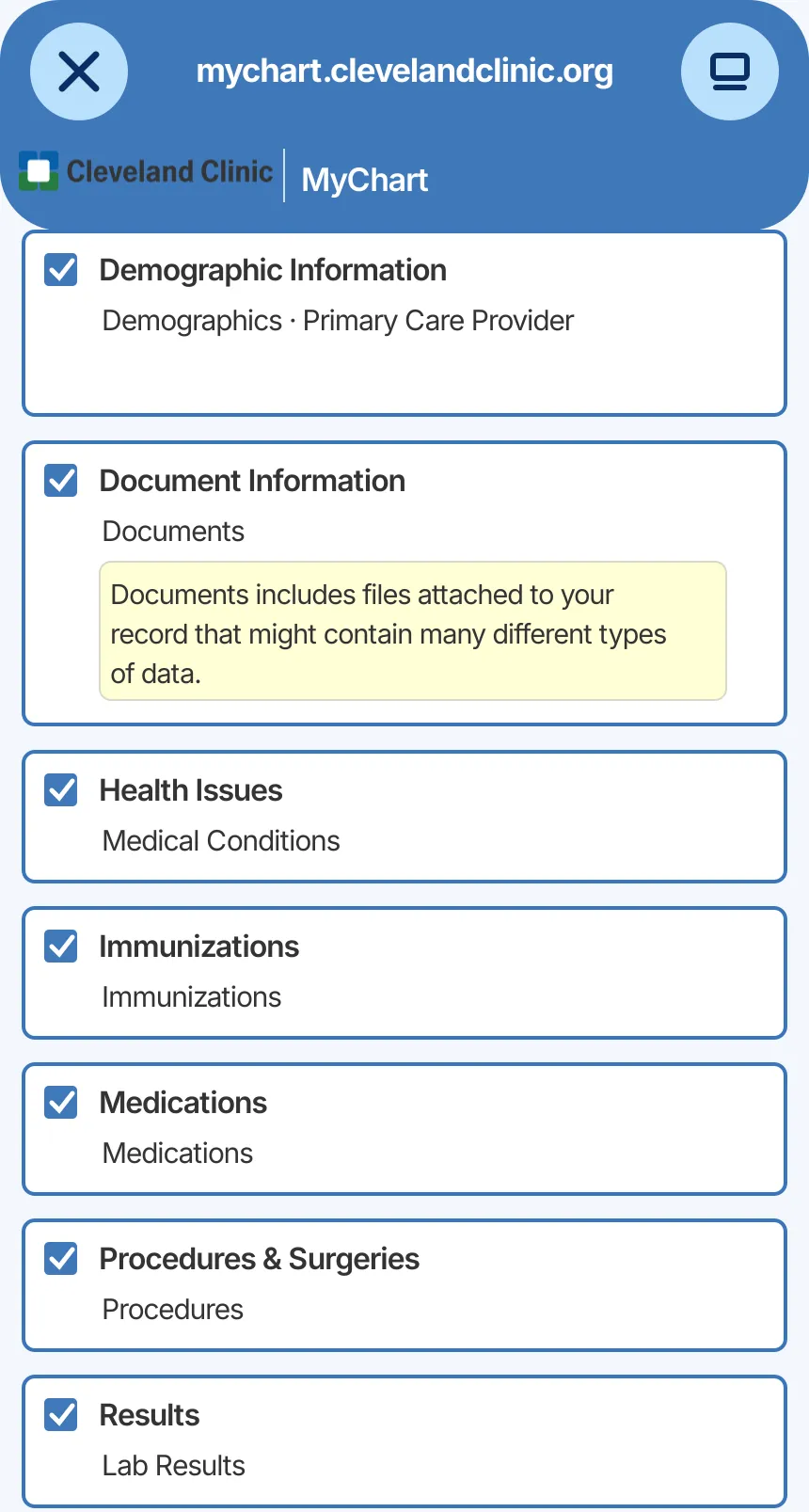
Select the health information you want to organize. Categories depend on what Cleveland Clinic authorizes and returns.
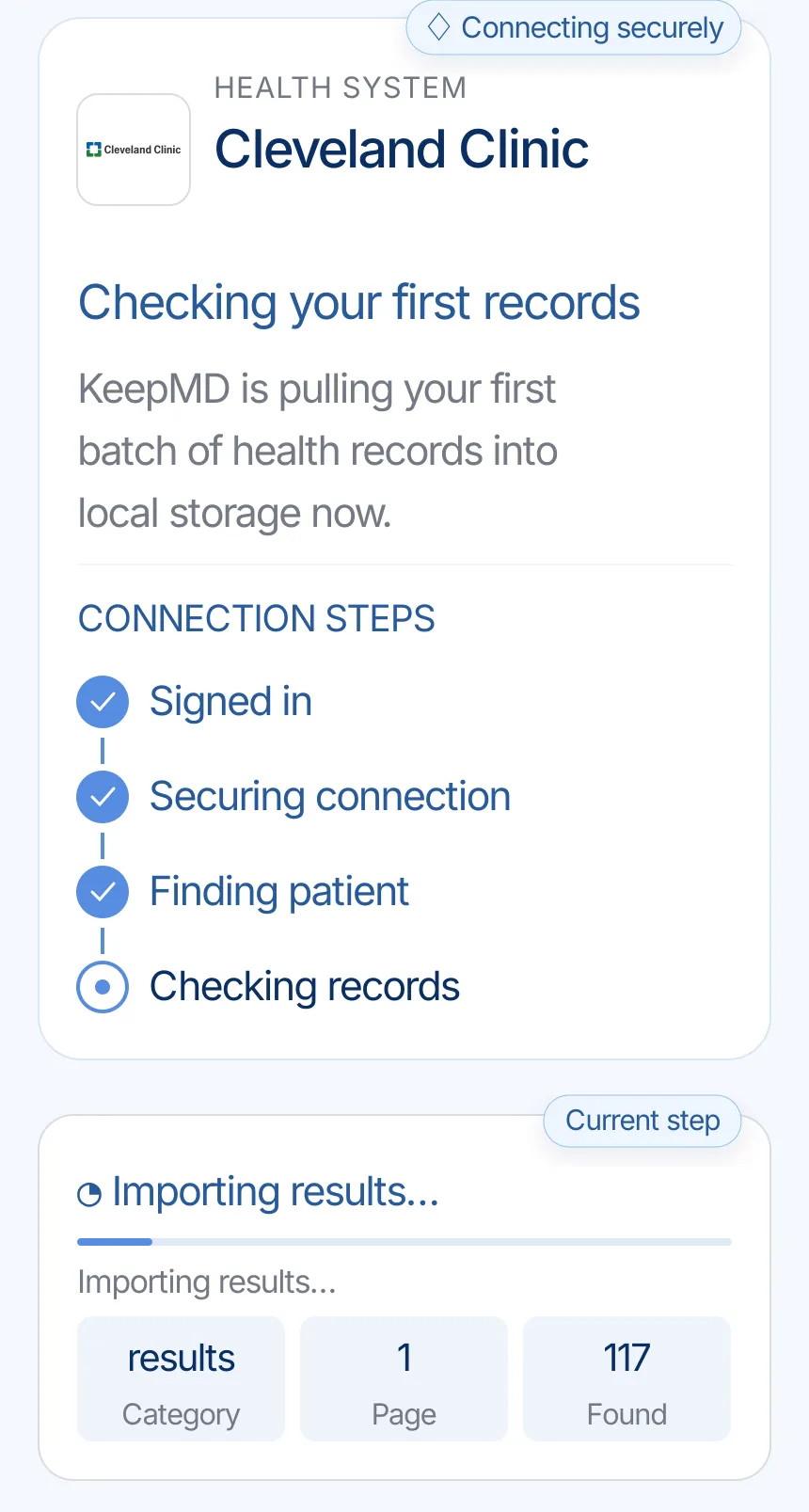
KeepMD secures the connection, identifies the patient record, and checks the health information available to import.
KeepMD groups the records returned through the connection. Record totals and categories vary by patient, facility, and date range.
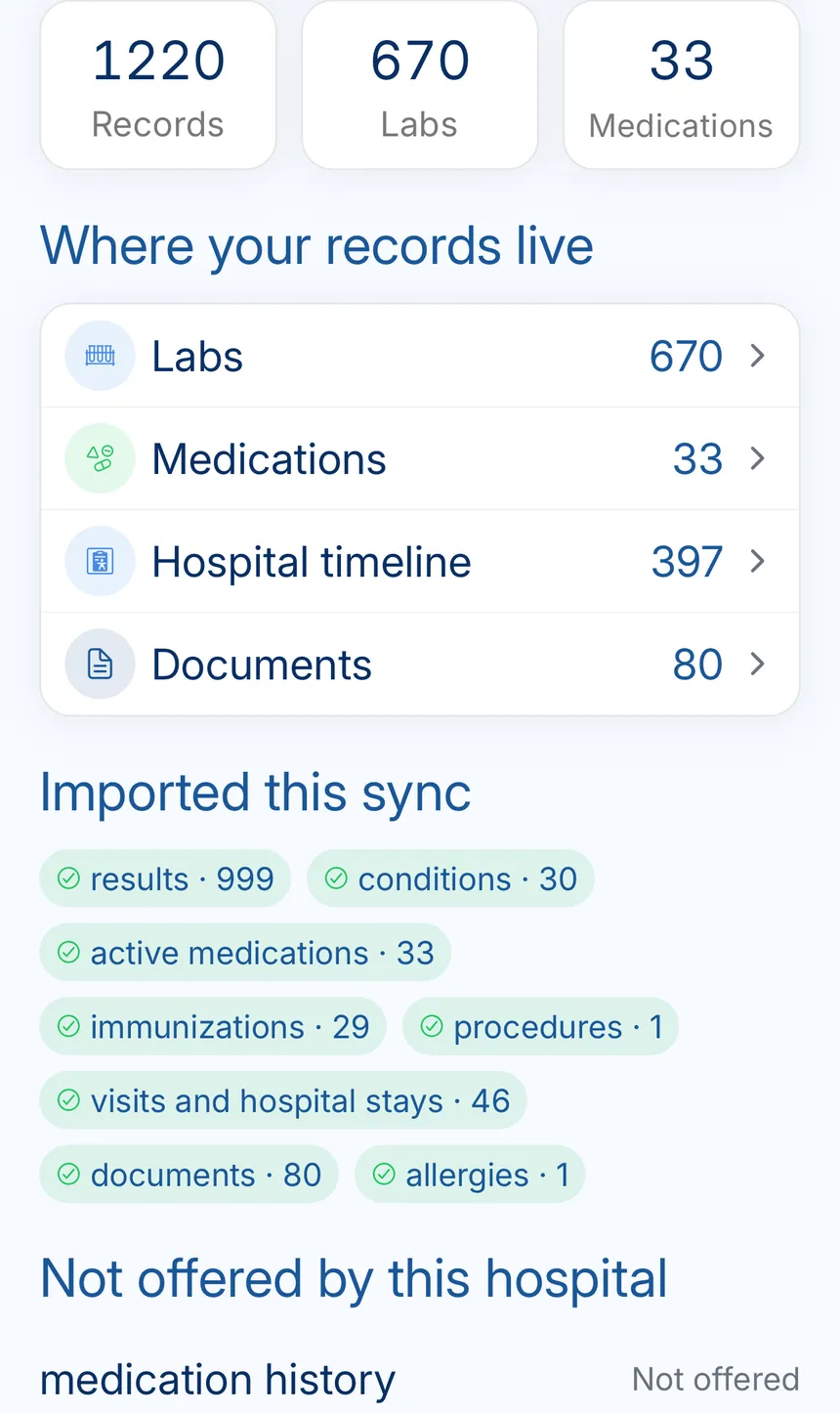
The connection summary keeps Cleveland Clinic records together and shows when the connection was last checked.
The Cleveland Clinic main campus and the official Health Information Management route for Ohio records.
Everything the connection does not cover: identifying the right organization, portal downloads, formal requests, privacy, and the post-import check.
Cleveland Clinic's official patient portal is hosted at mychart.clevelandclinic.org. Check that address before entering credentials.
KeepMD is an independent personal health record app. It does not operate Cleveland Clinic MyChart and does not ask you to type your portal password into KeepMD.
Cleveland Clinic directs Ohio and Florida patients to the Sharing Hub in the web version of MyChart. From there, patients can request a snapshot of visible information or a formal copy.
Cleveland Clinic says released records appear in Document Center → My Records and remain available to download, save, or print for 30 days. The provider says release to MyChart can take up to three business days.
For a complete copy, older records, radiology images, or material absent from MyChart, use Cleveland Clinic's Health Information Management instructions for the location where you received care.
Cleveland Clinic MyChart handles your username and password. KeepMD receives only the access you approve and stores imported records on your device by default.
Cleveland Clinic says patients can review and remove linked-app access from Manage My Linked Apps and Devices in MyChart. KeepMD is not affiliated with or endorsed by Cleveland Clinic or Epic.
Review the imported date ranges, facilities, and categories. If something is missing, refresh the connection, check MyChart, and then use the formal request route for a complete or older copy.
Confirm that you can sign in directly at the official Cleveland Clinic MyChart site. Portal account recovery is handled by Cleveland Clinic.
Cleveland Clinic says Ohio and Florida MyChart accounts show up to three years. Use Sharing Hub or the formal records process for older material.
Use Cleveland Clinic's separate radiology-images request rather than relying on the patient-access connection.
FAQ
Cleveland Clinic uses MyChart. The official portal is hosted at mychart.clevelandclinic.org.
Yes. CCF is short for Cleveland Clinic Foundation, so searches for MyChart CCF or CCF MyChart point to Cleveland Clinic MyChart. Sign in only at mychart.clevelandclinic.org.
Use Sharing Hub in the web version of MyChart or submit the current Health Information Management release form for the location where you received care.
Cleveland Clinic lists 216-444-5580 for its Ohio Health Information Management team.
Cleveland Clinic lists 216-587-8043 for Ohio requests. Confirm the facility and current form before faxing health information.
Yes. Search for Cleveland Clinic in KeepMD, continue to MyChart, review access, and import the information Cleveland Clinic makes available for your account.
No. KeepMD is an independent personal health record app and is not affiliated with, endorsed by, or operated by Cleveland Clinic or Epic.