The portal shows a different name
Look for MyNM and confirm the official domain; a parent-system name may appear.
Hospital integration guide
 Northwestern Medicine Northwestern Medicine · mynm.nm.org
Use MyNM to review Northwestern Medicine records or connect available data to KeepMD. Learn when to use the online records tool or an imaging release form.
KeepMD is an independent personal health record app. It is not affiliated with, endorsed by, or operated by Northwestern Medicine or Epic Systems Corporation. MyChart® is a trademark of Epic Systems Corporation.
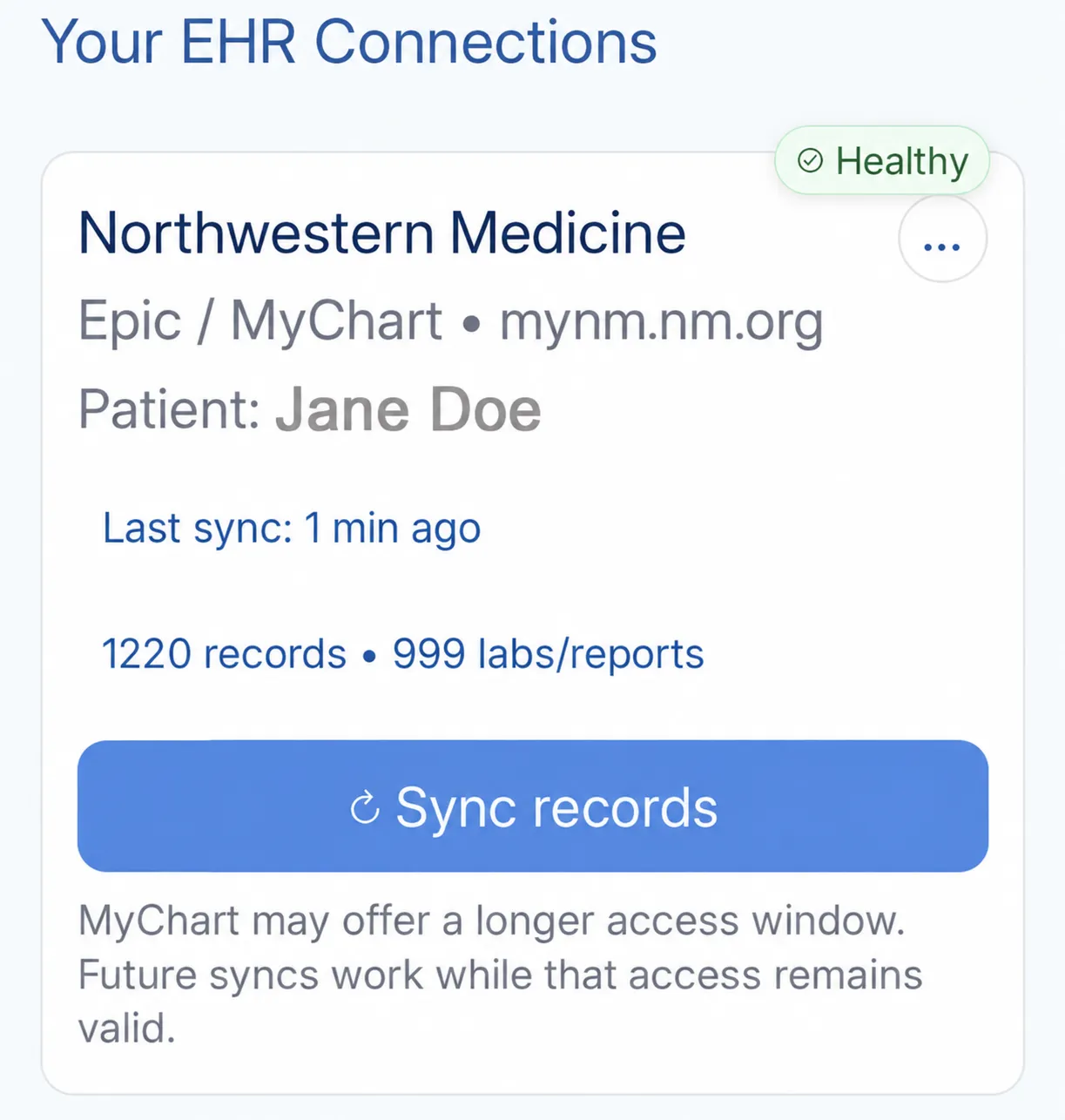
For Northwestern Medicine, start by deciding whether you need a written record, the actual medical images, or both. MyNM is the patient portal, while the official request service has separate instructions for records-only requests and requests that include images. You can connect available records to KeepMD and check what arrived against a familiar visit.
Use the portal for information available to your account and to identify the visits you want to collect.
The request route changes when you need actual medical images. A radiology report is a written document.
Records-request questions and MyNM login problems go to different support teams. The contacts below identify each one.
Have records at another health system? Explore other Epic hospital guides.
Use these ten categories to check your connected records. What arrives depends on what the hospital has recorded and shares for your account and dates of care.
Use this checklist for an Epic connection. Available content depends on your account; listing a category does not confirm that records in it have been imported.
These may exist in the portal, but KeepMD has not verified their availability through this connection.
Records Northwestern Medicine typically releases through its medical-records process, not through the patient-access connection.
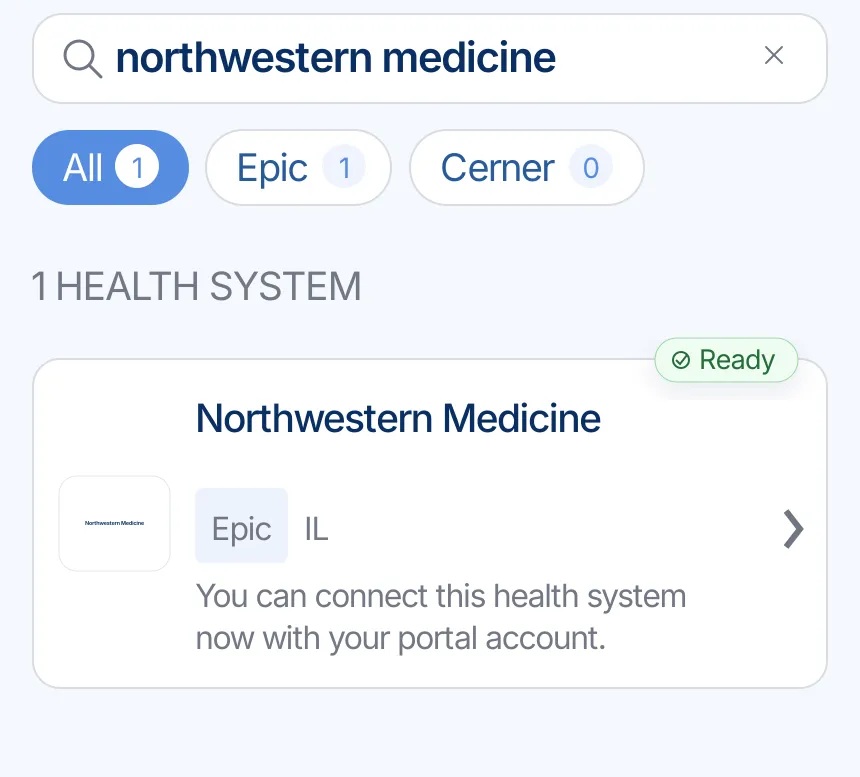
Use these example screens to follow the Northwestern Medicine search result through MyNM, consent, category selection, and the KeepMD summary. They show the order of the steps; the sample record counts do not predict what your account will return.
Search for Northwestern Medicine or a familiar system name, then choose the correct provider result.
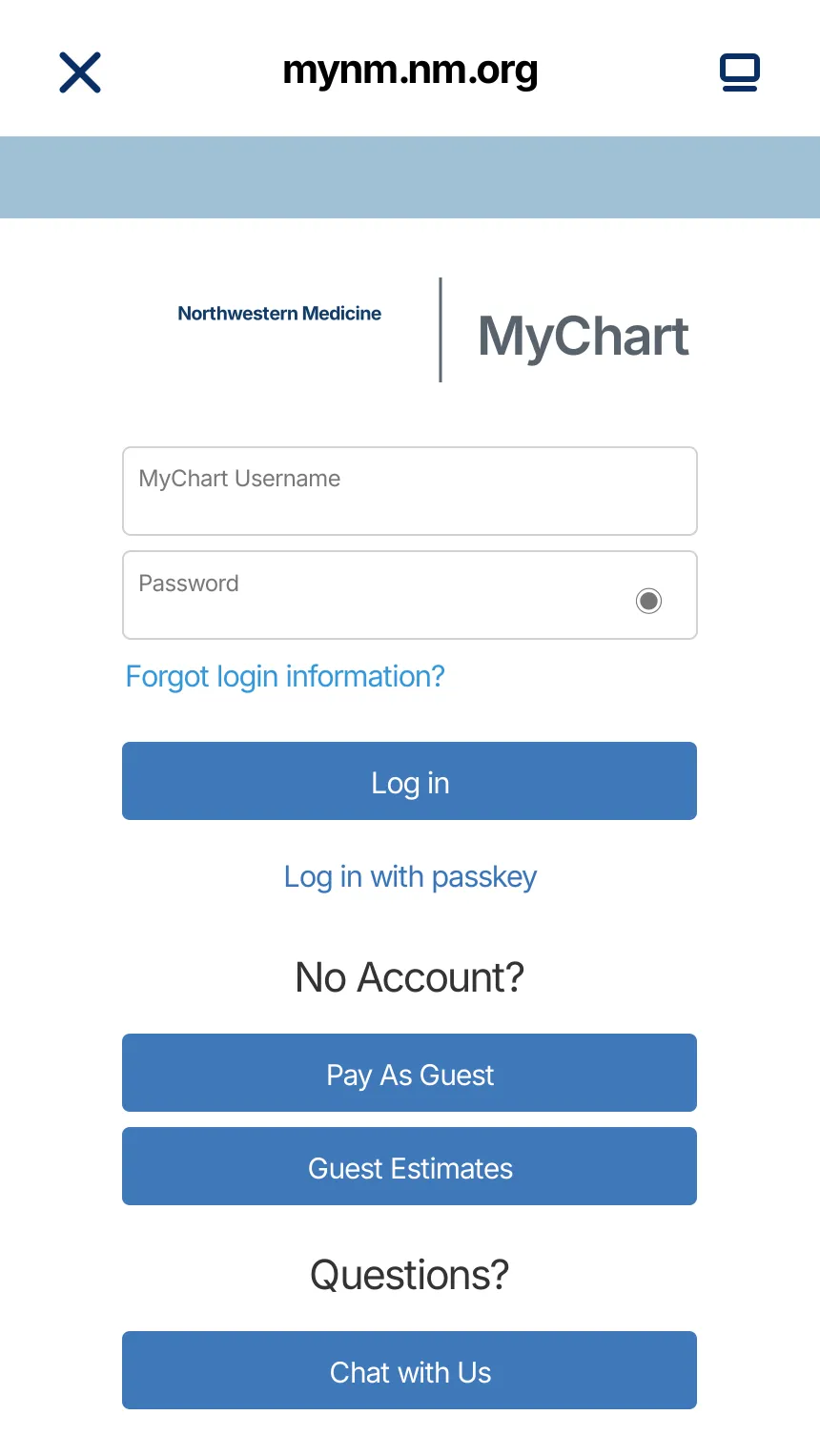
KeepMD opens the provider-owned sign-in page. Enter credentials there; KeepMD does not receive or store your password.
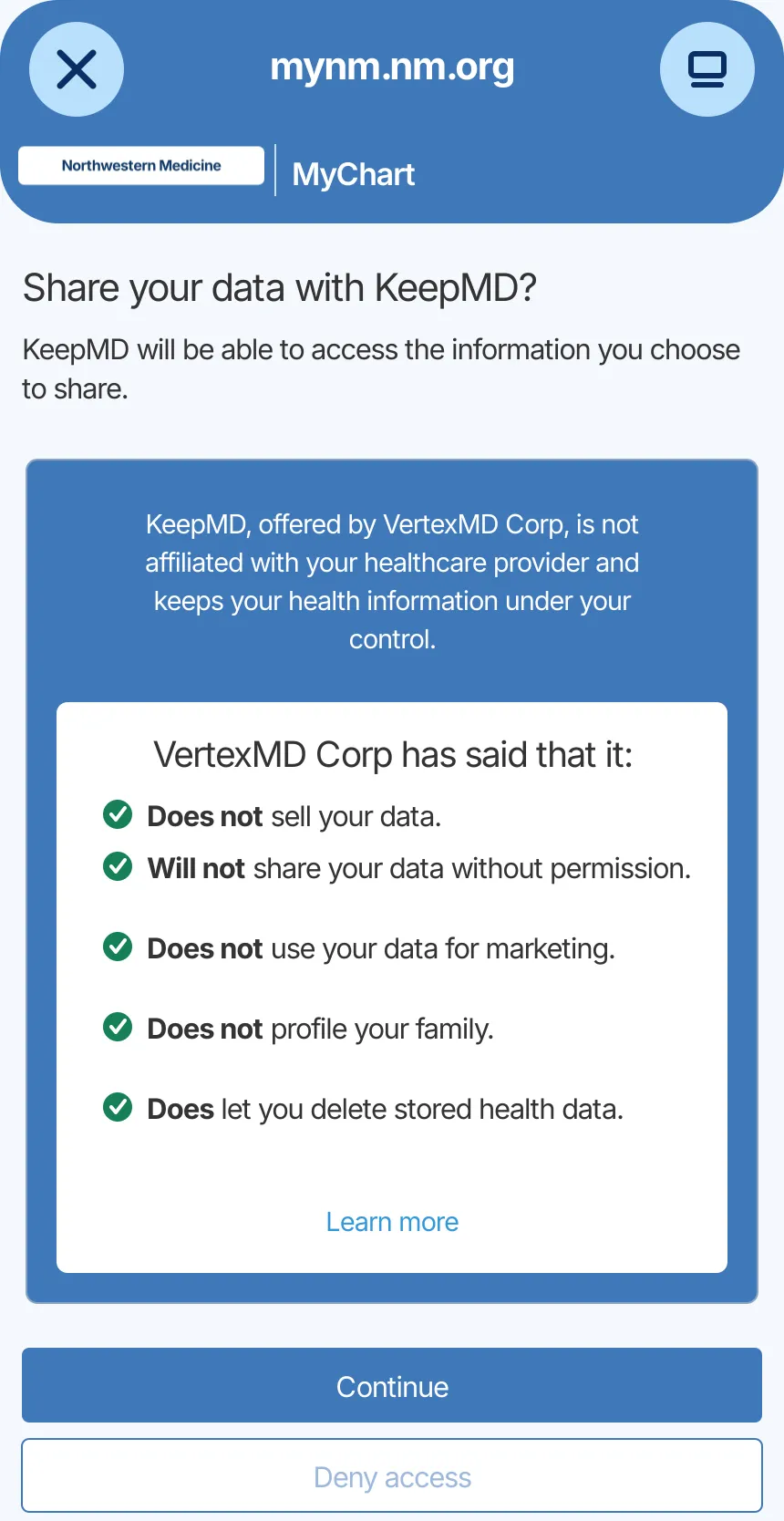
Review the information the portal can share and decide whether to authorize the connection.
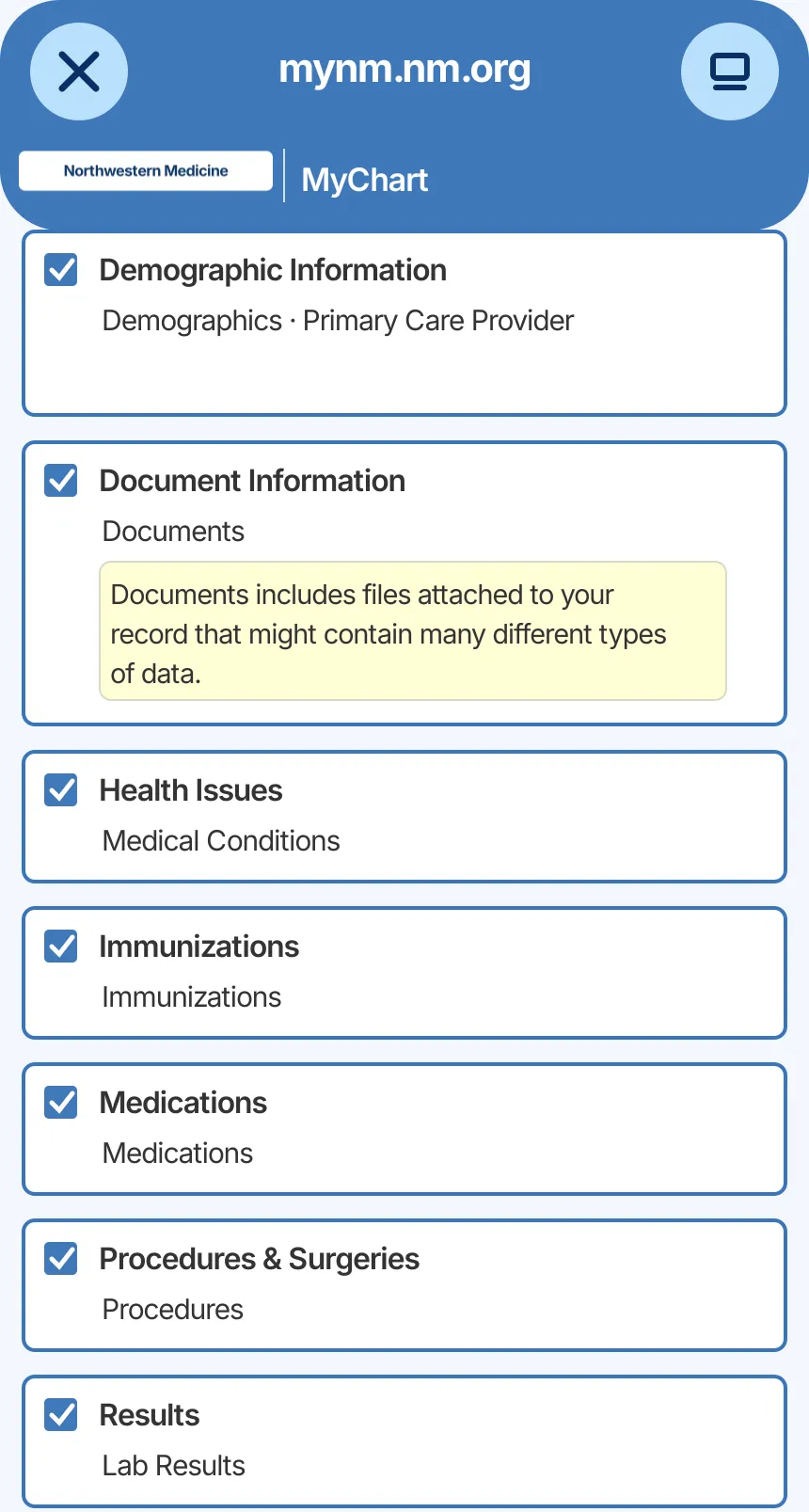
Select the information you want to organize. Actual availability depends on your account.
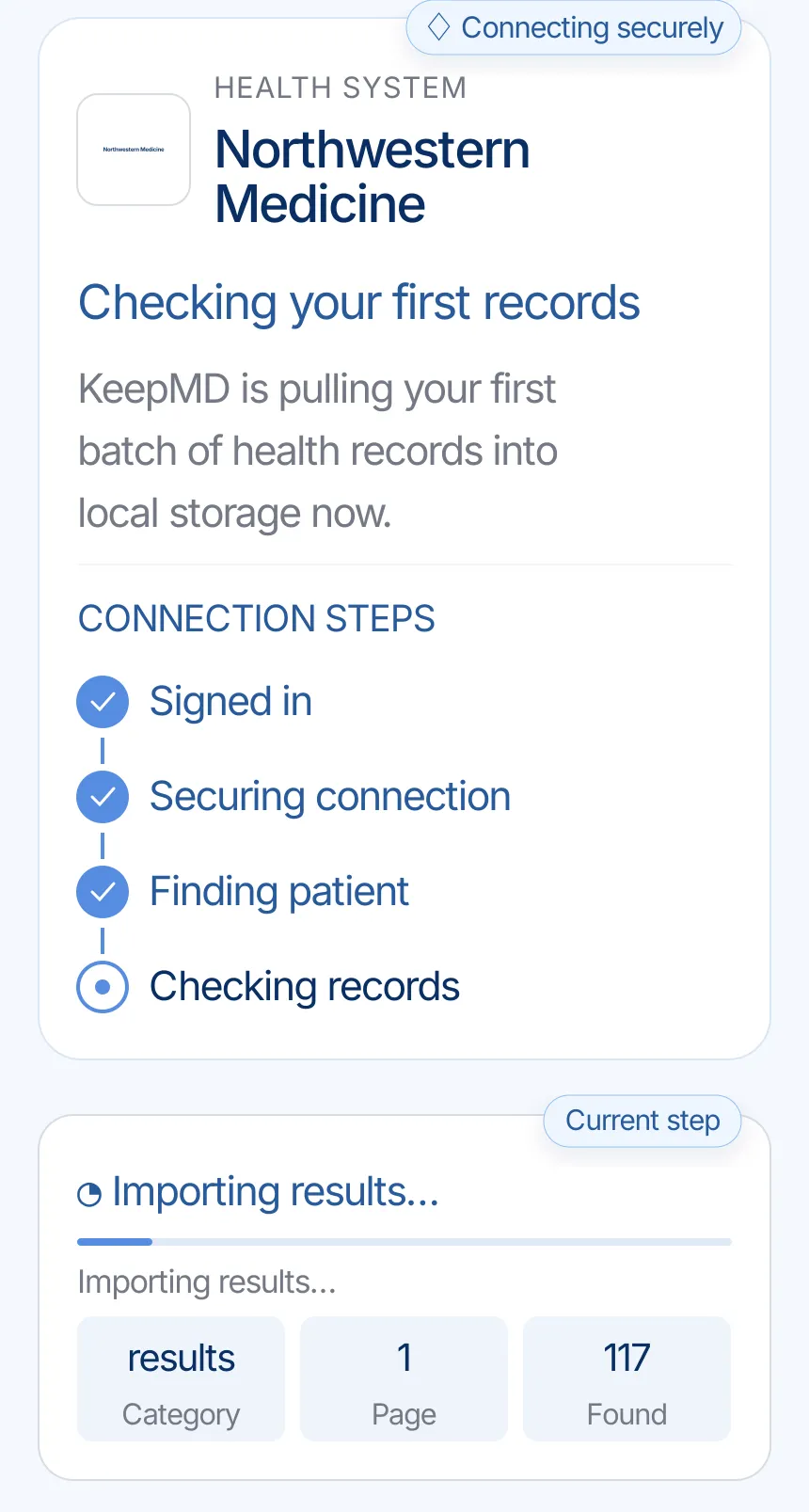
KeepMD secures the connection and checks the information the provider makes available.
KeepMD groups what the connection returns. Categories and totals can vary.
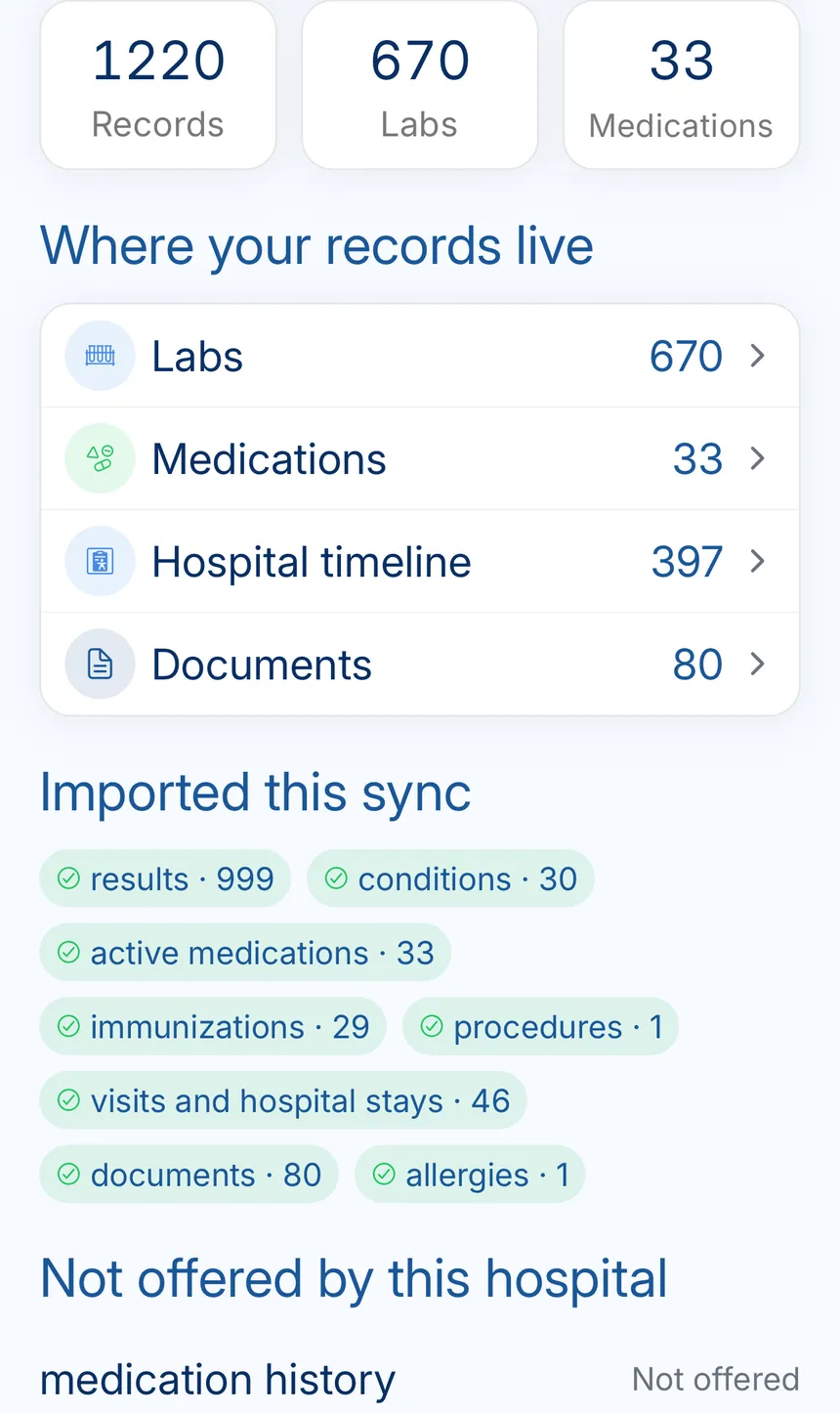
The summary keeps the provider, last update, and organized categories together.
Northwestern Medicine's main location and current official records channels.

Northwestern Memorial Hospital campus at night (2013 photo)
Northwestern Medicine — official location 2026-09-24
Everything the connection does not cover: identifying the right organization, portal downloads, formal requests, privacy, and the post-import check.
MyNM is Northwestern Medicine’s patient portal. Open it through the official Northwestern Medicine website and confirm the patient profile before reviewing or downloading information.
For imaging, the facility where the test was performed matters. Keep that location with the exam date when you contact radiology.
MyNM can help you check what information is already available to your account. Compare the portal with the specific records your next clinician needs before making a larger request.
For records-only requests, Northwestern links to an online request tool. For images, or records with images, follow the separate authorization instructions on the same official page.
Northwestern’s records-only route uses an online request tool. For images, or records plus images, complete its release authorization and use the submission details in the official guide.
Give the date range, treating location, document types, and recipient. Check whether your next clinician needs a specific image format before arranging delivery.
Authorization takes place through Northwestern Medicine’s portal. Read the permissions screen and confirm the patient before continuing.
If you want to stop sharing with an app, check the portal’s connected-app controls. Stopping future access is separate from deleting copies you have already downloaded or sent. KeepMD is independent of Northwestern Medicine and Epic.
Pick one Northwestern appointment and check its notes and results against MyNM. Treat a missing image separately from a missing report: confirm the study location and follow the imaging request instructions if the actual scan is needed.
Ask the team that created the record about an incorrect diagnosis or detail; importing it again does not correct the source.
Look for MyNM and confirm the official domain; a parent-system name may appear.
Refresh the connection, compare it with the portal, and formally request anything still absent.
Medical images can be requested through the official records-and-images route
FAQ
Start with MyNM to review information available from Northwestern Medicine. Open it through the official website and check the patient profile. Use the request route in this guide when a document is missing.
The listed contact is 877-973-2673. Check the facility before calling and have the dates of care ready. Portal-login support is listed separately.
The listed fax route is: 312-926-3093. Confirm the destination in the official guide before sending a signed form.
Identify the facility, dates, and documents you need. Check the portal first, then follow the official request process for missing material. Keep the confirmation so you can follow up with the same office.
Yes. Search for the system in KeepMD, continue to the portal, and review access before authorizing.
No. KeepMD is independent and is not affiliated with, endorsed by, or operated by the health system or Epic.
Check the patient profile, facility, and date range. Compare with the portal: a completed connection does not establish that every document is included. For older notes, images, or a complete chart, use the hospital’s records-request guidance.
Use Northwestern’s release authorization for images or records with images. For questions about the study itself or its delivery, contact radiology at the facility where the exam was performed.